
SebLogiWheel
Logitech Steering Wheel and FFB support for Easy Delivery Co.
| Last updated | 2 weeks ago |
| Total downloads | 97 |
| Total rating | 0 |
| Categories | Mods |
| Dependency string | shiibe-SebLogiWheel-1.0.3 |
| Dependants | 0 other packages depend on this package |
This mod requires the following mods to function

BepInEx-BepInExPack
BepInEx pack for Mono Unity games. Preconfigured and ready to use.
Preferred version: 5.4.2304
shiibe-SebCore
Menu/launcher and shared utilities/APIs for Easy Delivery Co mods.
Preferred version: 1.0.2
shiibe-SebBinds
In-game keybind and controller rebinding for Easy Delivery Co, plus an API for mod-added actions.
Preferred version: 1.0.3README
SebLogiWheel
Logitech wheel support and Force Feedback (FFB) for Easy Delivery Co.
About
·
Features
·
Compatibility
·
Screenshots
·
Installation
·
Configuration
·
In-game menu
·
Troubleshooting
·
Build
About
SebLogiWheel adds Logitech wheel input + Force Feedback (FFB) support.
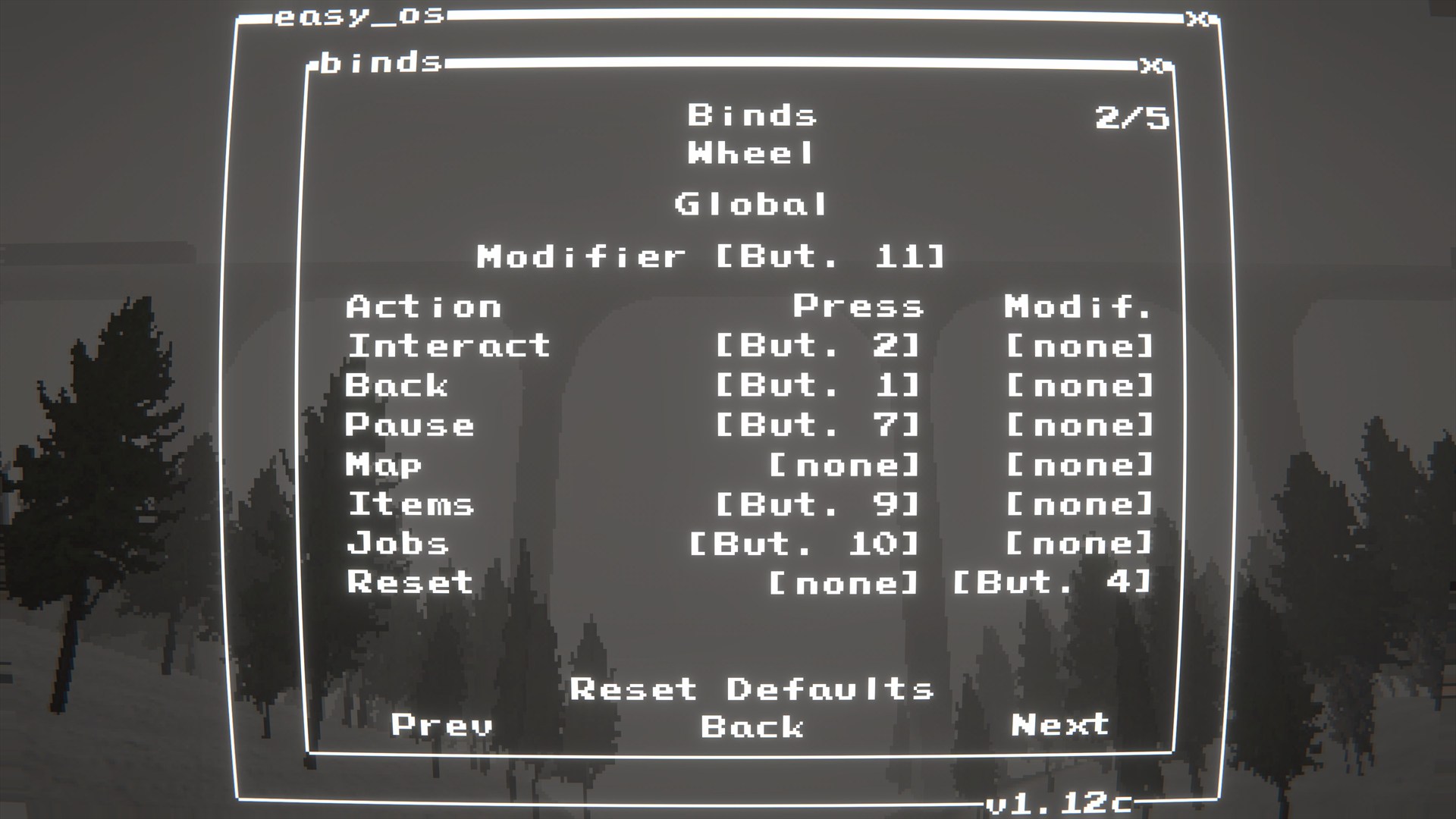
Wheel bindings live in SebBinds (Binds -> Wheel). Driving feature extensions (manual transmission / ignition / HUD readouts) live in SebTruck.
Important
- When SebLogiWheel is active, keyboard/controller axis driving is disabled.
- For best results, do not have other controllers plugged in at the same time as the steering wheel.
Features
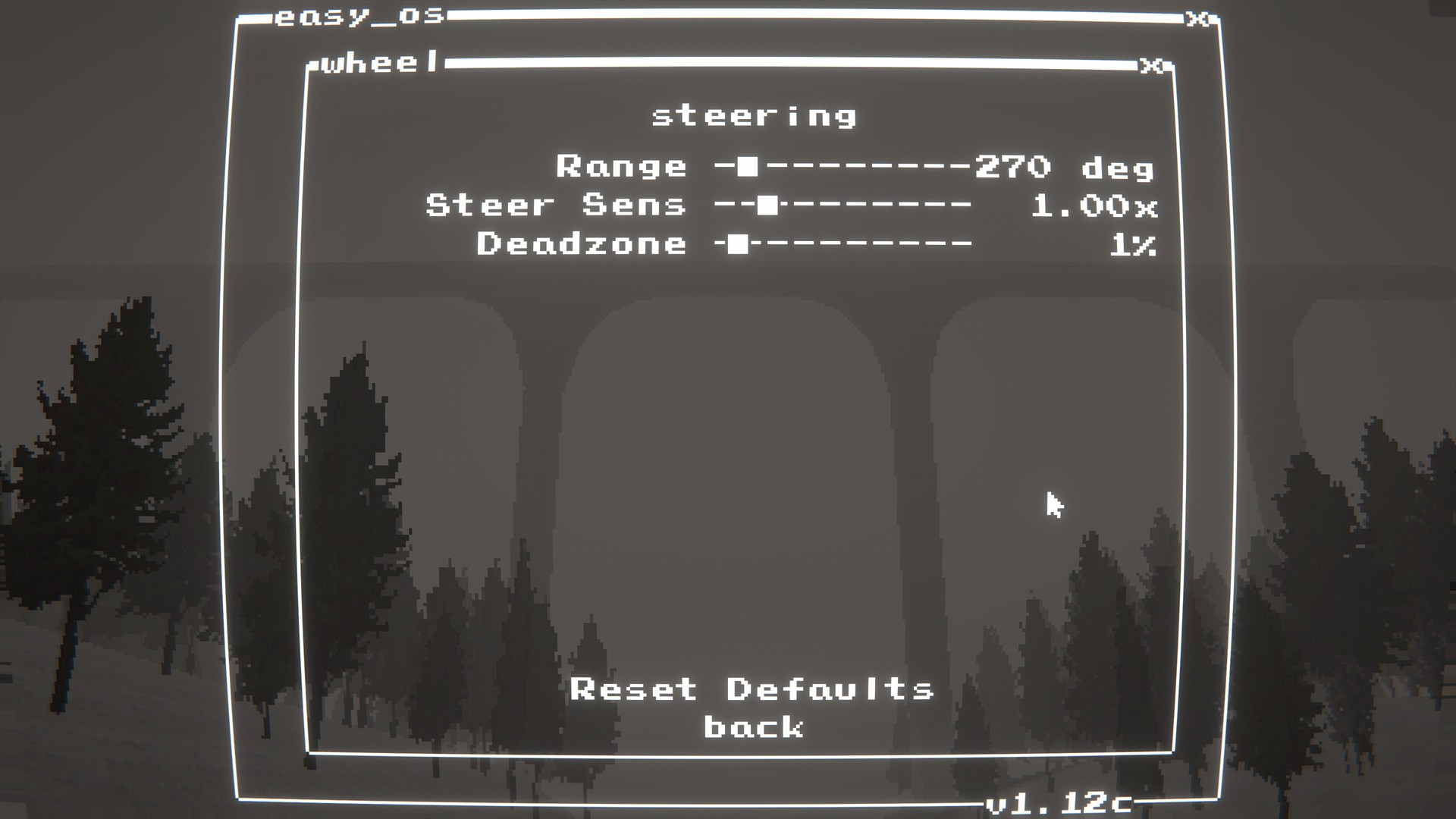
- Wheel steering + pedals
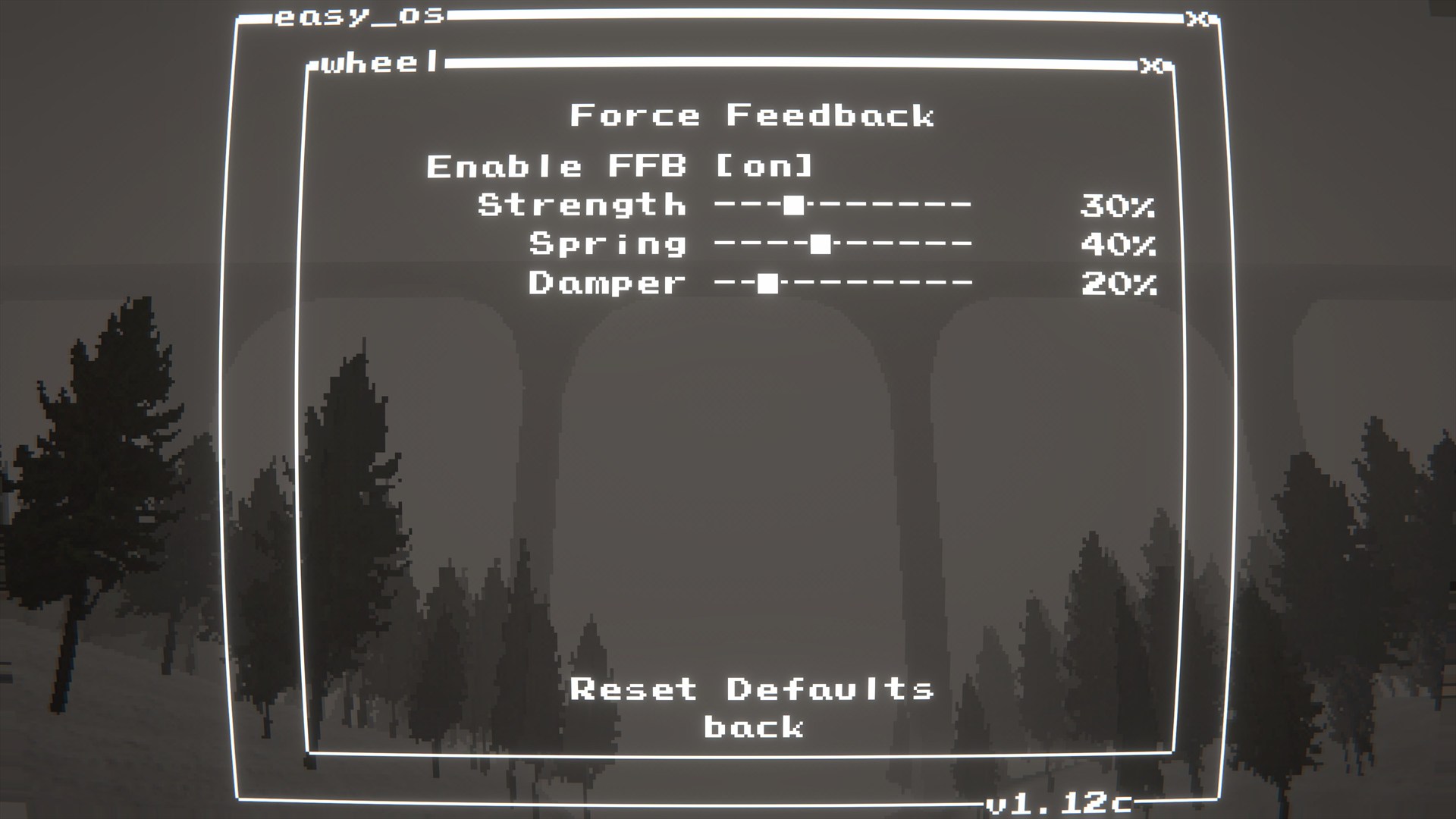
- Force Feedback (FFB)
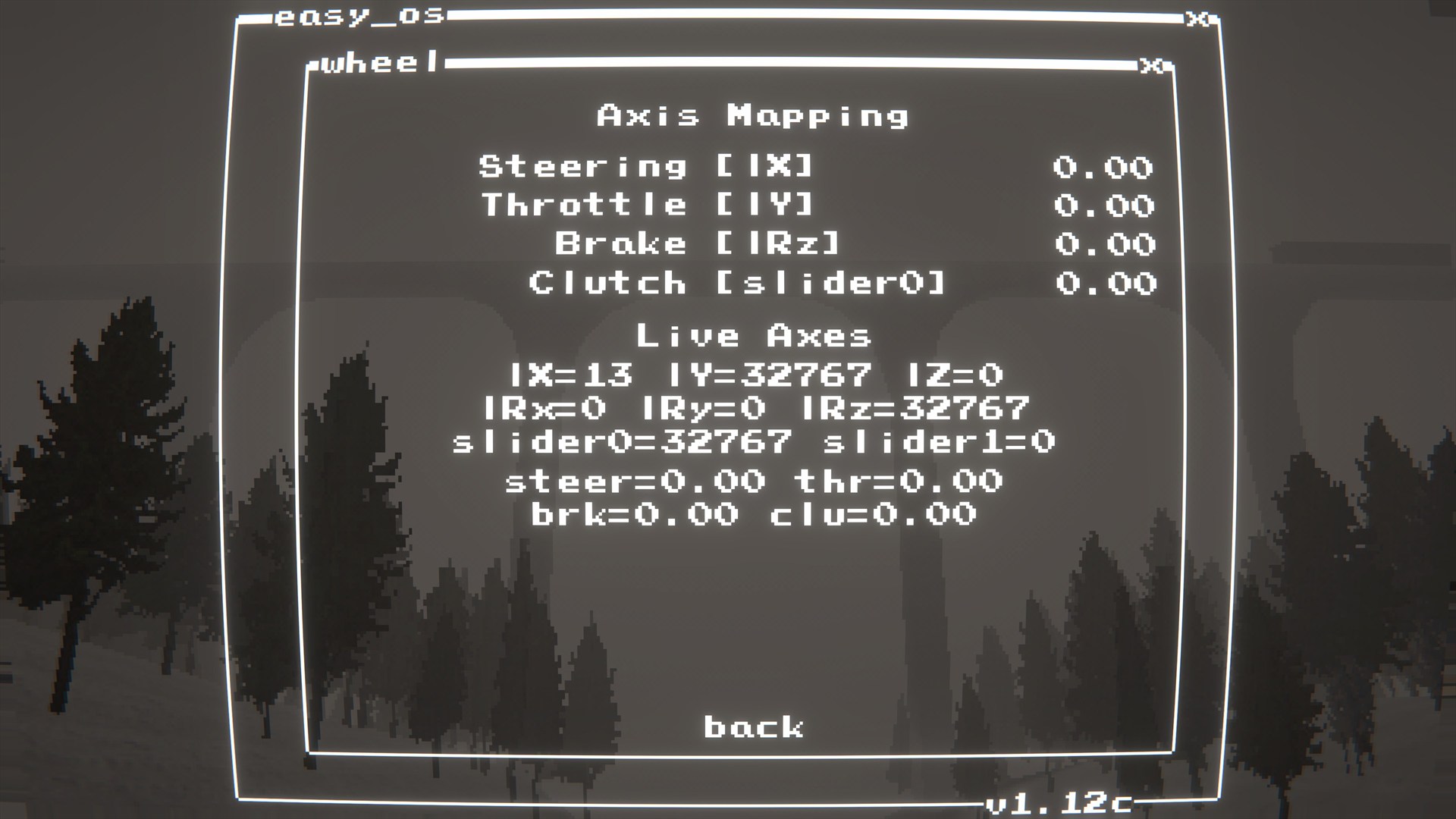
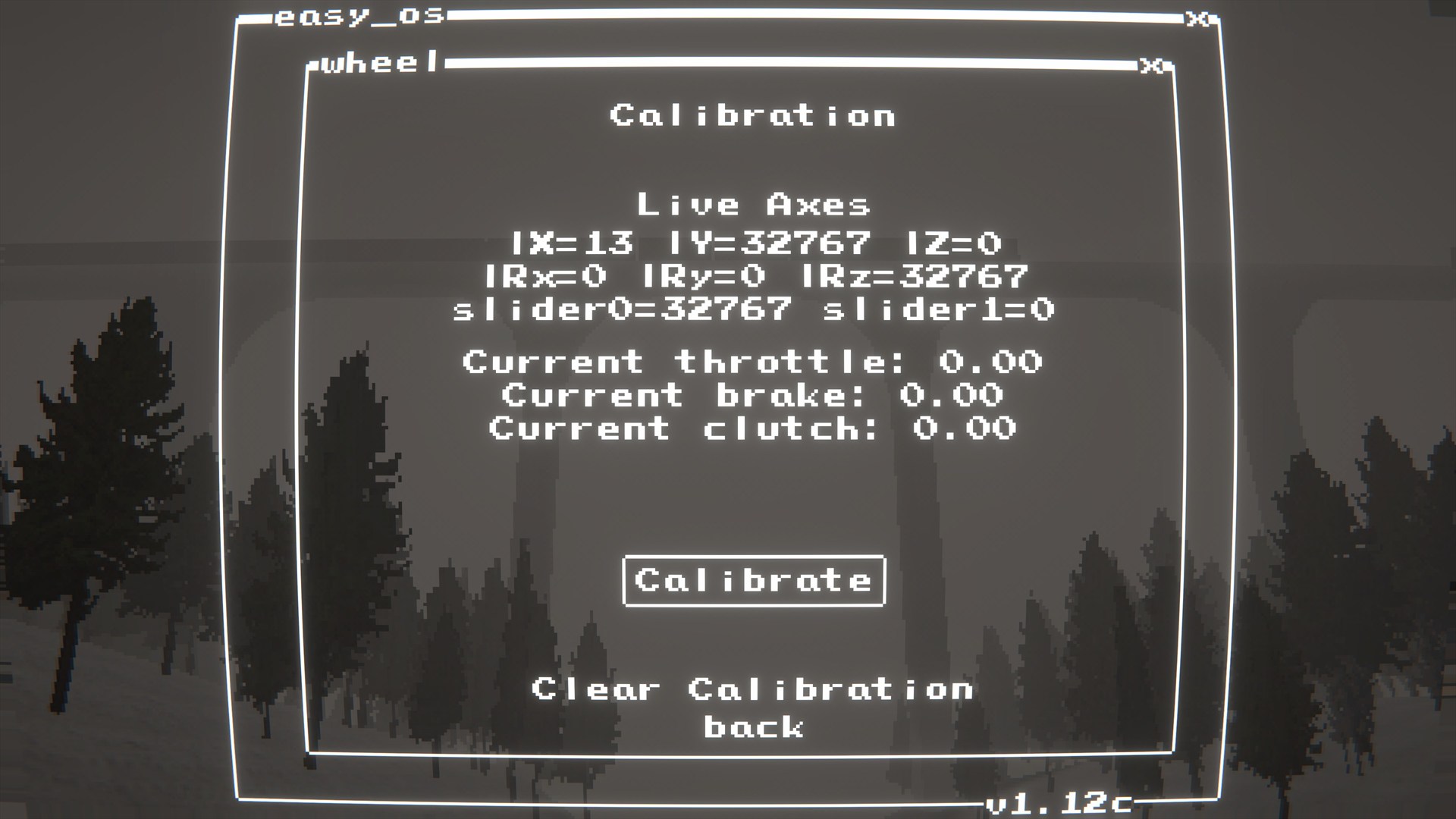
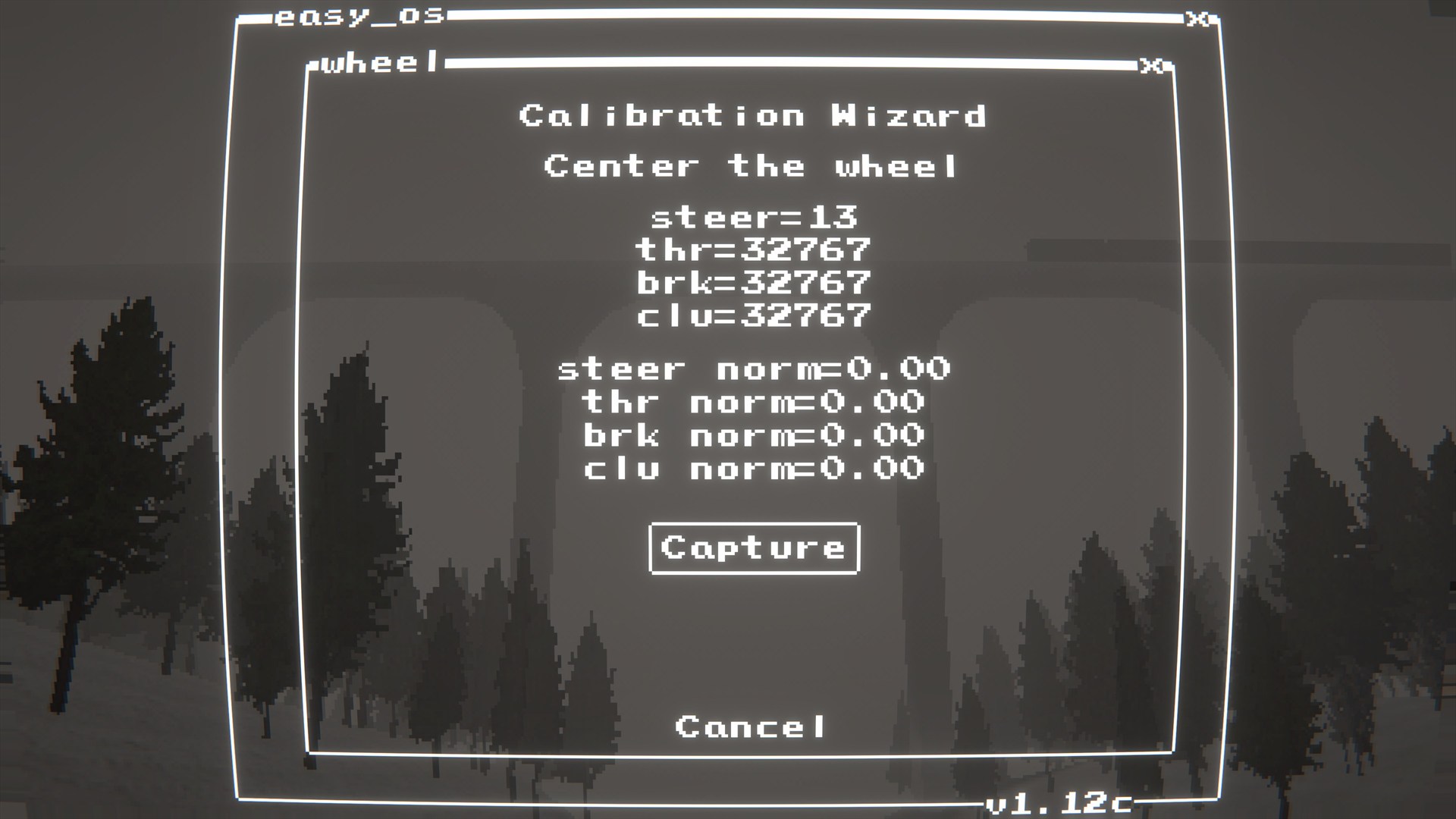
- Calibration + axis mapping menu
- Integrates with SebBinds: Wheel scheme for binds + axes
Compatibility
- Intended for modern Logitech wheels supported by Logitech G HUB / LGS.
- Tested on: G920
- Likely compatible: G29/G923 and similar Logitech wheels (not guaranteed).
Future Planned Features
- Support for H-shifters to tie into SebTruck's manual transmission features.
- Support for other wheels maybe?
Screenshots
 |
 |
 |
 |
 |
 |
 |
Installation
Dependencies
BepInEx-BepInExPack-5.4.2304shiibe-SebCore-1.0.0shiibe-SebBinds-1.0.0
Force Feedback (FFB)
- Install Logitech G HUB (or older Logitech Gaming Software) so the wheel drivers/components are present.
LogitechSteeringWheelEnginesWrapper.dllmust be alongside the plugin DLL (the build/package includes it).
Install
- r2modman/Thunderstore: https://thunderstore.io/c/easy-delivery-co/p/shiibe/SebLogiWheel/
- Manual: copy
SebLogiWheel.dlltoBepInEx/plugins/SebLogiWheel/ - FFB DLL: make sure
LogitechSteeringWheelEnginesWrapper.dllis alongsideSebLogiWheel.dll
Quick start
- Install the mod and start the game once.
- Open
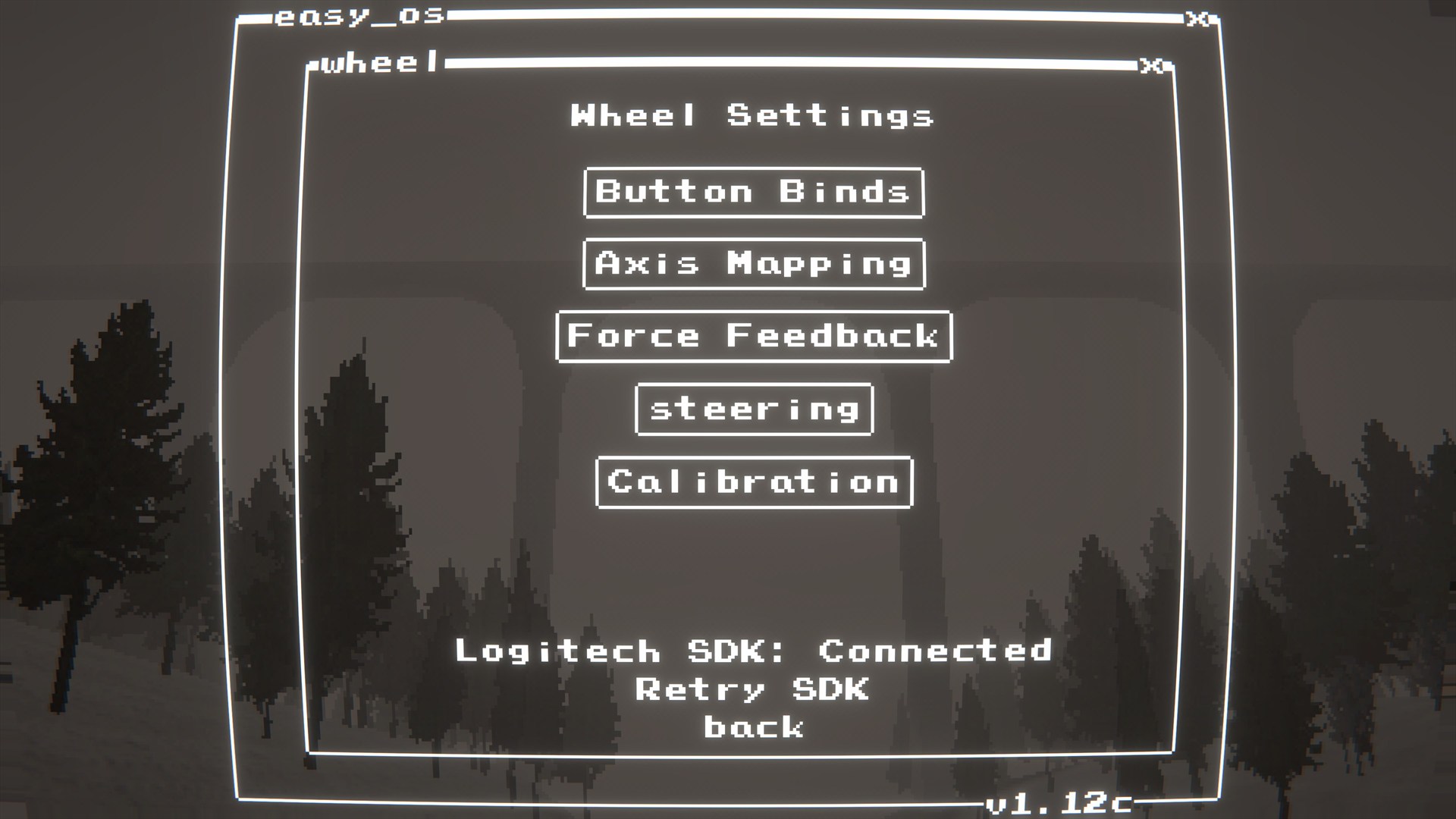
mods.exe(SebCore) then launchWheel. - Run calibration if needed.
- Open
Binds->Wheeland bind buttons/axes.
Configuration
- Config file:
BepInEx/config/shibe.easydeliveryco.seblogiwheel.cfg
General
ignore_xinput_controllers(bool, default:true): PassignoreXInputControllersto the Logitech SDK init (recommended).
Debug
log_detected_devices(bool, default:true): Log joystick names detected by Unity on startup.debug_logging(bool, default:false): Log debug information.
In-game menu
- Open
mods.exe(SebCore) then launchWheel. - Use this menu for wheel-specific setup (calibration, axis mapping, FFB tuning).
Troubleshooting
My wheel/pedals aren't working or are stuck at full throttle.
- Make sure Logitech G HUB (or older Logitech Gaming Software) is installed.
- Open
mods.exe->Wheeland checkAxis Mapping. - Run
Calibrationand follow the prompts.
The SDK fails to load or I get errors about missing DLLs.
- Make sure
LogitechSteeringWheelEnginesWrapper.dllis in the same folder asSebLogiWheel.dll.
Build
- Build:
dotnet build EasyDeliveryCoMods.sln -c Release - Package all:
powershell -NoProfile -ExecutionPolicy Bypass -File scripts/package-all.ps1 -Version 1.0.0
