


QualityCompany
QualityCompany adds many quality of life aspects into the game, such as HUD improvements, a Terminal API to make simple & complex commands (Sell scrap from terminal). Has Networking capabilities. Shows current shotgun ammo.QualityCompany

Features
HUD improvements
Held items scrap value
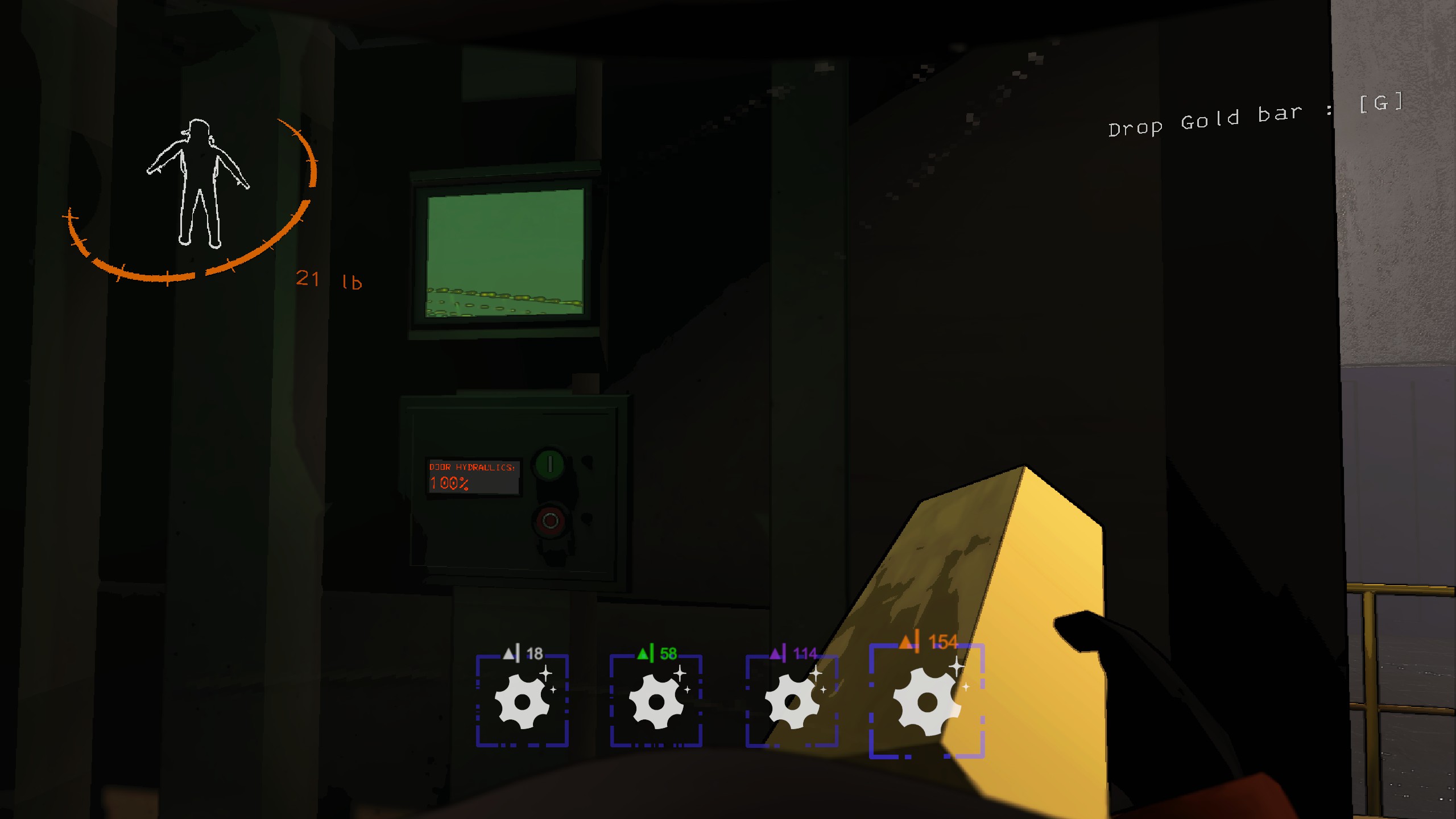
The value of the held scrap is displayed above the item in the inventory. In addition a color palette on the values are used to indicate their worth more generally for quick decision making if you need to leave something behind.
Shotgun ammo counter
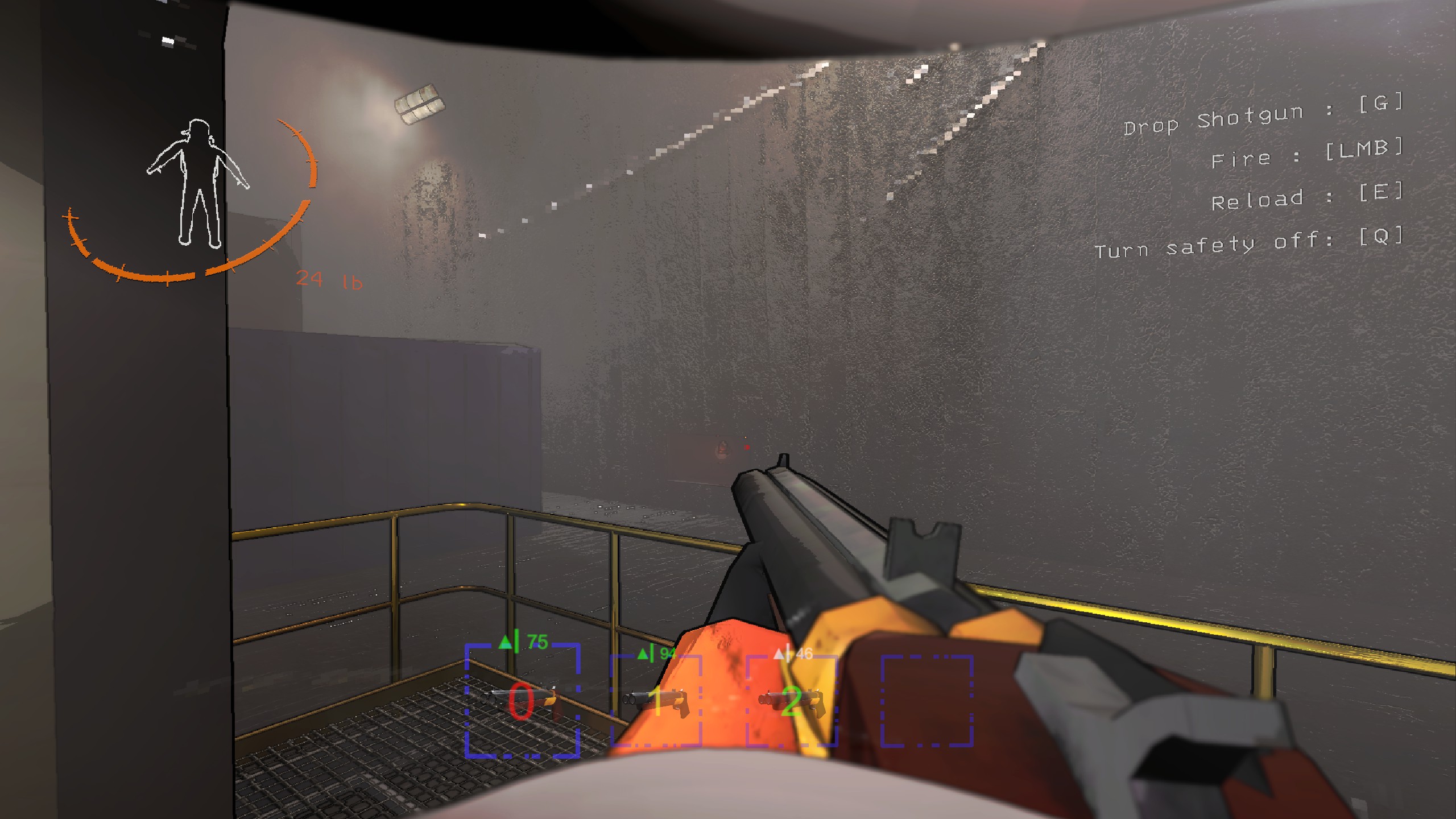
In addition to the scrap value of the shotgun, the inventory slot will in addition show the amount of ammo present in the shotgun.
Terminal Commands
sell
QualityCompany adds a few commands that let you sell scrap directly from your ship.
You must be landed at The Company Building to use these commands.
These can only be executed whilst landed at the Company Building.
sell allwill sell all the scrap on your shipsell quotawill attempt to sell enough scrap to perfectly match the amount needed to fulfill quotasell targetwill attempt to sell enough scrap to perfectly match the amount needed to fulfill specified targetsell <amount>, whereamountis any positive integer, will attempt to sell enough scrap to perfectly match that amountsell 500will try to sell scrap equal to 500 scrap value
sell <item_name>, whereitem_nameis any portion of an item name to match against. All matching items will be listedsell whoopwill find all Whoopie Cushions on the ship
Note: These commands use an approximation for finding a perfect match, it may not find one even if one exists (especially early game where you do not have many scrap of low value).\
target
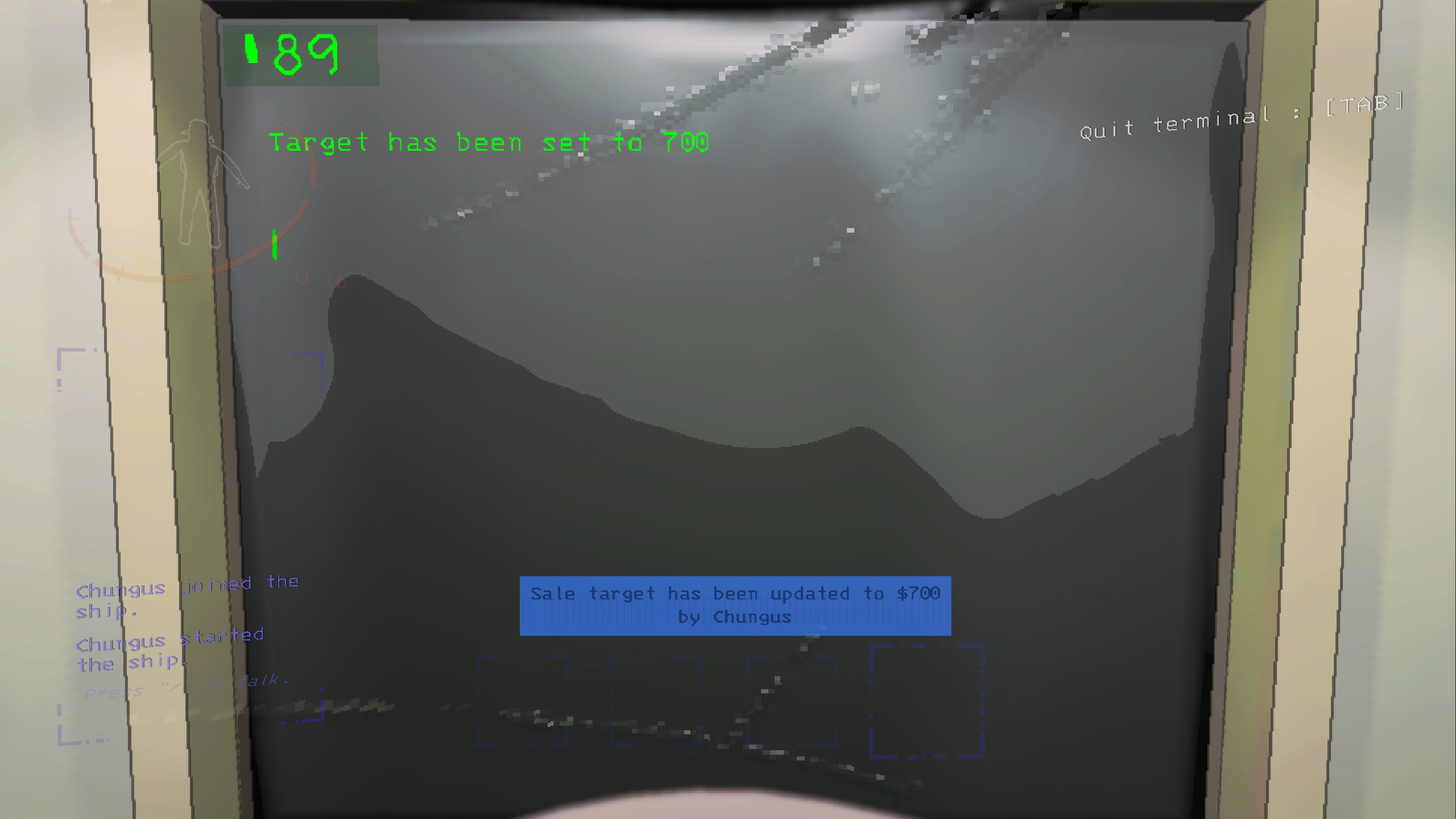
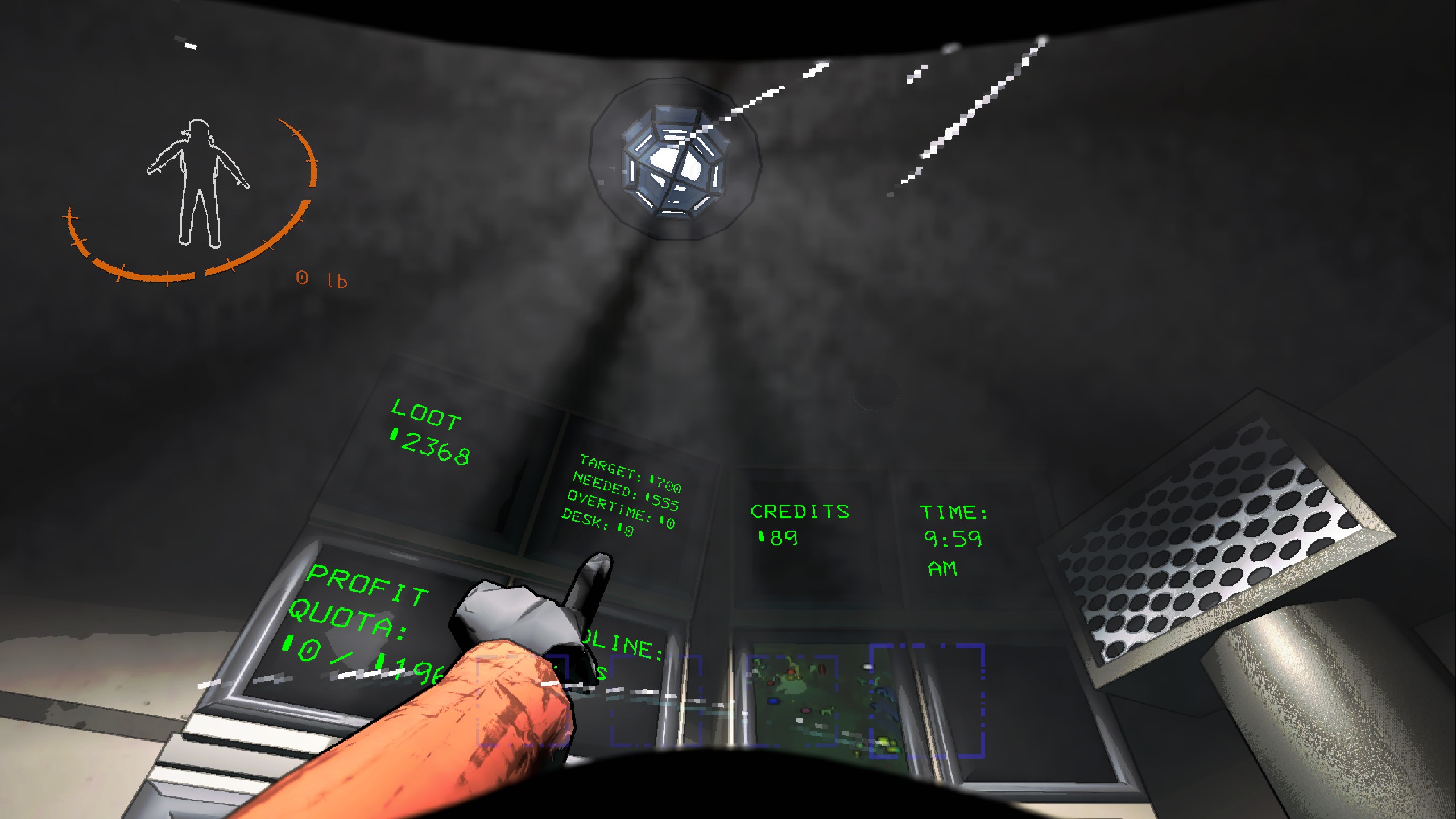
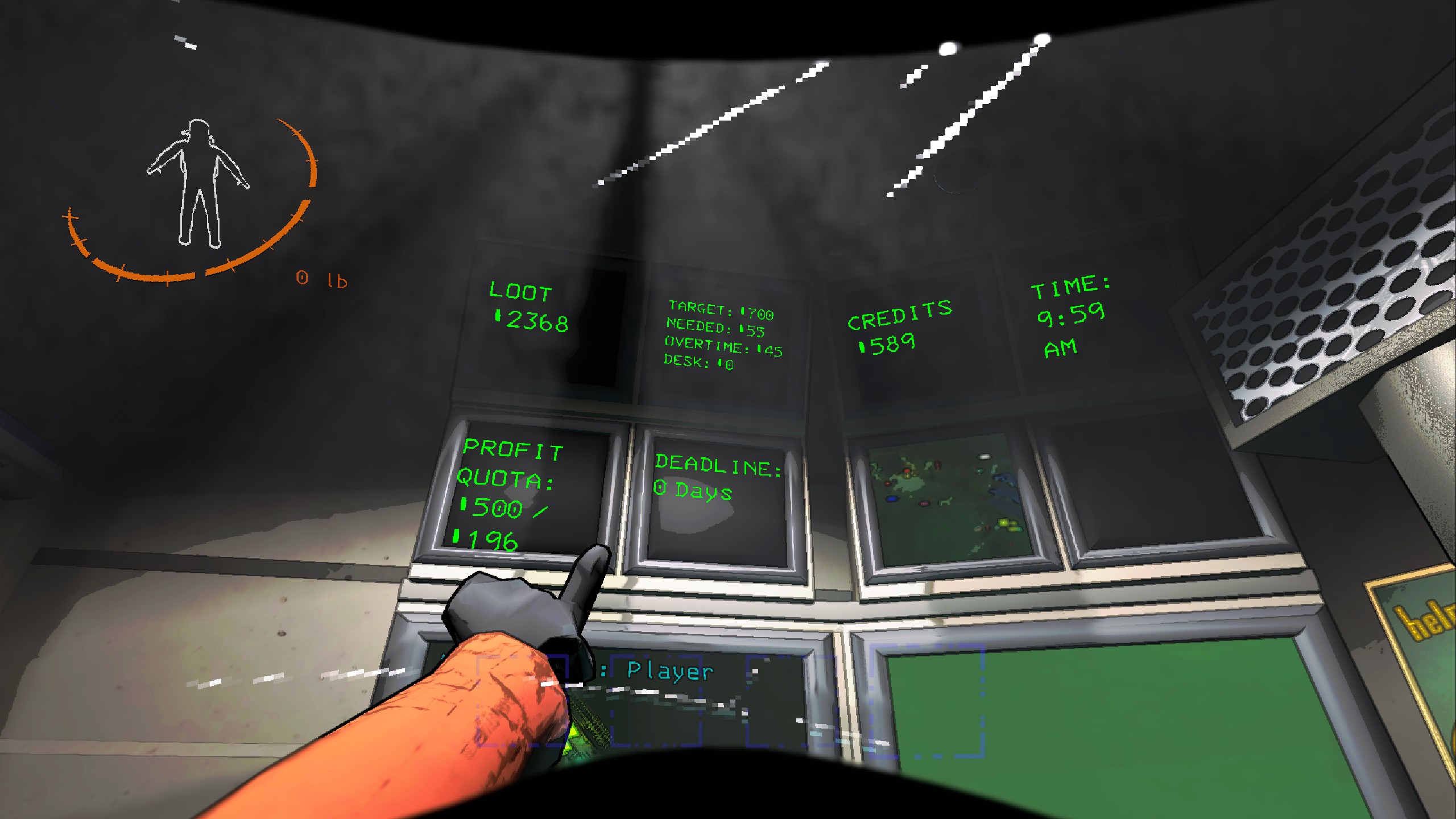
target <amouunt>will set target that is displayed on the monitor from the terminal. This target denotes the target amount of credits you want after selling and leaving the company. Additionally a "Needed" field appears on the monitor (second from the left) which will tell you how much you need to sell in order to reach your target. This needed value takes into account approximately how much overtime you will earn and how much current credits you have, so that when you leave the company building you will have the desired amount of credits if you at least meet the "needed" amount.
launch
launchoptional additional way of landing or launching the ship from the terminal.
door
dooropen or closes the door from the terminal.
lights
lightsswitch the lights on/off from the terminal.
tp
tpTeleports the currently viewed player, only works if you have a teleporter.
time
Tells the time without having to look at the monitor or go outside.
hack
Host only command, that spawns scrap with random values. Meant as a tool for testing (scales from current moon?).
hack <amount>Spawns specified amount of random scrap at your feet.
Config
SellIgnoreList
[HOST] Syncs to clients
DEFAULT: "shotgun,gunammo,airhorn,gift"
An ignore list for items to ignore, syncs from host to clients.
ShowDebugLogs
[CLIENT] Syncs to clients
DEFAULT: false
Whether to show or hide debug logs.
Development
You will need:
- Local development setup for UnityNetcodePatcher by EvaisaDev
- An IDE, Visual Studio / Rider / Visual Studio Code
- Create a copy of
src/CommonBuildProperties.example.projinsrc/- remove
.example - update placeholder paths & copy commands for your setup
- remove
AdvancedTerminal API
Other mods may use this to easily add custom simple and complex commands to the terminal.
An example plugin will be made for reference use. For now, you can look at SellCommands to see how the sell commands get setup.
TODO
- Scrap selling animation
- scan <item> in ship
- character health hud display