
ItemBrowser
In-game item browser for PEAK with search, categories, multilingual UI, and spawn-on-click (F5).
| Last updated | 3 weeks ago |
| Total downloads | 7059 |
| Total rating | 2 |
| Categories | Mods |
| Dependency string | cherrycove-ItemBrowser-0.2.1 |
| Dependants | 1 other package depends on this package |
This mod requires the following mods to function

BepInEx-BepInExPack_PEAK
BepInEx pack for PEAK. Preconfigured and ready to use.
Preferred version: 5.4.2403

README
ItemBrowser
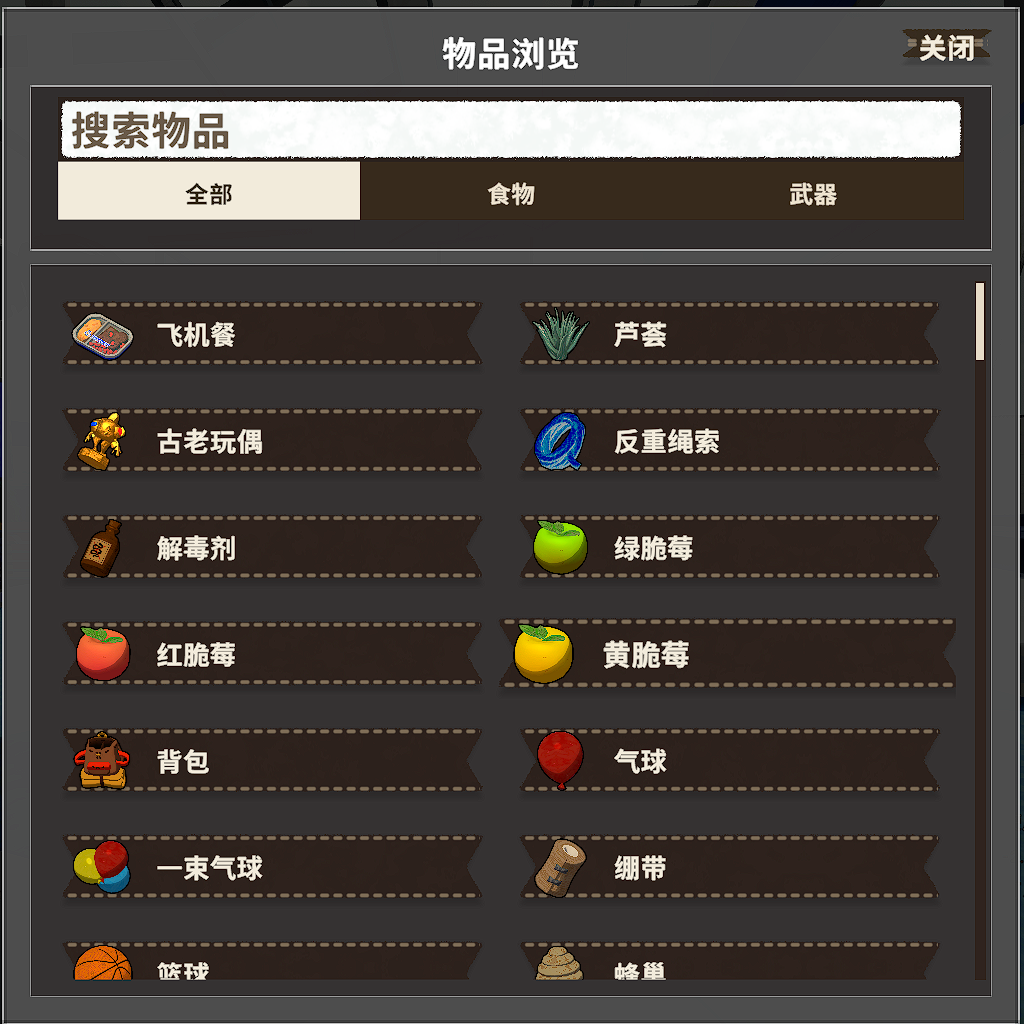
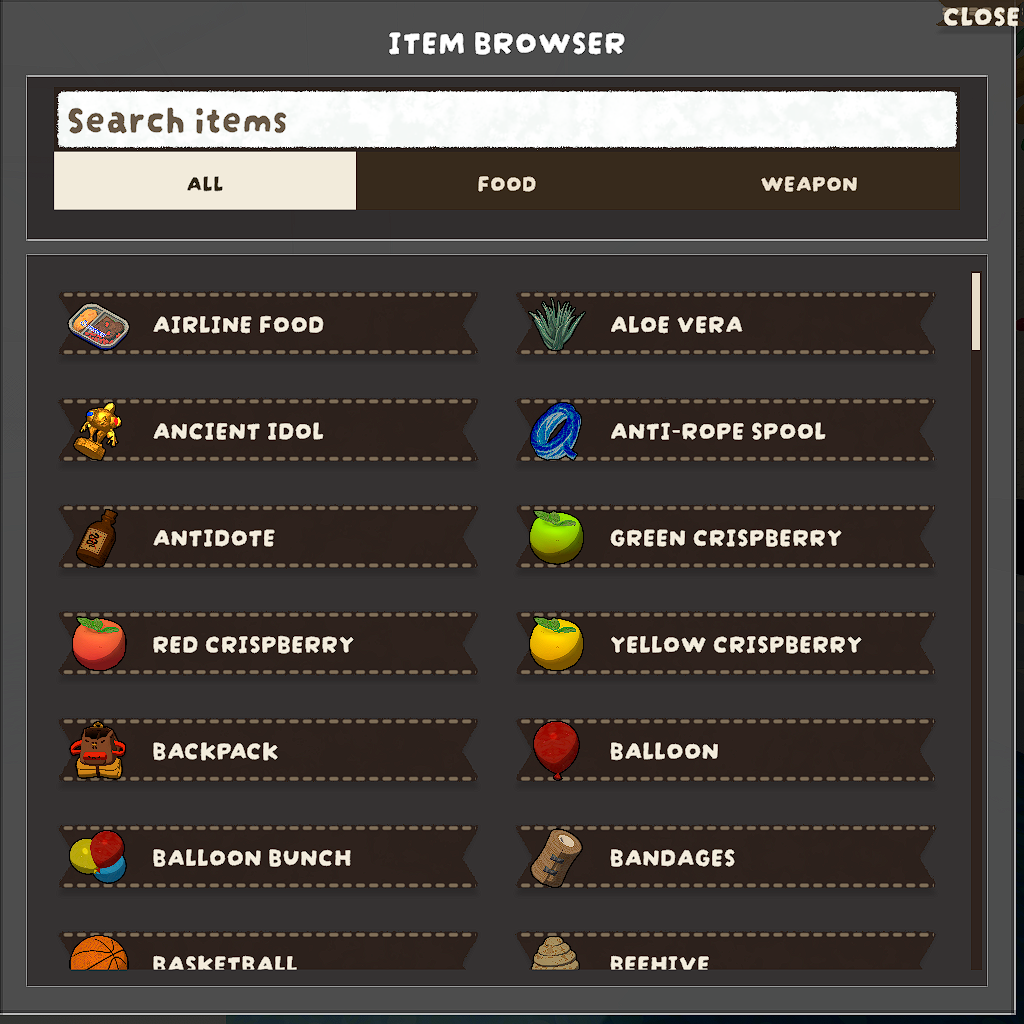
An in-game item browser and spawner for PEAK, built with PEAKLib.UI.
Features
- Press
F5to open/close the browser. - Search by localized item name or prefab name.
- Two-level filtering:
All / Food / Weapon, with sub-categories for Food and Weapon. - Click an entry to spawn it in front of your character.
- Multilingual UI support:
- Item names are resolved from game localization keys via
ItemNameKeyMap.json. - Mod-specific texts are loaded from
Localized_Text.jsonand injected intoLocalizedText.MAIN_TABLE. - UI labels refresh to the current game language when opening the browser.
- Item names are resolved from game localization keys via
Usage
- Launch PEAK with BepInEx.
- Enter a match, then press
F5to open ItemBrowser.
Build
dotnet build -c Release
Thunderstore package output is generated under artifacts/thunderstore/ when building Release with tcli.
