
You are viewing a potentially older version of this package.
View all versions.
ItemBrowser
In-game item browser for PEAK with search, categories, multilingual UI, and spawn-on-click (F5).
| Date uploaded | 5 days ago |
| Version | 0.2.1 |
| Download link | cherrycove-ItemBrowser-0.2.1.zip |
| Downloads | 1831 |
| Dependency string | cherrycove-ItemBrowser-0.2.1 |
This mod requires the following mods to function

BepInEx-BepInExPack_PEAK
BepInEx pack for PEAK. Preconfigured and ready to use.
Preferred version: 5.4.2403

README
ItemBrowser
An in-game item browser and spawner for PEAK, built with PEAKLib.UI.
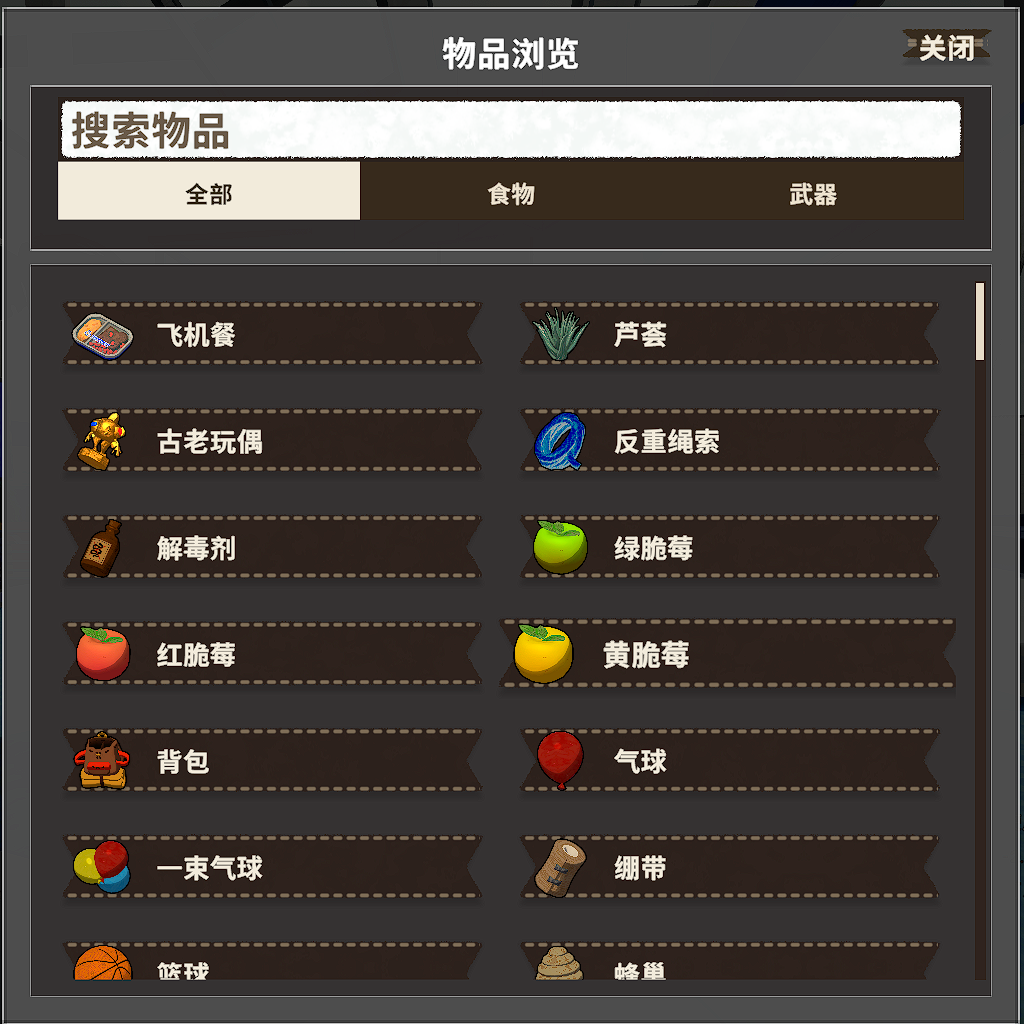
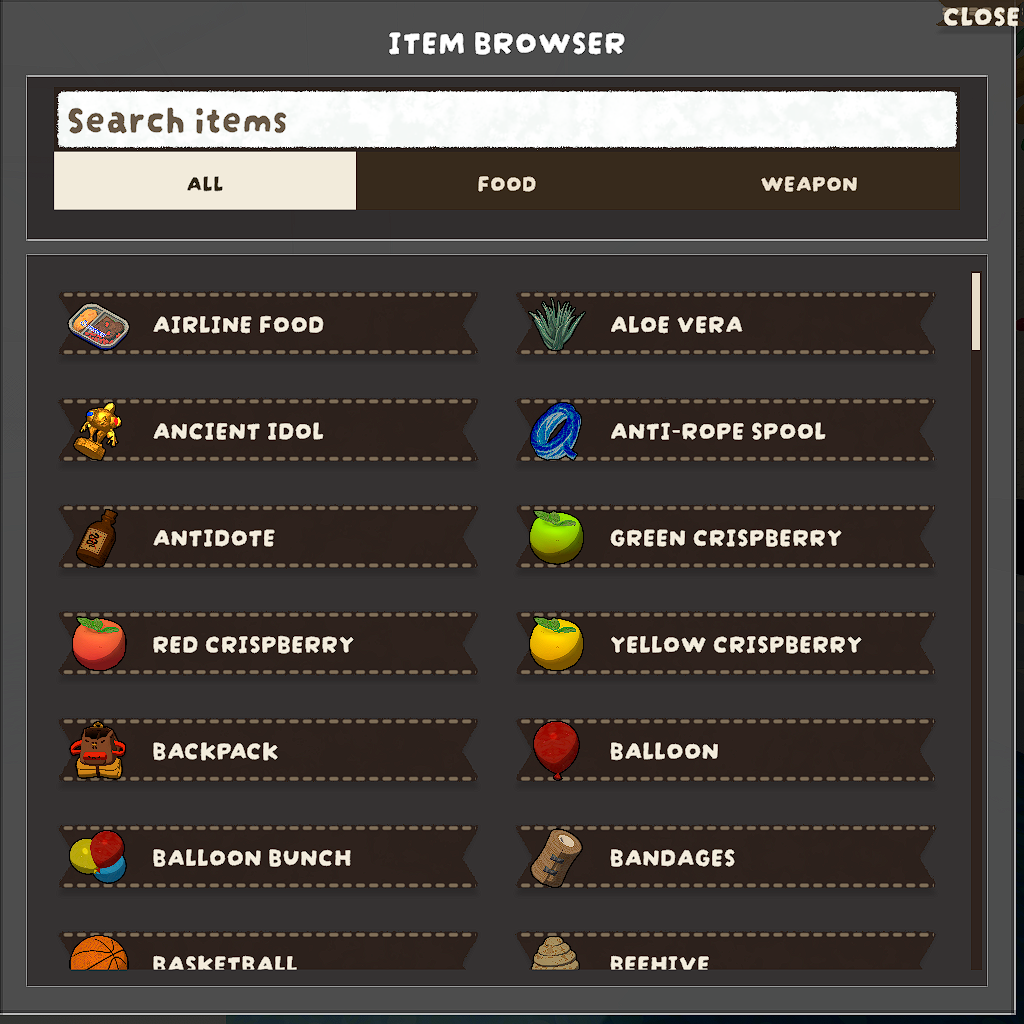
Features
- Press
F5to open/close the browser. - Search by localized item name or prefab name.
- Two-level filtering:
All / Food / Weapon, with sub-categories for Food and Weapon. - Click an entry to spawn it in front of your character.
- Multilingual UI support:
- Item names are resolved from game localization keys via
ItemNameKeyMap.json. - Mod-specific texts are loaded from
Localized_Text.jsonand injected intoLocalizedText.MAIN_TABLE. - UI labels refresh to the current game language when opening the browser.
- Item names are resolved from game localization keys via
Usage
- Launch PEAK with BepInEx.
- Enter a match, then press
F5to open ItemBrowser.
Build
dotnet build -c Release
Thunderstore package output is generated under artifacts/thunderstore/ when building Release with tcli.
CHANGELOG
Changelog
0.2.1 - 2026-02-09
- Optimized first open (
F5) stutter with staged first-frame rendering and earlier menu warmup. - Reworked list virtualization to preserve the existing two-column UI skeleton and core interactions.
- Fixed scrolling correctness issues:
- Correct content height and bounds clamping.
- Proper bottom/top scroll response and visible item window updates.
- Reduced scroll-time hitches by throttling window updates and avoiding redundant UI property writes.
- Paused heavy background warmups while the browser is open to prioritize interaction smoothness.
0.2.0 - 2026-02-07
- Reworked browser UI layout, spacing, scrolling, and close button behavior.
- Added two-level category filtering (
All / Food / Weapon+ sub-categories). - Improved icon handling and hidden/invalid item filtering.
- Added dynamic language refresh when opening UI.
- Unified localization flow:
- Item names from
ItemNameKeyMap.json+ game localization keys. - Mod-specific UI texts from
Localized_Text.json.
- Item names from
0.1.0 - 2026-02-06
- Initial release with search + categorized item browser UI.
