

InspectorsPlus
Series of improvements/qol for the inspector.
| Last updated | 6 months ago |
| Total downloads | 328 |
| Total rating | 0 |
| Categories | Mods |
| Dependency string | LeCloutPanda-InspectorsPlus-1.0.1 |
| Dependants | 0 other packages depend on this package |
This mod requires the following mods to function

ResoniteModding-BepisLoader
A mod loader which allows using BepInEx with Resonite
Preferred version: 1.5.0
README
InspectorsPlus

A Resonite mod that changes how the vanilla inspector behaves.
Inspector Button Enhancements
The default behavior of some Inspector buttons has been updated to provide more flexibility and control.
Affected Buttons:
- Insert Parent
- Create Child
- Duplicate
New Behavior: These buttons now open a context menu instead of executing immediately. The menu provides three options:
- Vanilla – Performs the original default action.
- Auto Select – Executes the action and automatically selects the new object in the current Inspector.
- Open Inspector – Executes the action and opens a new Inspector window for the newly created object.
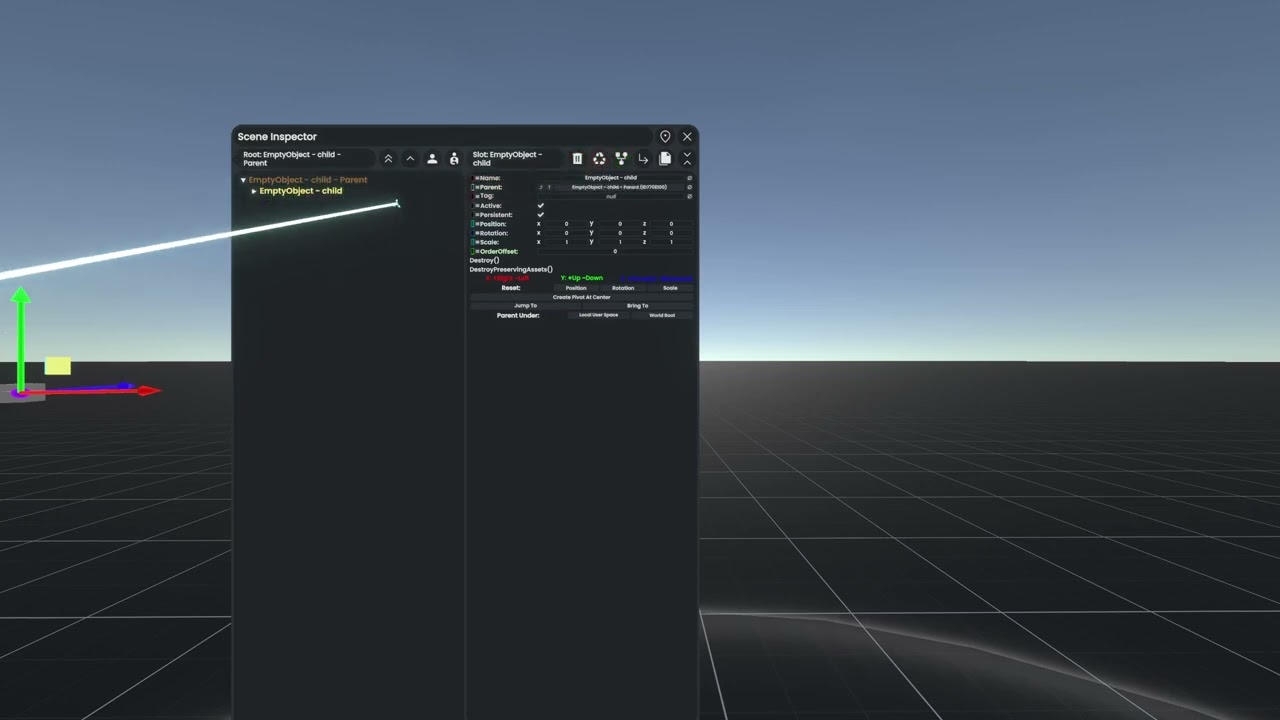
An example showing off the mods behaviour (these were taken at multiple stages of development so some items may not look the same)
Installation (Manual)
- Install BepisLoader for Resonite.
- Download the latest release ZIP file (e.g.,
LeCloutPanda-InspectorsPlus-1.0.0.zip) from the Releases page. - Extract the ZIP and copy the
pluginsfolder to your BepInEx folder in your Resonite installation directory:- Default location:
C:\Program Files (x86)\Steam\steamapps\common\Resonite\BepInEx\
- Default location:
- Start the game. If you want to verify that the mod is working you can check your BepInEx logs.
