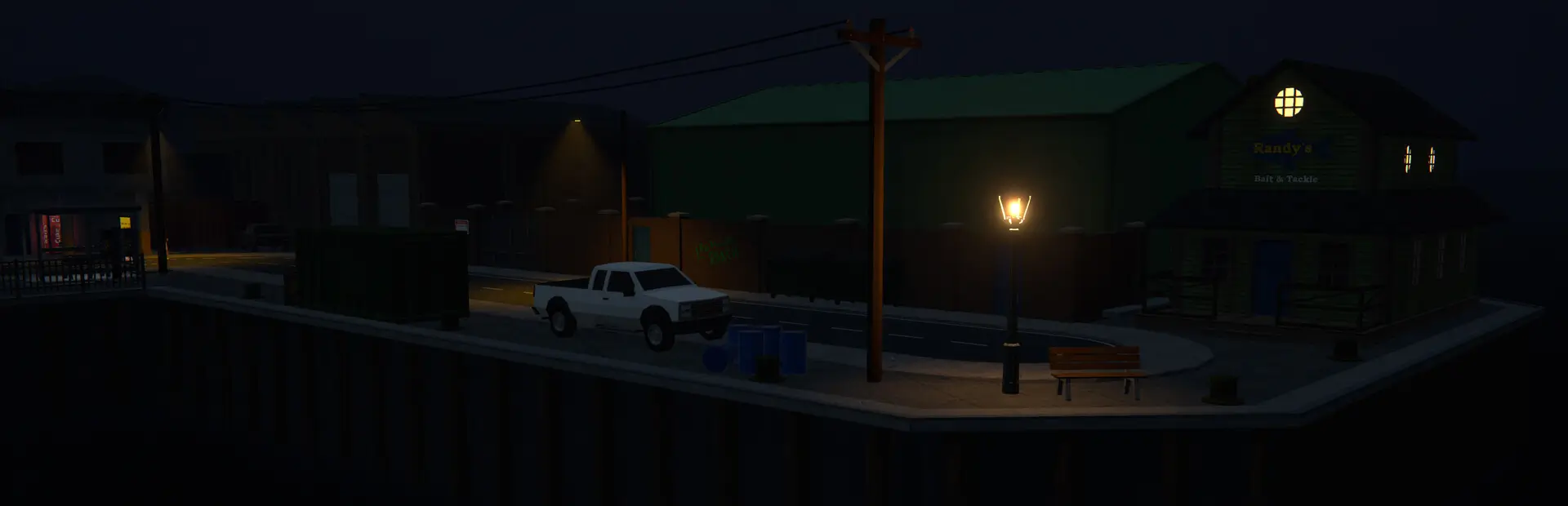
Adds in-game tools to author and adjust worker idle points per property, with visual markers, hotkeys, and support for extra hire locations like Motel Room, RV, and Sewer office, including in‑game movement of existing/default idle points.
Fixed idle-point authoring after returning to the main menu and loading another save by discarding stale property references left behind by the previous scene.
[1.0.8] - 2026-10-05
Fixed a crash on newer game builds by replacing the unsafe SewerOffice.Awake patch with deferred Sewer Office initialization after scene loading.
Fixed authoring marker cylinders disappearing when their previous shader was unavailable, with supported unlit shader fallbacks and a clear warning if none can be loaded.
Fixed manual idle-point markers temporarily appearing red during property startup by retrying only affected properties after their NavMesh data becomes available, without performing a full marker rebuild.
Fixed the authoring overlay losing its dark background and rendering black text on the current IL2CPP beta.
Restored Fixer SMS feedback for authoring errors on newer game builds where NPC.SendTextMessage is no longer available.
Added automatic paging for long Fixer location lists using a More (x/y) choice, with page sizes adapted to UI scale and aspect ratio to avoid hotbar overlap on tested 4:3, 16:10, and 16:9 layouts.
Fixed dialogue paging not updating to the current UI scale when starting a conversation after changing the UI setting.
Fixed invalid or disabled dialogue reason text by validating the correct underlying choice on the active page.
Fixed multi-page dialogue navigation skipping pages when a number key remained held.
Fixed choices on later pages selecting the wrong property or failing to activate, including three-page lists.
Restored keyboard selection for dialogue choices 7 and 8, which are incorrectly bound to key 6 by the game, on both Mono and IL2CPP.
Improved dialogue paging compatibility across older and newer Mono game assemblies where SkipNextRollout changed from a field to a property.
[1.0.6] - 2026-01-05
Fixed snap-to-ground for manual idle point authoring in multi-floor interiors (e.g., Docks Warehouse) by probing 0.5m below the camera/player reference before snapping.
[1.0.5] - 2026-01-04
Documentation updates.
[1.0.4] - 2026-01-04
Fixed co-op layout sync reliability by chunking large layout payloads across multiple lobby SyncVar keys (avoids Steam lobby data truncation).
Clients now prime/rebuild layouts from existing lobby state on join (no missed snapshot if the host published before the client initialized SyncVars).
Replaced runtime-dependent GetHashCode() layout hashing with a deterministic hash to prevent false rebuild mismatches across machines/builds.
Added extra opt-in co-op/load diagnostics to help pinpoint client load replication exceptions (rate-limited; EnableCoopNetLogging).
[1.0.3] - 2026-01-01
Added opt-in co-op/network troubleshooting logs via EnableCoopNetLogging (disabled by default in release builds).
Standardized co-op log prefixes to [COOPNET][…] and masked SteamIDs in host/sender checks.
Expanded co-op diagnostics to include FishNet state transitions, layout sync request gating reasons, lobby host identity checks, and surfaced exceptions (rate-limited).
[1.0.2] - 2025-12-30
Fixed client join hangs and desync by syncing the host's idle layout/capacity to clients at runtime.
Switched layout sync transport to SteamNetworkLib for IL2CPP-safe mod networking.
Client authoring remains view-only, while the debug marker overlay mirrors host manual/existing points and updates when the host edits.
[1.0.1] - 2025-12-27
Improved robustness of points.json saves by using an atomic replace when updating the file.
[1.0.0] - 2025-11-23
Release.
[0.9.0] - 2025-11-23
Documentation updates.
[0.8.0] - 2025-11-23
Aligned manual JSON append deduplication on Mono with IL2CPP by using the same ~0.15m spacing threshold when appending manual idle points onto existing idle arrays, ensuring backend parity for how closely manual points can be placed.
Full backend parity check.
[0.7.0] - 2025-11-23
Added in-world SMS feedback from the Fixer NPC for authoring errors (too-close captures, attempts to remove an in-use idle point, and client-only edits in co-op), with a short cooldown so players get clear guidance without message spam.
[0.6.0] - 2025-11-21
Unified existing/manual idle point editing so Shift+F8 always selects the nearest idle point on the current property (manual vs existing decided by distance and the Override Existing toggle), and F8 moves exactly the selected point instead of whichever worker is closest at move time.
Fixed manual idle point movement to track a specific EmployeeIdlePoints transform backed by a matching JSON entry, so the yellow highlight, JSON update, and worker transform all refer to the same slot.
Improved authoring visuals: manual markers now highlight by the selected transform index (not by draw order), and the HUD clearly distinguishes between Editing manual #idx and Editing existing #idx for the active property.
Added DEBUG-only Motel Room instrumentation to log manual idle JSON counts and live idle array lengths before/after application, making it easier to diagnose property-specific layout issues without affecting release behavior.
Reduced the minimum spacing for authoring/moving idle points to 0.25m and tightened load-time deduplication to ~0.15m, so closely positioned points are still treated as distinct when intended while double-application of the same JSON data (e.g., for Motel Room or RV) no longer produces duplicate live slots.
Added name-based guards for Motel Room and RV in the worker adjustment pipeline (similar to the existing Sweatshop handling) to prevent cross-component double-processing when both base and derived property components run our postfix.
Reworked the F8 hotkey in ModsApp as a first-class "Move Key" entry above Capture, and made the advanced "Override Existing Idle Points" toggle default-on and hidden outside debug builds so overrides are always available in normal play without extra configuration.
[0.5.0] - 2025-11-20
Multiplayer safety: made the host/server authoritative over idle layouts and capacity in co-op by only applying manual points, existing overrides, and EmployeeCapacity recalculations on authoritative instances (FishNet / Il2CppFishNet), while pure clients stay read-only.
Authoring hotkeys are now host-only in multiplayer: on pure clients F9/F10/F11/F8 no longer mutate the world and instead log that authoring is host-only and should be performed by the host.
Improved 1.0m-spacing handling for manual idle points on properties that have no vanilla idle points by deduplicating clustered manual JSON entries when building the first EmployeeIdlePoints array, so live idle slots now always match the described 1.0m rule even for JSON-only properties.
[0.4.0] - 2025-11-19
Added safe live removal of manual (green) idle points: F11 now deletes the last manual idle point for the nearest property only when no employee is currently using that exact idle Transform (checked via each employee's IdleBehaviour / WaitOutside.IdlePoint).
Enforced a minimum spacing of 1.0m between idle points when capturing with F9 or loading manual points from JSON (including properties that previously had no idle points), preventing nearly overlapping idle slots that could confuse AI and live removal.
Updated capacity handling so EmployeeCapacity tracks the current idle-point count (with a floor at the current employee count) instead of being expand-only; this keeps fixer hiring limits aligned with actual available slots and avoids over-allocating workers after removing idle points.
Updated authoring visualization so green manual markers are now drawn from live EmployeeIdlePoints (MW_MANUAL transforms) rather than raw JSON only, ensuring the overlay matches the deduplicated runtime idle slots even when JSON contains near-duplicate points.
Added a 1.0m spacing check when moving existing/default idle points with F8 so that overrides cannot place a blue slot closer than 1m to any other idle point (blue or green); moves that would violate this are denied with a clear log message.
[0.3.0] - 2025-11-16
Added an advanced "Override Existing Idle Points" pipeline backed by JSON existing overrides, allowing baseline (blue) idle points to be repositioned per property while keeping indices and capacity behavior stable.
Introduced in-game authoring for existing idle points (when the advanced toggle is enabled): Shift+F8 selects the nearest existing point on the current property (highlighting it yellow), and F8 moves that point to the current player/camera position with ground snap and immediate marker refresh.
Made the existing-idle override key configurable via ModsApp (Existing Idle Override Key).
[0.2.1] - 2025-11-16
Improved authoring HUD overlay so the “Next idx (existing + manual)” counter reflects the future idle-point layout immediately after F11 (baseline existing points stay stable; manual JSON points update live).
[0.2.0] - 2025-11-14
Added Motel Room and RV support: manual idle points, capacity adjustments, and dialogue integration so both properties appear as hireable locations when owned (RV is gated by a Skip RV dialogue toggle).
Extended manual idle point flow to properties without default idle points by creating EmployeeIdlePoints arrays directly from JSON/F9 captures.
First-capture authoring now creates a live idle point when none exist, so capacity can expand in-session without requiring a restart.
Added built-in anchors for Motel Room and RV to improve nearest-property selection and authoring ergonomics.
Added Sewer office support via the same manual idle point + capacity flow; workers can be hired once idle points exist, while cleaners still require a bin/disposal-area mod (e.g., SewerEmployees) for full functionality.
Improved F11 behavior so Remove always targets the nearest property rather than the last selected one.
[0.1.1] - 2025-11-09
Image fixes in readme
[0.1.0] - 2025-11-09
Authoring Mode with in‑game visualization (blue = existing/default, green = manual) and index labels.