
Please disclose if your mod was created primarily using AI tools by adding the 'AI Generated' category. Failing to do so may result in the mod being removed from Thunderstore.
This package has been marked as deprecated, and it's suggested another
alternative is used.

ValheimPlayerModelsReupload
Reupload of Ikeiwa's Mod. Use custom player models in Valheim !
| Last updated | 2 years ago |
| Total downloads | 251 |
| Total rating | 0 |
| Categories | Skins |
| Dependency string | JayModzz-ValheimPlayerModelsReupload-1.0.0 |
| Dependants | 0 other packages depend on this package |
This mod requires the following mods to function

denikson-BepInExPack_Valheim
BepInEx pack for Valheim. Preconfigured and includes unstripped Unity DLLs.
Preferred version: 5.4.1901README
ValheimPlayerModels
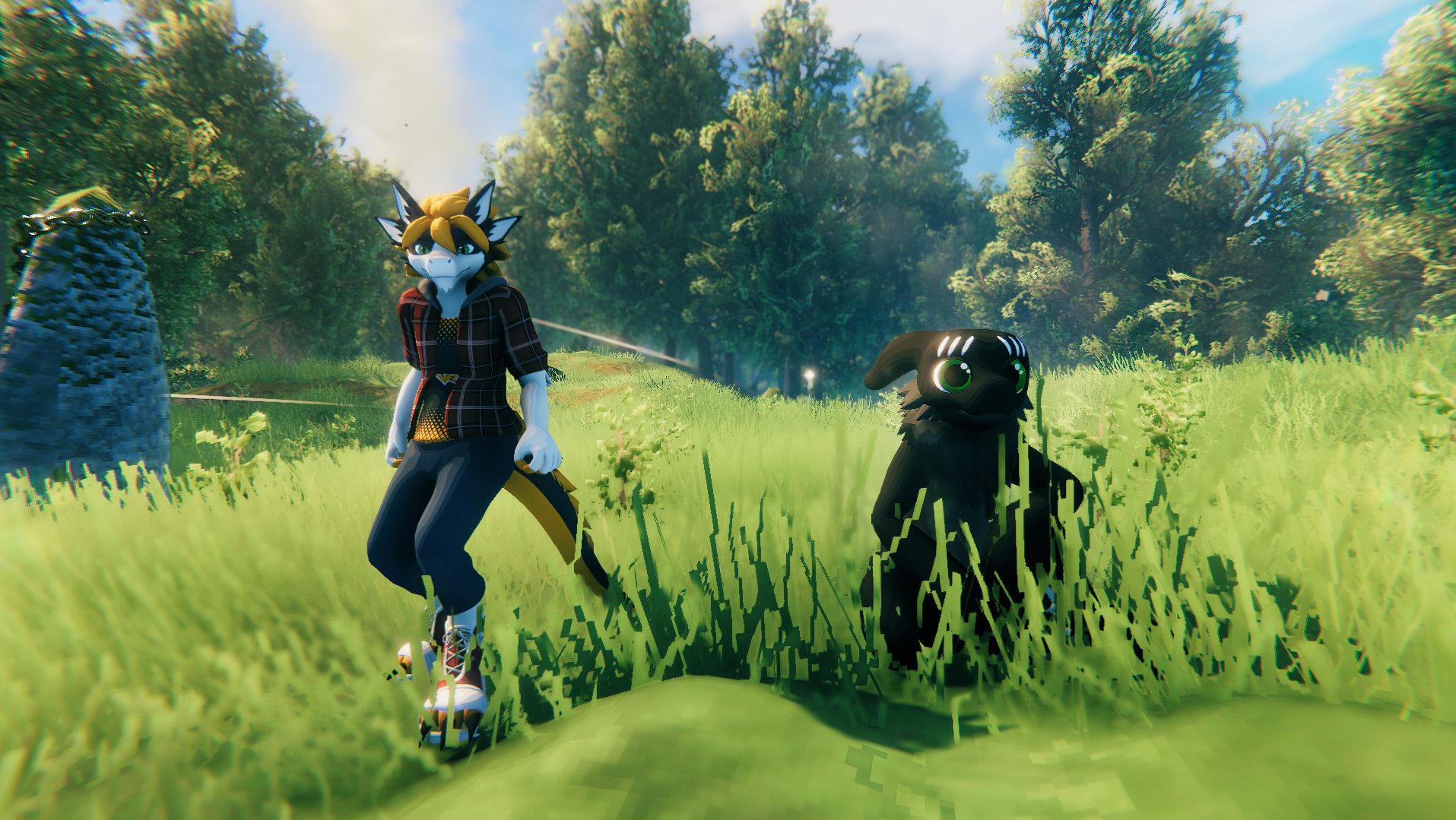
----- REUPLOAD OF "Ikeiwa's ValheimPlayerModels" MOD ------ ----- ORIGNIAL DOCUMENTATION BELOW -----
How to install
- Download and install the BepInEx package
- Drag and drop ValheimPlayerModels.dll in the "BepInEx/plugin" folder in your game install folder
- Launch the game
- Place all your avatars in the newly created "PlayerModels" folder inside your game install folder
- The mod will load the avatar with the same filename as your character name (you might want to restart the game)
How to create an avatar
- Install Unity 2019.4.31
- Create a new 3D Project
- Download the SDK
- Import the SDK and all your avatar assets
- Change your avatar model rig to Humanoid
- Place your avatar model in the scene
- Add a "Valheim Avatar Descriptor" component on your avatar
- Clic the "Auto-Setup" Button
- Move the different equipement previews how you like
- (optional) change your avatar material shaders to "Valheim/Standard"
- Click the "Export" button in the Avatar Descriptor
- Export in the "PlayerModels" folder in your game install folder
