
You are viewing a potentially older version of this package. View Latest Version

To enter first person press O while playing. Keybind can be changed in config
The camera will be placed in survivors head if it finds one.
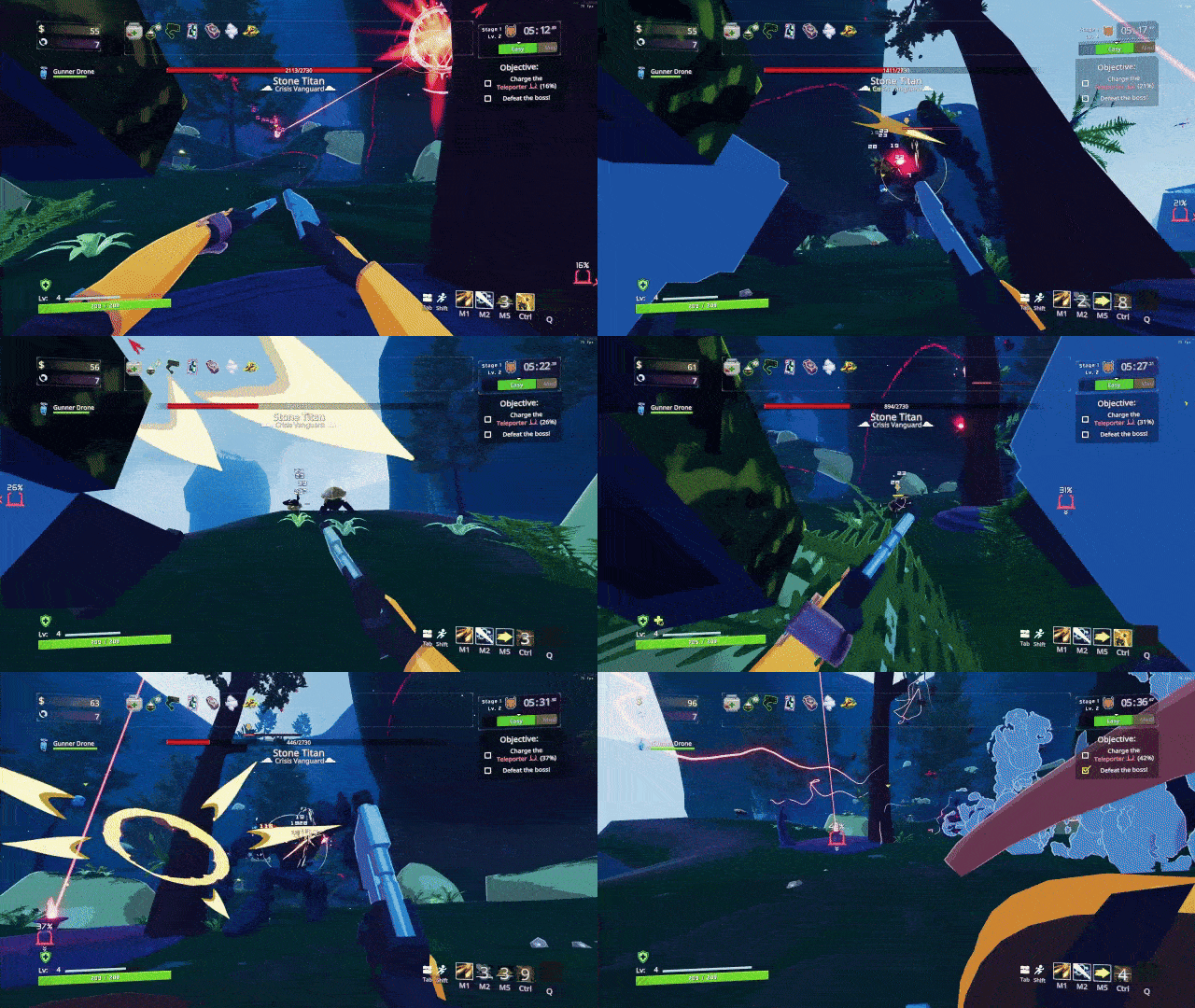
Change FOV value in config (90 by default).
You can also change FOV value in game while in first person by holding + or - button
First person camera will clip by a configurable value.
Different survivors have different default clipping values that will be used on first person camera activation. If the survivor doesn't have its default clip value then a value of 0.3f will be used
You can also change clipping value by holding and + or - button while holding Left Shift button.
When emoting first person camera will copy lock user rotation and copy it from Humanoid Head bone.
This can be disabled by setting Emote Camera Lock to false.
Head Finder has several steps to find an object to put first person camera to. If a step fails to find one, it will proceed to the next step.
If first person camera placement on the current survivor is wrong, you can manually set designated path where to place first person camera in config.
Example for Huntress: HuntressArmature/ROOT/base/stomach/chest/head.
Example for Paladin: Armature/base/spine.001/spine.002/spine.003/spine.004/neck/head.
Use Unity Explorer to inspect game elements and use it to find an object of the survivor you want to set path override to.
You can share configurated values with me under Github Issues of this mod or in Risk of Rain 2 Modding Discord (or personally @brynzananas)
To set default clip value for your modded survivor use survivorClipDefaultValues dictionary. First value is body name of your survivor. Second value is default clip value.
Example for Biden: survivorClipDefaultValues.Add("BidenBody", 0.1532053f);
To set default path override value for your modded survivor use survivorDefaultBoneOverride dictionary. First value is body name of your survivor. Second value is path override string.
Example for Paladin: survivorDefaultBoneOverride.Add("RobPaladinBody", "Armature/base/spine.001/spine.002/spine.003/spine.004/neck/head");
Hugging a wall will clip first person camera into it if near clip value is high.
Captain bones shake for some reason, thus shake first person camera too.
Item displays may block your vision in first person mode.
First person mode doesn't persist between character changes, so you must enable it again.
No damage indicator when in first person.
Can't enter first person on Rocket survivor
