
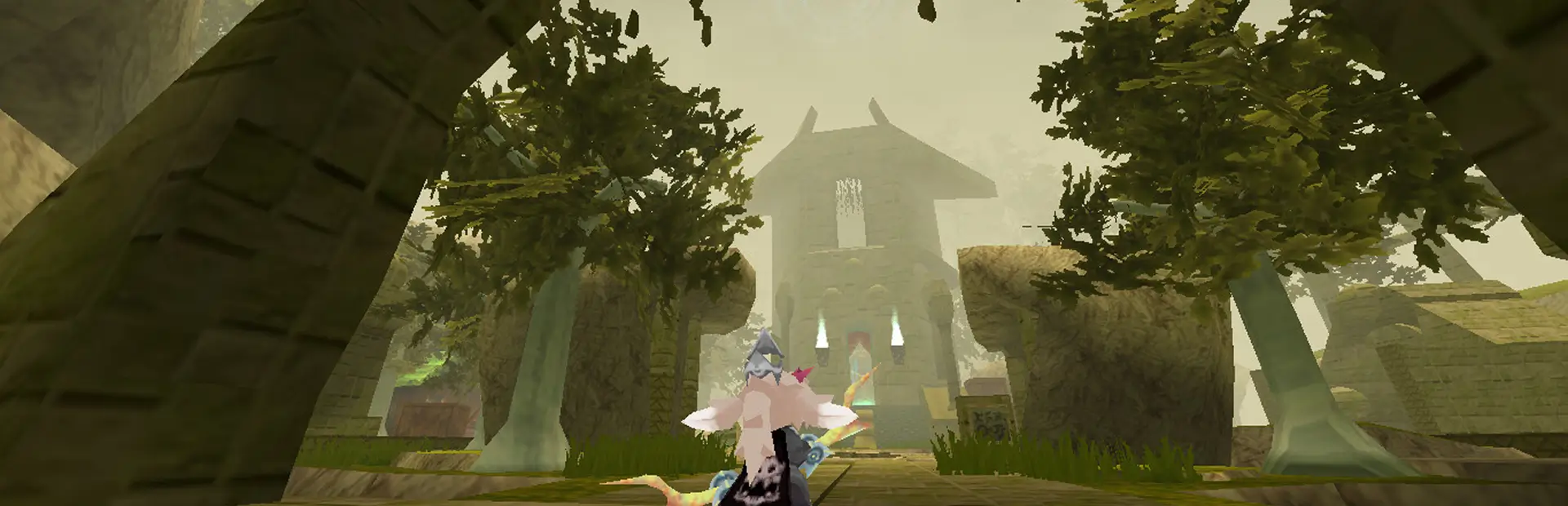

AtlyssCasino
A fully playable casino map and plugin for ATLYSS with multiplayer slots, blackjack, roulette, background jukebox music, private room chat, and casino teleports.AtlyssCasino
A little bit about me and this project/Disclaimer
I have been coding and learning how to code since the start of 2026, so I am still new and learning as I go. Please do not assume every part of this project was made by someone with years of experience.
AI tools were used for the thumbnail/icon because I have no real experience with art or digital art design. If anyone wants to make genuine custom art for the icon, let me know and I will credit you.
New Icon/Thumbnail was hand made by "Noint" a special thanks to them and the icon they made, they're awsome ^w^
AI assistance has also been used while working on this project for things like organization, planning, debugging, understanding/fixing errors. Unless clarified the rest is not AI. Apologies in advance for any misunderstanding or lack of clarification.
A fully playable casino. Try your luck, and spend your hard-earned Crowns across three games — all fully multiplayer synced.
IMPORTANT — This mod contains a DLL file
AtlyssCasino is both a map and a plugin at the same time. The download contains:
atlyscasino.mapbundle— the casino map scene loaded by MapLoaderAtlyssCasino.dll— a BepInEx plugin that runs all gameplay logic (slot machines, blackjack, roulette, entry fee, exit trigger, multiplayer sync)
Both files are required. The map does nothing without the DLL, and the DLL does nothing without the map. Install both into your BepInEx/plugins folder as you would any other mod.
AtlyssCasino also requires MapLoader, CodeYapper, and Easy Settings API.
Configuration
AtlyssCasino includes an Atlyss Casino tab through Easy Settings API.
Configuration is meant to be set before loading into a session. Once a player/session is loaded, the settings UI locks so casino rules are not changed mid-lobby.
Gameplay settings are owned by the lobby host or dedicated server. Clients cannot change the host's casino rules from their own settings menu, and host-owned gameplay values are synced to clients when the casino loads.
Headless/dedicated servers can edit the generated BepInEx config file directly after first launch.
Configurable settings include entry fee, walk-away penalty, blackjack turn timeout, roulette AFK timeout, payout multipliers, allowed bet amounts, floating table info display, blackjack/roulette game UI options, client performance options, client audio options, controller interact options, optional controller command macros, and separate routine client/headless log suppression. Log suppression only hides casino info/debug/message output; warnings and errors stay visible.
Games
WARNING IF YOU LEAVE ANY BLACKJACK TABLE OR ROULETTE TABLE WITHOUT USING THE
/leaveand/rleaveCOMMANDS YOU WILL BE AUTO KICKED FROM THE TABLE AND CHARGED THE WALK-AWAY PENALTY!!
Slot Machines
12 machines, one player each. Pull the lever and match symbols for payouts up to 500x your bet.
| Result | Payout |
|---|---|
| 3x Diamond | 500x - JACKPOT |
| 3x Star / 3x Seven | 4x |
| 3x Cherry / Lemon / Orange | 2x |
| 2x Diamond | 4x |
| 2x Star / 2x Seven | 1x |
| 2x Cherry / Lemon / Orange | 0.5x |
| No match | Lose |
The jackpot (3x Diamond) lands roughly once every 432 spins. All other payouts roll on uniform symbol odds.
Commands: /slotbet <amount> (or /sbet, /sb) then press F or the configured controller interact button at any machine to spin.
Blackjack
6 tables, up to 5 players each. Standard blackjack rules — dealer stands on all 17s. Natural blackjack pays 3:2.
| Command | Shortcuts | Description |
|---|---|---|
/blackjackbet <amount> |
/bjbet, /bjb, /bb |
Set your bet |
/ready |
/rdy, /rd, /br |
Toggle ready |
/start |
/deal, /begin, /bd |
Start the round (table host only) |
/hit |
/h, /bh |
Take a card |
/stand |
/stay, /st, /bst |
Keep your hand |
/leave |
/lv, /l, /bl |
Leave your seat |
When you sit at a blackjack table, the optional casino game UI can show your hand, dealer hand, table host, current turn, round state, ready state, and buttons for blackjack actions.
Roulette
4 tables, up to 8 players each. European single-zero roulette. Place multiple bet types per spin.
| Bet Type | Payout |
|---|---|
| Straight Up (single number 0-36) | 35:1 |
| Red / Black | 1:1 |
| Even / Odd | 1:1 |
| Low (1-18) / High (19-36) | 1:1 |
| Dozen (1st / 2nd / 3rd) | 2:1 |
| Column (1st / 2nd / 3rd) | 2:1 |
| Command | Shortcuts | Description |
|---|---|---|
/tbet <amount> |
/tb |
Set your stake per bet |
/rbet <type> [number] |
/rb |
Place a bet |
/rclearbets |
/rclear, /rcb, /rcl, /rc |
Clear and refund all your bets |
/rstandby |
/rready, /rsb, /rs, /rr |
Toggle ready |
/rspin |
/rsp |
Spin the wheel (table host only) |
/rleave |
/rl, /rlv |
Leave the table |
Bet types: number 0-36, red, black, even, odd, low, high, dozen 1-3, column 1-3
Shorthand: /rbet 17 works the same as /rbet number 17
Extra shorthand: /rb 17, /rb d1, /rb d2, /rb d3, /rb c1, /rb c2, /rb c3
When you join a roulette table, the optional casino game UI can show table state and a roulette-table-style button layout for number and outside bets.
Casino Game UI
Blackjack and roulette have a local IMGUI panel with buttons for the normal game commands. It opens automatically when you sit at blackjack or join roulette by default.
Use /casinoui open, /casinoui close, /casinoui toggle, or /casinoui status to control it. Shortcuts are /cui and /gameui.
The UI can also be toggled with an optional Easy Settings hotkey under Client Controls. The hotkey is blank/disabled by default.
Jukebox
The casino has shared jukebox music that starts playing automatically when the casino loads. Walk up to the jukebox and press F or the configured controller interact button to advance the music. Shared jukebox state is owned by the lobby host and uses the bundled casino songs; local custom songs are client-side extras and do not change what other players hear.
Jukebox volume is controlled per client in Easy Settings under Client Audio. The volume sliders use a 0-10 range: 0 is silent, 5 is intended as background music, and 10 is louder but still capped.
Entry Fee
The casino charges a 100 Crown entry fee by default on your first entry each session. If you cannot afford it, you will be sent back to Sanctum with a message from Skrit.
Allowed Bet Amounts
10, 50, 100, 500 Crowns
Multiplayer
All three games are fully multiplayer synced. All players in the lobby must have the mod installed.
- Slot machine spins are visible to all players in the casino
- Blackjack is table-host authoritative — the first player to sit becomes the table host and can
/startrounds - Roulette wheel results are determined by the lobby host and synced to all players
- Casino jukebox state is owned by the lobby host and synced to clients
General Help
Use /casinohelp (or /chelp, /ch) in-game for a full command reference, including all shortcuts. Use /casinoui toggle to open or close the blackjack/roulette game UI.
- Made by AzraeL0534
Special Thanks to:
- FireNoobsta for MapLoader mod
- Soggy_Pancake for CodeYapper mod
- Nessie for Easy Settings API
- mrgrm7 for Lethal Casino
- Noint for Icon Art