AtlyssExecuteHPIndicator
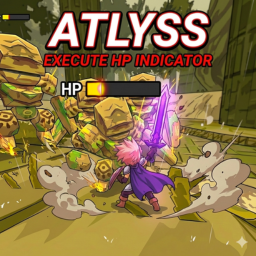
No more guessing games! The enemy health bar turns yellow when they’re in Execute range. Because warriors deserve happiness too.Atlyss Execute HP Indicator
A true warrior senses when to Execute… but sometimes even true warriors appreciate a yellow warning light.
Overview
Atlyss Execute HP Indicator shows you when an enemy’s HP drops below 25%, making it easier to use Execute.
|

Installation
- Place the DLL directly inside your plugins folder
or - Extract its folder into plugins
Customization
Configuration files are generated after launching the game with the mod installed at least once.
- Color codes are known as HEX colors.
You can search for something like "HEX Color Picker" to find your desired color code.
Using R2ModMan
- Go to the Config Editor tab on the left panel.
- Locate the path:
BepInEx\config\com.BLKNeko.AtlyssExecuteHPIndicator.cfg - Click the file and then select Edit Config.

- The configurable fields should pop up.
You can now edit the values however you like.

- Save and enjoy!
Editing Directly from the Folder
- Go to your modded Atlyss folder.
- Navigate to:
…\Your_Atlyss_Modded_Folder\BepInEx\config - Find the file com.BLKNeko.AtlyssExecuteHPIndicator.cfg and open it with your preferred text editor.
- You can now edit the values as you like.

- Save and enjoy!
Features
- Visual indicator for enemy Execute range
- Health bar turns yellow below 25% HP
- Helps timing Execute more reliably
- Works automatically for all enemies
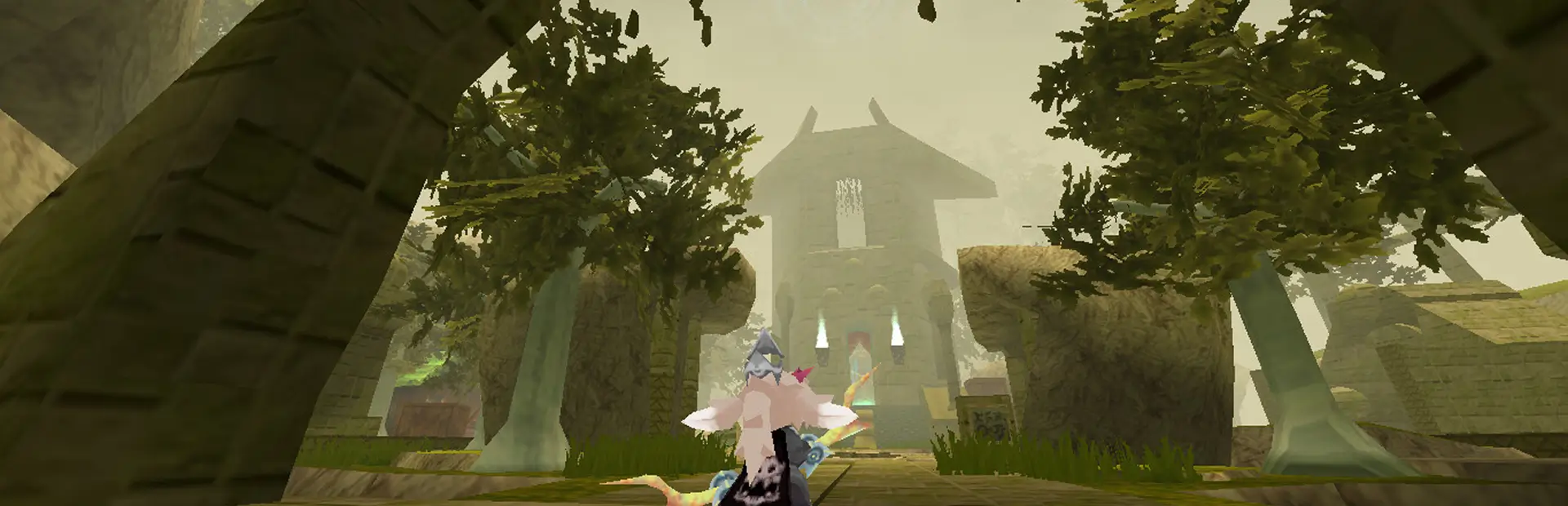
Screenshots
| HP Indicator | Screenshots |
|---|---|

|

|

|

|
Known Issues
- Constant UI checks can slightly impact performance.
None for now… let’s hope it stays that way!
Changelog
- v1.1.0 – Added customizable health colors for high/low HP, background, and elite enemies.
- v1.0.1 – Optimized health bar detection to prevent FPS drops.
- v1.0.0 – Initial release
Contact
If you’ve found any bugs or just want to get in touch, feel free to reach me at:
[email protected]
Special Thanks
- My friends
- My family
- Lia, for helping with testing ❤️
Donations
This mod is free and always will be.
If you'd like to support my work and buy me a coffee:
