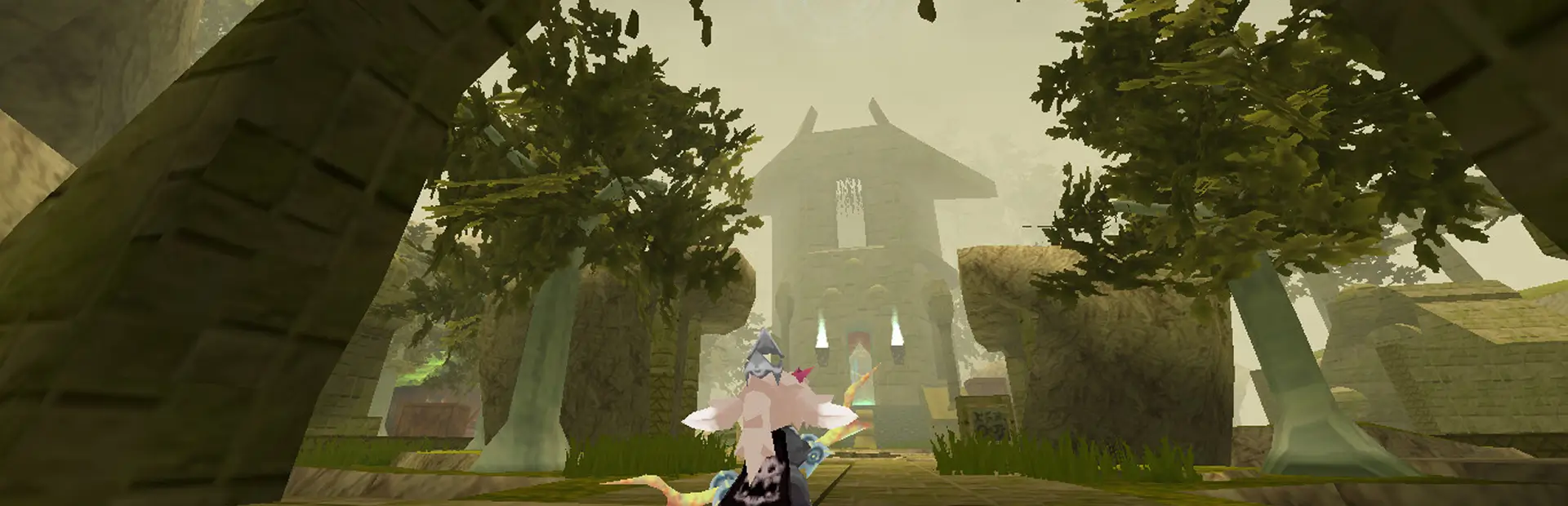
Appearance Plus(+) - Sliders, Jiggle & Texture Customization
Made in Collaboration with @registeredgooner_84207
Currently, this plugin allows you to:
-
Swap Textures for the Player, for the skin, eyes & mouths. (Use a CustomTextures folder inside the plugin's folder)
-
Configure the range of sliders for each race, max AND min allowing you to uncap the model proportions. (Edit the AppearancePlus_Config.txt in the plugin's folder)
-
Uncapped proportions work in multiplayer with players with this mod & same or higher cap in config. Your slider ranges will apply to other players and cap them otherwise.
-
Configure the dynamic bones for each part of the player model (ass, boob, ear etc...) through a text file. (Edit the AppearancePlus_Config.txt in the plugin's folder)
-
Reload config & textures in game with chat commands. (Use /reload sliders /reload dbones & /reload textures)
-
Ingame console to see errors straight away. (Disable it by editing your AppearancePlus_Config.txt with "disable console")
-
Next Up: Adding more targets for the texture swapping. Or anything you request!
This plugin aims to become a general purpose player modification tool so please do request features.
The usage is simple and is described in the "AppearancePlus_Config.txt"
Install:
Go To Image Tutorial (Discord Community Server: Atlyss)
- Make sure you have BepInEx 5 installed:
Latest Official - Thunderstore Version
- Ideally install through r2modman or Thunderstore for automated installation.
- -Currently: Only a fork of r2modman has the Atlyss community. The fork I'm aware of is posted in this 18+ server here.
- If you are installing manually, and you don't have BepInEx:
-
- Extract the archive into a folder. Do not extract into the game folder.
-
- Move the contents of
BepInEx or BepInExPack folder (depending on which version you downloaded) into the game folder (where the game executable is located).
-
- Run the game. If everything runs correctly, you will see BepInEx console pop up on your desktop.
- Use Install with Mod Manager OR Unzip the Mod inside ATLYSS/BepInEx/plugins
- Make sure your AppearancePlus_Config.txt file & CustomTextures directory are next to the plugin (AppearancePlus.dll)
Notes:
- You can refresh dynamic bones using /reload dbones, refresh sliders using /reload sliders and refresh textures using /reload textures
- For Texture Swapping: You need to name the files in a CustomTextures folder inside the plugin's folder. Make sure the files have the exact same as they're named in-game or in resources.asset(Use Unity Asset Bundle Editor).
- You can use /print dbones to print all the current dbones value in chatbox.
- If you change slider ranges, make sure that you have Limit Proportions OFF in your settings.
- Feel free to share presets for the AppearancePlus_Config.txt. More properties are being added and can be fine tweaked. You could for example post a snippet with Extra Bouncy or, Hyper Sliders
- When modifying the file, make sure to follow the rules indicated inside the text file.