ShlongsEnhanced
Updated shlongs mod, with new features.Shlongs Enhanced
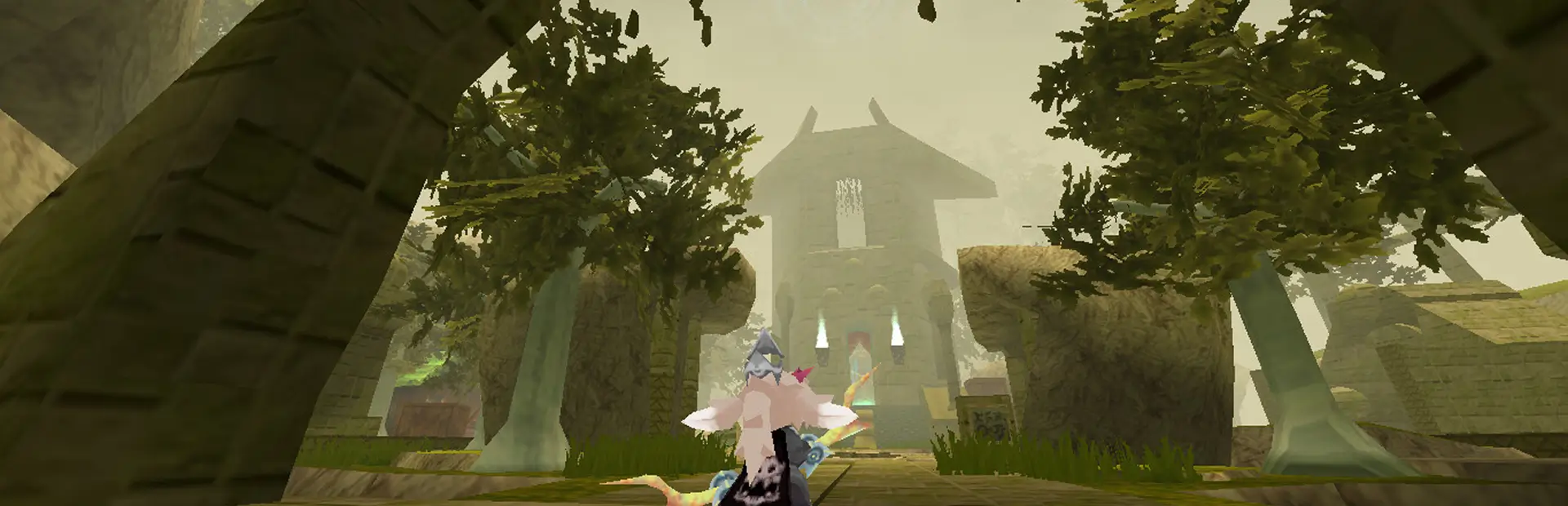
ATLYSS mod that adds dicks to player characters! Includes full multiplayer support with CodeYapper.
Use the F6 key to open the Shlongs menu at any time to get started.
For contact - message vetranox (Doolie) on Discord.
With this mod, you'll be able to get a shlong on any of your characters. This includes custom properties (like size, rotation, position, coloring) that will be saved for every character separately, even if you exit the game. If you enter a multiplayer game, you will be able to see other users using this mod, along with their actions, like changing the size or using the "erect" animation. Just don't forget to pull your pants down!
Available Shlongs: Bunneh - Byrdle - Canine - Equine - Hemi - Imp - Kubold (7 total!)
The meshes are available in "Original" and "Updated" versions. Updated versions have better topology, a few additions (like custom-coloring shaft and balls separately) and a different UV mapping you can see below.
Keybinds
Default Controls
Note that these use the left side modifier keys!
F6Open GUI.ALT+HHide Shlong.CTRL+FToggle Futa.CTRL+H/JCycle through cock options.CTRL+CToggle Clothing Override (enables clipping for dicks through pants).CTRL+EToggle Erection (or Arousal).CTRL+GIncrease Erection in steps by presses (0->30->60->100->0 repeat).CTRL+N/BIncrease/decrease dick size.ALT+N/BIncrease/decrease balls size if applicable.Keypad1Sync Now.
Open any game menu to bring out the mouse - inventory, quest, escape menu. Then:
- Hold
ALT+CTRLand move the mouse to adjust position of the shlong. - Hold
ALT+CTRLand use mouse scroll wheel to adjust vertical rotation of the shlong.
"Updated" Shlongs (UV map)
In addition to original shlongs, now, there's an option to use "updated" shlongs that use a different spot on the leg texture for the coloring. Here are all the images, describing where UV mapping would be with the purple triangle, along with examples of how UV mapping is happening (balls in the left corner, shlong along the right wall of the triangle).
Images available at this imgur collection - https://imgur.com/a/ppUOCO1
Images


All of Shlongs UV maps on a 2x size chang skin example.

Released new feature: Bulging/Throbbing!
Section "Bulge" - available only for "Updated" shlongs. Allows you to change the shape of your own slong and balls, making it bulge in selected position. Visible for others in multiplayer!
Currently in development
- "Clip through clothing" section, that allows for custom amount of shlong visible when pants are present.
- Making multiplayer shlongs "softer" and "jiggly". A few presets are provided. Note that it only changes how shlongs of other players behave, not yours.
Credits & AI Usage
- ShlongAssets was originally created by TemtemLover (Limpid Plume). He's given permission for people to do what they want with the mod.
- Codebase was rewritten by Chuui.
- Original assets by Bokonus and updated assets by Epurdulosus.
- Testing was done by Doolie and Chroma Slop, among others.
- Special Thanks to Zeina, Lish, Sowwei, Vale.
⚠️ AI assistance was only used during programming, none of the 3D models or assets are AI-generated.