
Tanuki Atlyss FluffUtilities
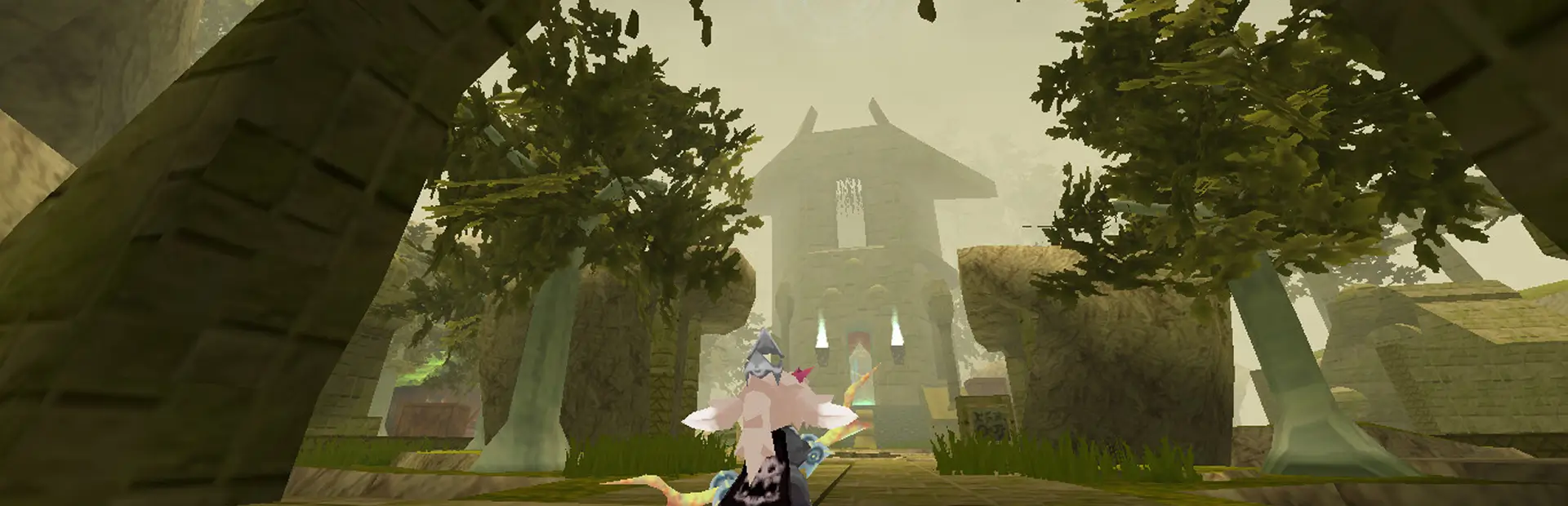
A multifunctional plugin for the game Atlyss. Unlock character appearance sliders, auto-pickup, free camera, hotkeys, a bunch of auxiliary commands, and more.Tanuki.Atlyss.FluffUtilities
A multifunctional plugin for the game Atlyss. Unlock character appearance sliders, auto-pickup, free camera, hotkeys, a bunch of auxiliary commands, and more.
Features
- Unlock character appearance sliders.
- Disable limits on character appearance.
- Change character appearance with hotkeys.
Keypad7/Keypad9- Head width.Keypad4/Keypad6- Brease size.Keypad2/Keypad5- Belly size.Keypad1/Keypad3- Bottom size.- Other parameters are also available in the configuration: torso size, voice pitch, muzzle length, body width and height.
- Free camera.
- Toggle with the command or hotkey (
Endby default). - The speed is adjusted using the mouse wheel.
- The controls can be changed in the configuration (default
W,A,S,D,Shift,Space). - A hotkey without character control lock is also available.
- Toggle with the command or hotkey (
- Auto-pickup of items appearing within range.
- ...
Translations
The following languages are available for this plugin:
default- English (default).russian- Russian.
You can change the language in the Tanuki.Atlyss bootloader configuration:
BepInEx\config\9c00d52e-10b8-413f-9ee4-bfde81762442.cfg
To apply the changes, you need to restart the game or simply perform a full reload of Tanuki.Atlyss and all its plugins with the command
/reload.
Commands
Commands for the Tanuki.Atlyss framework.
/reload Tanuki.Atlyss.FluffUtilities- Reload this plugin./help Tanuki.Atlyss.FluffUtilities- Display a list of commands for this plugin.
It is not necessary to write the full name of the plugin; you can simply use fluffutilities or something even shorter.
Plugin commands.
/freecamera- Free camera mode./steamprofile <nickname>- Open the player's Steam profile./noskillcooldown- Toggle the skill cooldown timer./autopickup [radius]- Automatic item pickup. Do not specify parameters to disable./currency <delta>- Add or remove currency./disenchant- Remove the enchantment from the item in the first (top left) slot on the equipment tab./enchant [damage type] [modifier ID]- Enchant the item in the first (top left) slot on the equipment tab. Example:/enchant 99 99(Use invalid parameters to get a hint)/heal <delta>- Add or remove health./immortality- Immortality mode./item <name> [quantity]- Give an item. Example:/item "Deadwood Axe" 1/list-items [case-sensitive search]- Display a list of items./list-players- Display a list of players./infinitejumps- Infinite jumps./movespeed [speed]- Change the movement speed. Do not specify parameters to reset./teleporttoplayer <nickname>- Teleport to a player./experience <delta>- Add or remove experience./noskilltimer- Toggle the skill timer.- ...
Many commands have shortcuts and aliases. View them with the /help command.
Configuration
Plugin configuration:
BepInEx/config/cc8615a7-47a4-4321-be79-11e36887b64a.cfg
Plugin command configuration:
BepInEx/config/Tanuki.Atlyss.FluffUtilities/{Current language}.command.json
Plugin translation file:
BepInEx/config/Tanuki.Atlyss.FluffUtilities/{Current language}.translation.properties