
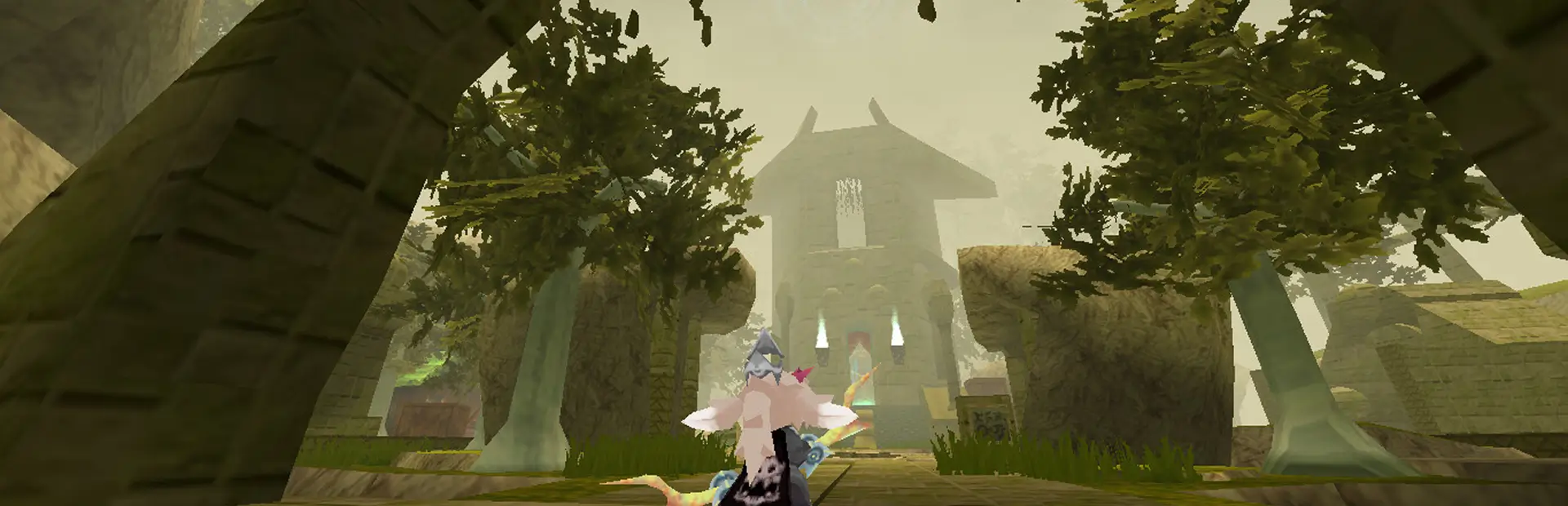
PropHelper
SAVE, MOVE, ROTATE and SCALE your PROPS with /prophelpercUtils
PropHelper 0.4.0
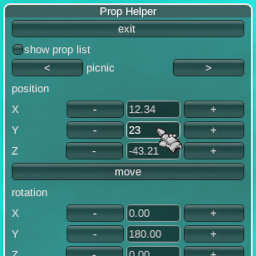
Type /ph to open the PropHelper window.
there you can:
- manipulate your props position, rotation, scale by changing the X Y Z values
- manipulate your props position, rotation, scale by using WASDQE while in an input field
- place props from a list of available props
- save your placed props
- load props from a savefile
- remove props from the savefile
- .undo .clear
- print a helpmessage to chat
atm it only works for HOST and in SINGLEPLAYER
WORK IN PROGRESS
Planned Features:
- make it work for NON-HOST Players
- save and place groups
- close window on disconnect
- hotkey
Known Bugs:
- rotation may be wonky on the X axis
- clicks get recognized below window
Commands:
/prophelper or /ph: display prop helper window.
/phhelp or /prohhelperhelp: display help message.
/saveprops or /propsave or /phs: save your placed props to a file in the config folder.
/loadprops or /propload or /phl: load and place previously saved props.
/moveprop or /propmove or /phm: move your last placed prop to your current position.
/moveprop [x y z] or /propmove [x y z] or /phm [x y z]: move your last placed prop by given coordinates.
/rotateprop [x y z] or /proprotate [x y z] or /phrotate [x y z] or /phr [x y z]: rotate your last placed prop by given coordinates.
/scaleprop [x y z] or /propscale [x y z] or /phscale [x y z] scale your last placed prop by given coordinates.
Example:
/phm -3 2 1.5
(y is the vertical axis.)
your savefile is located in the BepInEx config directory.
Made by Chubby
Thanks to Duskeez for testing