
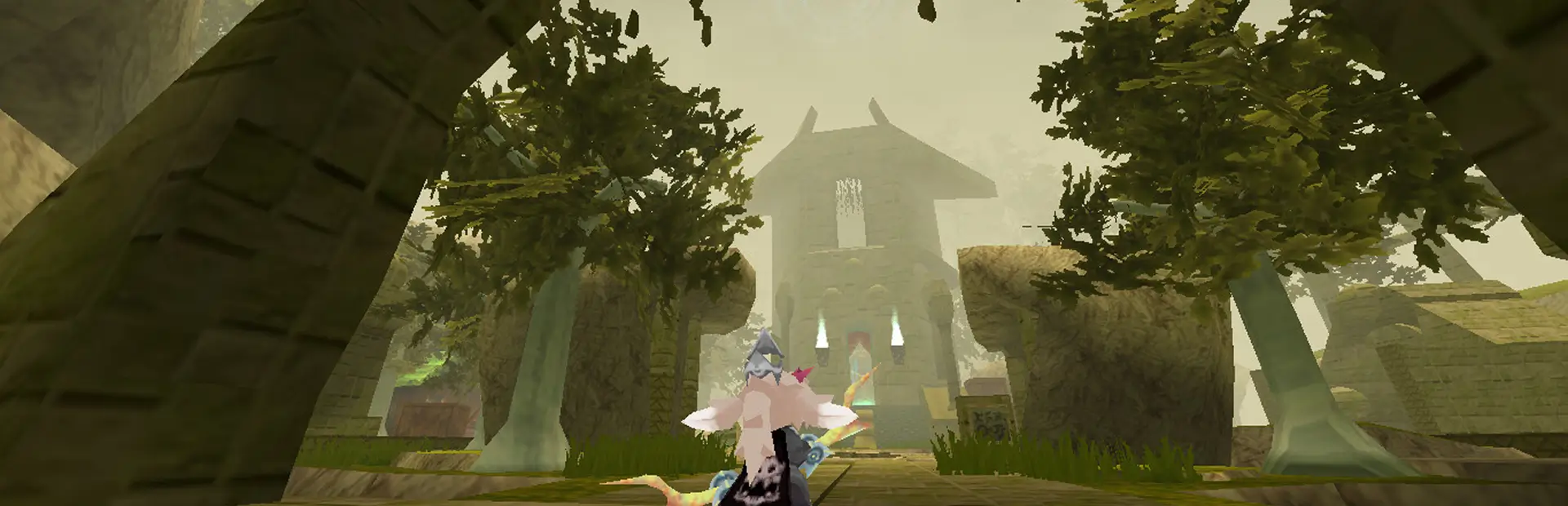
AtlyssCharacterMenuPlus
Atlyss BepInEx plugin to tweak the character creation menu and vanity UI.AtlyssCharacterMenuPlus
Install
Install BepInEx and place the .dll file into the BepInEx/plugins folder. You may need to create this folder if it does not already exist.
Or alternatively use Thunderstore to install it automatically.
Showcase
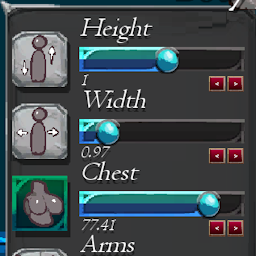
This plugin adds new text labels and buttons underneath the character creation sliders to show the slider values and adjust them precisely.
Or display the slider values in percentages with the config.
More tweaks maybe eventually?