


ThirdPersonComfort
Comfort-focused third-person camera. Stabilised follow cam, interact lean-in that zooms to exact first-person view, full body visibility, camera collision. Toggle with F4.Third Person Comfort
A third-person camera mod built specifically for players who get motion sick in first person. It puts the camera over your shoulder, smooths out head bob, and shows your full character — head, body, legs and all.
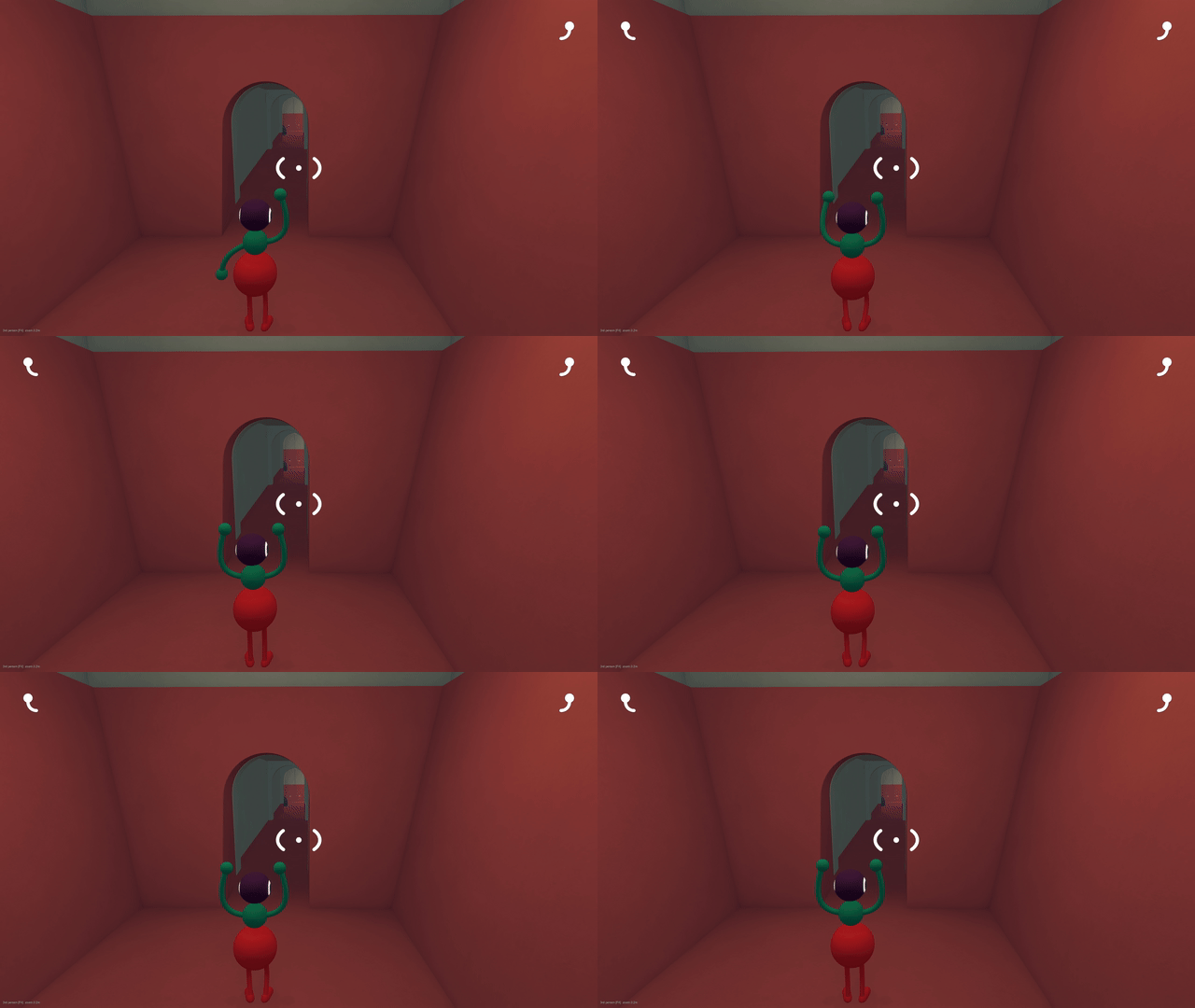
Unlike a general-purpose camera tool, every default here is tuned for comfort: stable horizon-aware follow, no input hijacking, and the game's own look controls stay untouched.
Features
- Third person — over-shoulder camera showing your whole character.
- Head-bob stabilisation — the camera pivot is smoothed so the high-frequency bounce of walking is removed while real movement (crouching, riding, cutscenes) still comes through. On by default.
- Optional horizon levelling — removes camera roll entirely for players who need a dead-level horizon.
- Wall-aware boom — the camera pulls in automatically when geometry blocks the view. Uses whichever physics query this build actually ships (probed at runtime), so it never freezes your game on stripped IL2CPP methods.
- Interact lean-in — when the game highlights something you can interact with (an item in reach, a switch, a friend), the camera eases in to your exact first-person pose, so what you point at is what you get. Look away or step back and it drifts back to third person. No more crosshair-offset fumbling in third person.
- Cursor-triggered zoom — point the reticle at an interactable inside your reach and the lean-in starts even before the game highlights it.
- Zoom — mouse wheel adjusts the distance between your configured min/max; scroll past the minimum to slip into first person, scroll back out to return.
- Co-op safe — acts only on your Mirror local player; what other players see is untouched. Client-side cosmetic only.
- Status indicator — small bottom-left label shows the mode and zoom distance (can be hidden).
Controls
| Action | Key |
|---|---|
| Toggle third person | F4 |
| Zoom in / out (past min = first person) | Mouse wheel |
| Dump player hierarchy to log (troubleshooting) | F8 |
All keys rebindable in BepInEx/config/dev.sopur.bigwalk.thirdperson.cfg.
Installation
With a mod manager (r2modman, Gale), install and let it pull BepInEx in.
Manually: install BepInEx 6 IL2CPP (win-x64) — Big Walk is an IL2CPP game,
BepInEx 5 will not work — run the game once so it unpacks, then extract this
package so BigWalkThirdPerson.dll lands in BepInEx/plugins/.
On Steam Deck / Linux add to Launch Options:
WINEDLLOVERRIDES="winhttp=n,b" %command%
Configuration
BepInEx/config/dev.sopur.bigwalk.thirdperson.cfg:
StartEnabled(true) — enter third person automatically on world load.Distance/MinDistance/MaxDistance— boom length and wheel range.Height/Shoulder— pivot height and over-shoulder offset.Collision/CollisionRadius— wall avoidance.Stabilize(true),StabilizeAmount(0.85),StabilizeSmoothTime(0.12s) — head-bob removal. LowerAmountif the camera feels too detached.LevelHorizon(false) — force the camera level (removes roll).AimConverge(true),AimSmoothTime(0.08s),InteractDistance(0.05m),InteractZoomTime(0.4s),AimMaxAngle(20°) — the interact lean-in: the camera eases to nearly first person while the game highlights a target so its aim point sits at the screen centre, then returns.CastFromCamera(false, experimental) — reroutes the interact raycast through the camera itself. Off by default: the game's caster also feeds reach/hand checks and camera-space hits can destabilise the character.ShowBody(true) — draw your full remote body;HideHeadhides the head if it ever blocks your view. Body hides automatically while leaned in.Mode—Direct(default, recommended) orGuide(experimental).ShowStatus— the little status label.ShowAimDot(true) — a small dot on the game's highlighted target.ToggleKey,DumpKey— keybinds (anyKeyCodename).
Notes
- Cutscenes and scripted camera moments take priority in
Guidemode; inDirectmode the mod re-applies the boom every frame, so if a cinematic looks wrong just tapF4. - If a game update renames game classes, the mod fails soft: it logs a warning and stays in first person instead of crashing.
Uninstall
Delete BigWalkThirdPerson.dll from BepInEx/plugins. The mod never writes to
your save.
Support
Found a problem? Press F8 in game and attach BepInEx/LogOutput.log.
If this saved your stomach, you can buy me a coffee: GitHub Sponsors · Ko-fi
Build from source
Requires the .NET SDK and a local Big Walk install with BepInEx 6 IL2CPP
already run once (so BepInEx/interop/ exists). Then:
dotnet build -c Release -p:GameDir="C:\...\Big Walk"
(or set the BIGWALK_DIR environment variable). Drop
bin/Release/net6.0/BigWalkThirdPerson.dll into BepInEx/plugins/.