You are viewing a potentially older version of this package. View Latest Version
 .
.
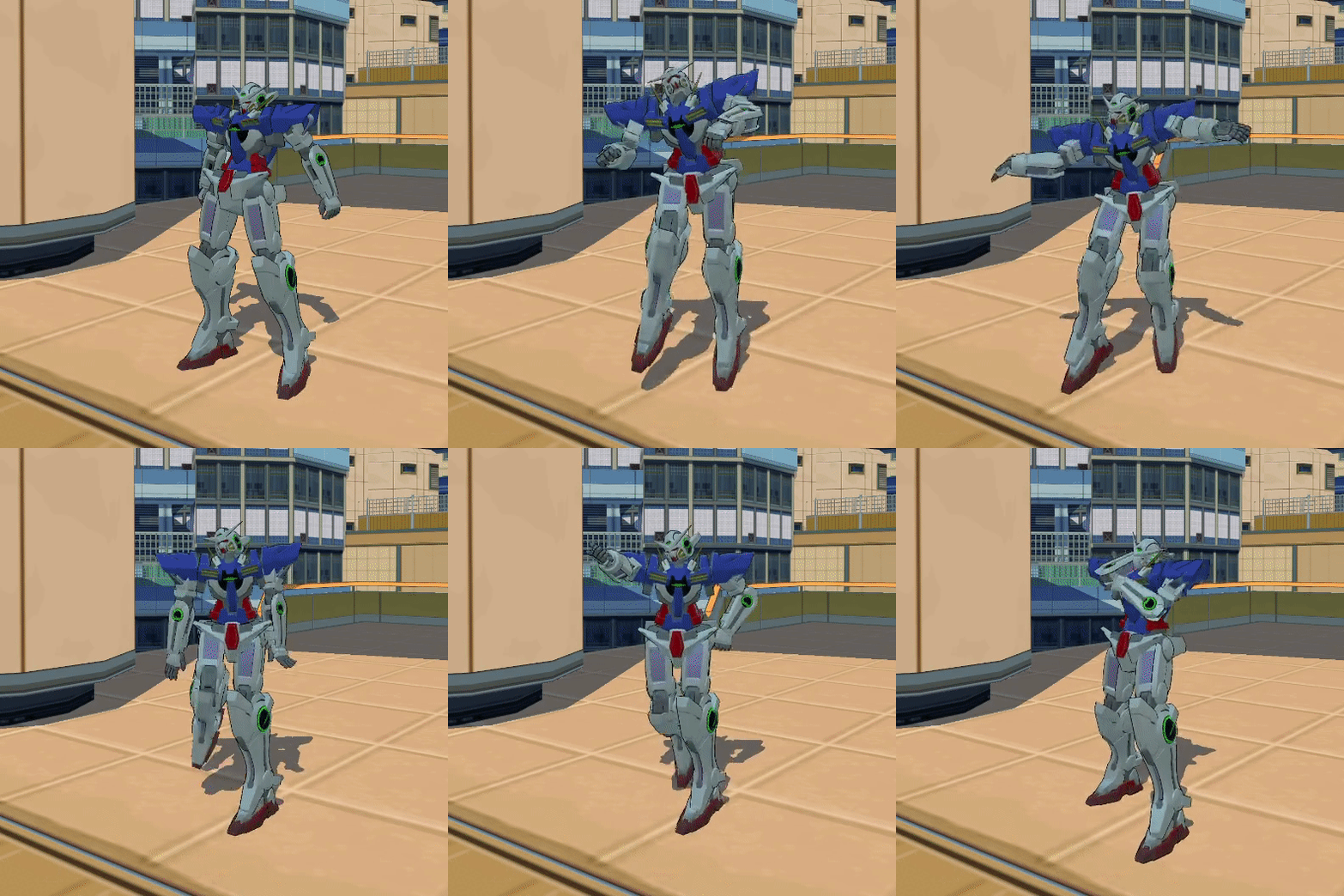
Press down the N button and select any of the available emotes with left bracket '[' or right bracket'['.
Then press N again to play the selected emote, move or jump to go back to your normal state.
All the animations should be synced over multiplayer and every keybind can be changed through the R2modman config editor.
⚠ The animations has to be done while on foot, not when having the skateboard, BMX or the blades out it might not play the animation.
Firstly you will have to navigate to the config files and switch the Do you want to use a custom list ? to true.
Secondly you need to make a list separated by , with the emote names that are listed here. The list is case sensitive, and requires no spaces.
Example : jumpNEW,fallNEW,wallRunLeftNEW,grafSlashUP_RIGHT
If you have BepInEx.ConfigurationManager you can change all of it without having to reboot the game.
Not all the animations has been tested, since those are from the game. So it's possible that some will not work and just make you sit, if this is the case please verify if the word is written correctly, and if you did the animation on foot.
By pressing the B button you can switch between the in game emotes and the custom ones and use the regular keybinds to navigate through!
Special thanks to :