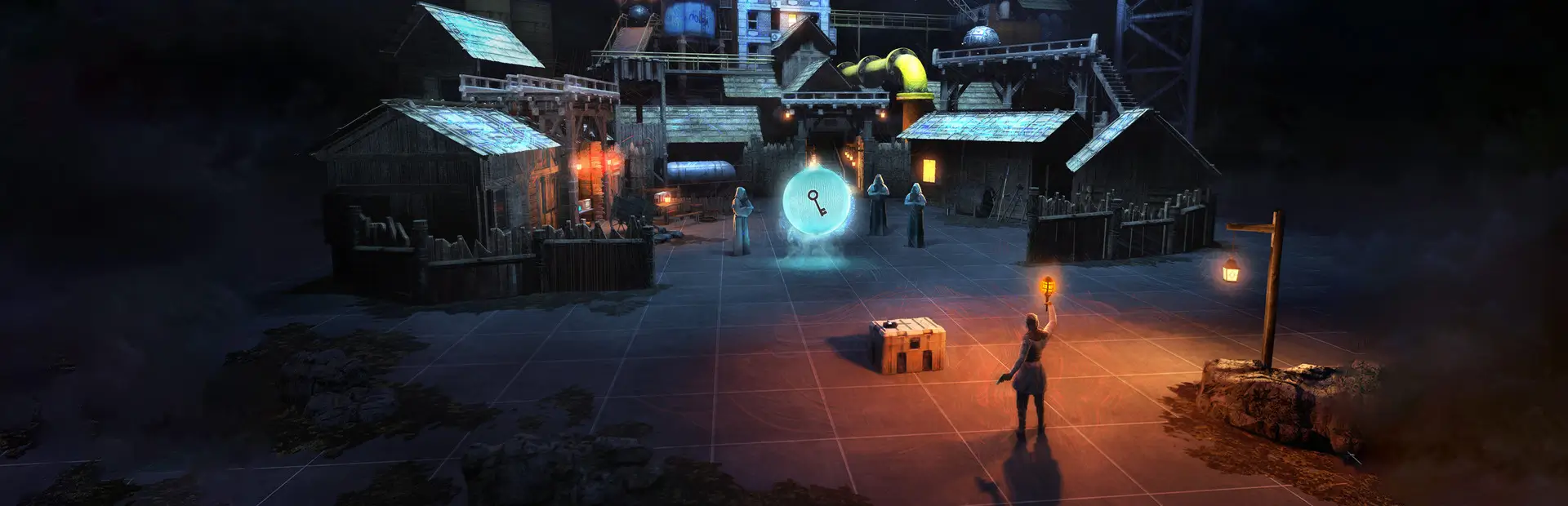

GravWarden ChaosArena
A Quest-ready BONELAB wave-survival mode with reliable enemy spawning and configurable settings.CHAOS ARENA
Turn the BONELAB level you are already playing into a wave-survival run. Start a run from BoneMenu, fight enemies that spawn around your starting position, and survive randomized twists as the waves grow.
Designed for standalone Quest. This mod uses BONELAB's built-in enemy spawnables, has no custom asset bundles or heavy visual effects, and limits the run to four active enemies at a time. Waves run in your current level; the mod does not load or provide a separate arena map.
Features
- Start in the current level without loading a separate map.
- Increasing waves, score, saved best wave, and three difficulty settings.
- Random wave modifiers: Swarm, Cult Rush, Armored, and Mixed Bag.
- Staggered enemy spawning and a hard four-enemy active cap for Quest.
- A small in-headset wave/score display.
- Stop/clear option and automatic cleanup when the level changes.
How to play
- Install BONELAB on Quest with a compatible MelonLoader setup and BoneLib.
- Install GravWarden-CHAOS ARENA from Thunderstore, or extract the package and copy
Mods/ChaosArena.dllinto BONELAB'sModsfolder. - Load into a level with space to fight.
- Open BoneMenu > CHAOS ARENA and select Start Run.
- Choose Easy, Standard, or Nightmare before starting a run. Use the in-headset display to track your wave and score; Show Run Status also logs the run status.
Enemies spawn around the starting position at the configured distance (4.5 meters by default), near the ground when a surface can be found. Settings lets you change spawn distance and delay or hide the in-headset HUD. The mod detects NPC health when BONELAB exposes it and otherwise waits for the NPC to be despawned before clearing that wave. Use Stop Run / Clear Enemies to end early or clear the arena.
Quest performance and compatibility
The arena is intentionally asset-light and caps concurrent enemies at four. Enemy AI, physics, and performance still depend on the level and device; close other heavy mods if performance drops. The mod uses the base-game enemy spawnables, so it does not require a custom map or a PC-only asset pack.
Troubleshooting
- If Start Run reports no active gameplay camera, finish loading into gameplay and try again.
- If the log reports no floor spawn point, move into an open area and start again. If an enemy spawn request times out or fails, check the log for the unavailable enemy spawnable or level-loading error.
- If the MelonLoader log says NPC health could not be read and the wave does not advance after enemies appear defeated, use Stop Run / Clear Enemies; the game may not have despawned the defeated NPC yet.
- If a level transition occurs, the run stops automatically to prevent enemies from leaking into the next scene.
License
MIT. See LICENSE.