
WristSpawner
Holographic wrist spawner. Browse every crate in the warehouse, favourite what you use, then double-tap the orb to deploy a ring of grabbable holo-panels around your body.Wrist Spawner
A holographic spawner that lives on your wrist, plus a Stark-style deployable workspace. Everything is drawn procedurally at runtime — no asset bundle, no external textures.
The wrist panel
Look at your forearm. A tactical amber HUD panel is mounted there listing every spawnable crate the game has loaded, including anything from mods you have installed.
| Control | What it does |
|---|---|
FAV GUNS MELEE NPCS PROPS ALL |
Category tabs |
| Sub-tabs | Narrow further — pistol / SMG / rifle / heavy, blade / blunt / pole, base vs modded |
| Item row | Spawns that crate where you're looking |
* / + |
Toggle favourite — persists across sessions |
< > |
Page through the list |
SEARCH |
Pops the panel off your wrist with a keyboard |
MULTI |
Tap rows to select instead of spawning |
SPAWN ALL |
Spawns everything selected, side by side |
UNDO |
Despawn the last thing you spawned |
CLEAR |
Despawn everything you spawned |
Two ways to press: poke a button with your other index finger, or point and pull the trigger — a laser appears automatically beyond poking range. Rows swell as your finger passes over them so the list reacts to your hand.
Search
Press SEARCH and the panel detaches from your wrist and floats in front of you, larger,
with a keyboard underneath. Type and the list filters across the whole warehouse — every
crate, not just the current tab. Press DONE, SEARCH again, or any category tab and it
flies back to your wrist.
Distance and scale of the popped-out panel are under BoneMenu → Search Panel.
Spawning several things at once
Press MULTI. Rows now toggle instead of spawning — selected ones highlight and the button
shows a count. Hit SPAWN ALL and everything lands in a row in front of you, evenly spaced
so nothing overlaps. Spacing is configurable.
MULTI again clears the selection and returns to normal tap-to-spawn.
Closing it
BoneMenu → Keybinds binds a controller button (A, B or Menu, either hand) and/or a desktop key to toggle the wrist panel off and on. Both default to off, so nothing is bound until you pick it.
Orb mode
Enable Orb Mode in BoneMenu and a wireframe globe appears, with your favourites orbiting it on two inclined rings.
- Grip near it to pick it up and carry it
- Poke the core to open or close the ring
- Grip a favourite to pluck it out, trigger to spawn it
Deployment
Hold the orb and double-tap the trigger.
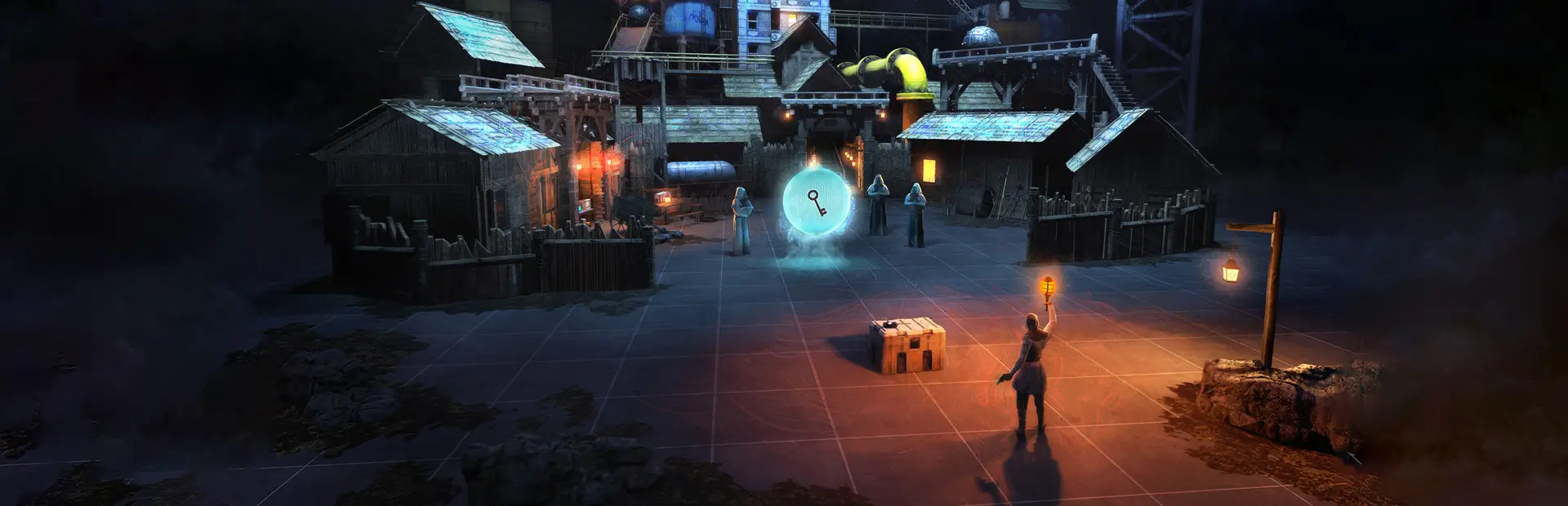
The orb charges, floats out to chest height, and a holographic construction sequence runs around your whole body — expanding rings, a scan that sweeps from your feet to your head following your body profile, panels that rotate into place, energy arcs and a final burst.
When it settles, your favourites are holographic screens ringed around you on two tiers, tilted to face you, riding slow counter-rotating guide rings. They stay put in the world, so you can turn to face any of them.
- Grip a screen to pull it out of the ring and move it freely
- Throw it — it carries your velocity, has gravity and drag, and is leashed so it can't escape. After a few seconds it flies back to its slot
- Trigger while holding to spawn that item straight out of the screen
Double-tap again to recall everything.
Multiplayer
Fully LabFusion aware. Spawns route through Fusion's networked spawner, so everyone in the lobby sees them and the host stays authoritative. LabFusion is optional — without it the mod runs singleplayer and never touches Fusion code.
Configuration
Everything is under BoneMenu → Wrist Spawner:
- Placement — wrist offsets and rotation, so the panel sits right on any avatar
- Laser Aim — aim source and pitch/yaw trim
- Deployment — double-tap window, cooldown, duration, ring size, orbit radius, panel count, particle density, effect intensity, hue shift
- Fine Tuning — panel gravity, drag, float, max distance, return delay
If the wrist panel doesn't sit where you want it, tune Placement first — wrist bone orientation varies between avatars.
Requirements
- MelonLoader
- BoneLib
- LabFusion (optional)
Manual install
Drop WristSpawner.dll into BONELAB/Mods/.