
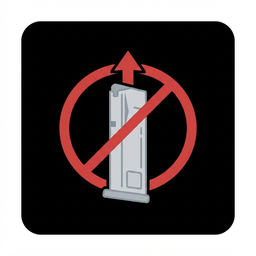
NoAutoEjectMag
Disables automatic magazine ejection when inserting a new one. Old magazine stays in the gun until you press the eject button.No Auto Eject Mag
Disables automatic magazine ejection when inserting a new one. Old magazine stays in the gun until you press the eject button.
Features
- Automatic ejection disabled — old magazine stays in place when you bring a new one
- Force ejection — if you slam a new magazine into the gun with enough speed, the old one will be ejected (like in real life)
- BoneMenu integration — toggle the mod on/off in VR, adjust force threshold
- Settings saved — remembers your preference between game sessions
How it works
When you bring a new magazine to a loaded gun, the mod checks the speed of the incoming magazine:
- If the speed is below the threshold — the old magazine stays in place
- If the speed is above the threshold — the old magazine gets ejected (simulating a forceful reload)
This gives you full control over your reloads while still allowing fast tactical reloads when you actually slam the mag in.
Installation
- Install MelonLoader and BoneLib.
- Place
NoAutoEjectMag.dllinBONELAB/Mods. - Done.
BoneMenu Settings
- Mod Enabled — turn the mod on/off
- Force Threshold — adjust the speed needed to force eject (default: 3.0, step: 0.1)
- Recommended value: 6.0 — feels most natural for fast reloads
Technical details
Patches OnPlugEnter in AmmoSocket and checks the speed of the incoming magazine.
Changelog
1.2.0
- Added force ejection via magazine speed
- Added BoneMenu integration
- Settings are now saved between game sessions
1.1.0
- bug fixes
1.0.0
- Initial release