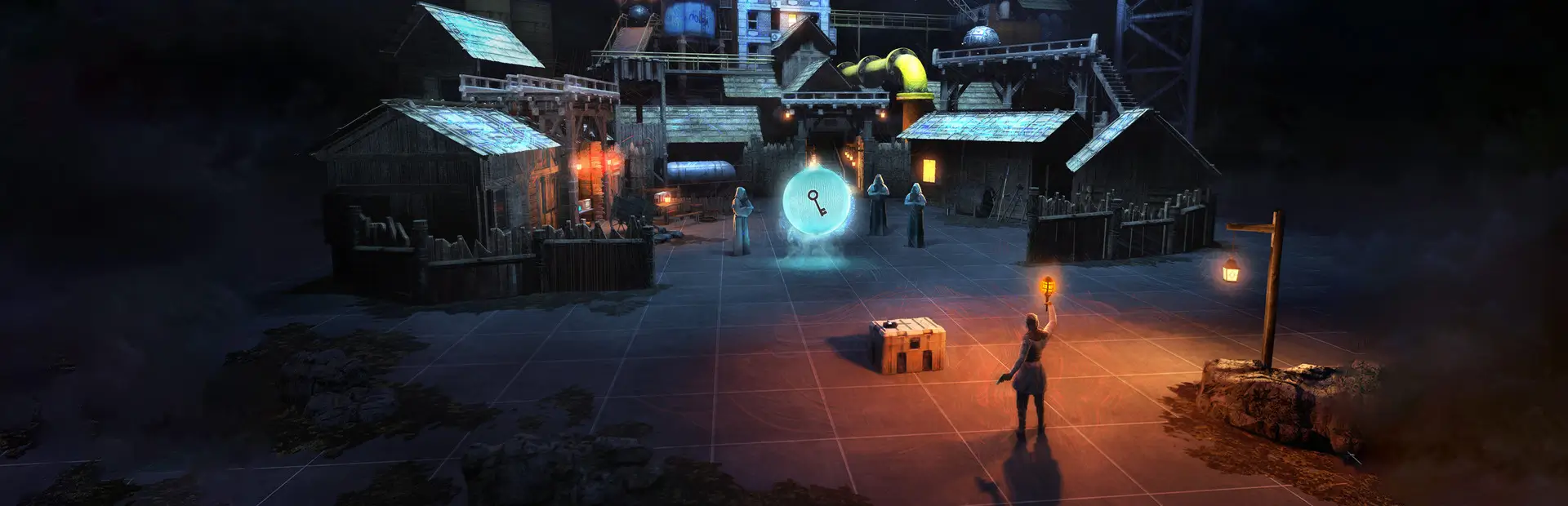

QuestShadows
Enables experimental real-time shadows on standalone Quest BONELAB.Quest Shadows
Experimental real-time shadow mod for standalone Quest BONELAB.
Features
- Enables real-time shadows
- Enables hard directional-light shadows
- Quest-friendly shadow settings
- 10 meter shadow distance
- Low shadow resolution for better performance
- Two shadow cascades
- Automatically detects active directional lights
- Rechecks lights when playing
Requirements
- BONELAB
- LemonLoader
- Standalone Meta Quest
Installation
- Install LemonLoader for BONELAB.
- Build or download
QuestShadows.dll. - Place
QuestShadows.dllinside your BONELABModsfolder. - Start BONELAB.
- Load into a level.
- Give the mod a few seconds to detect the level's directional lights.
Current Version
Quest Shadows v0.1.1
This is an experimental version intended to test whether BONELAB's standalone Quest renderer will accept real-time directional shadows at runtime.
Performance
Real-time shadows can be demanding on standalone Quest hardware.
The current version uses conservative settings:
- Hard shadows
- Low shadow resolution
- 10m shadow distance
- Directional lights only
Point-light and spotlight shadows are intentionally disabled for now.
Troubleshooting
The mod loads but I don't see shadows
Check your LemonLoader log for:
Quest Shadows v0.1.1 loaded.
You should also see:
Global shadow settings applied.
and eventually:
Light scan complete.
If the mod detects a directional light but shadows still aren't visible, BONELAB's Quest URP configuration may have shadow rendering disabled at the render-pipeline level.
BONELAB crashes
Remove QuestShadows.dll from the Mods folder and restart BONELAB.
Planned Features
- Player shadows
- NPC shadows
- Prop shadows
- Adjustable shadow distance
- Shadow quality settings
- Performance modes
- BoneMenu settings
- Spot-light shadow experiments
- Flashlight shadows
- Automatic Quest performance optimization
Credits
Created by Nova.
Built for BONELAB standalone Quest using LemonLoader.