Overcomplete Save File
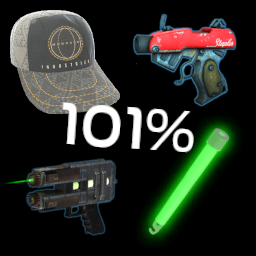
This is a 101% save file with unused items for Boneworks101%
Contains all collectibles plus constrainer and monogon hat
How to install
-
press "windows + R" to open "Run"
-
In "Run" type "%appdata%"
-
Go back one folder into the "AppData" folder
-
Open "LocalLow"
-
Find the folder "Stress Level Zero"
-
Inside that folder, open "BONEWORKS"
-
Replace everything in the "BONEWORKS" folder with everything found in the downloaded folder