TrollMenu
Sync-safe cheat suite: input-channel aimbots (bow + grenade), trajectories + landing markers, spike preview, rock landing preview, ESP, threat vision, smoke ESP - zero desync vs vanilla friends - discord: preboundTroll Menu
Sync-safe cheats for Bopl Battle. Works online with vanilla friends — zero desync. Everything is OFF by default: press F1 in a match and turn on what you want.
What's new since 1.1.0
- Aimbots (bow + grenade) — lock-on that goes through the game's input channel, so it syncs natively. No desync, by design.
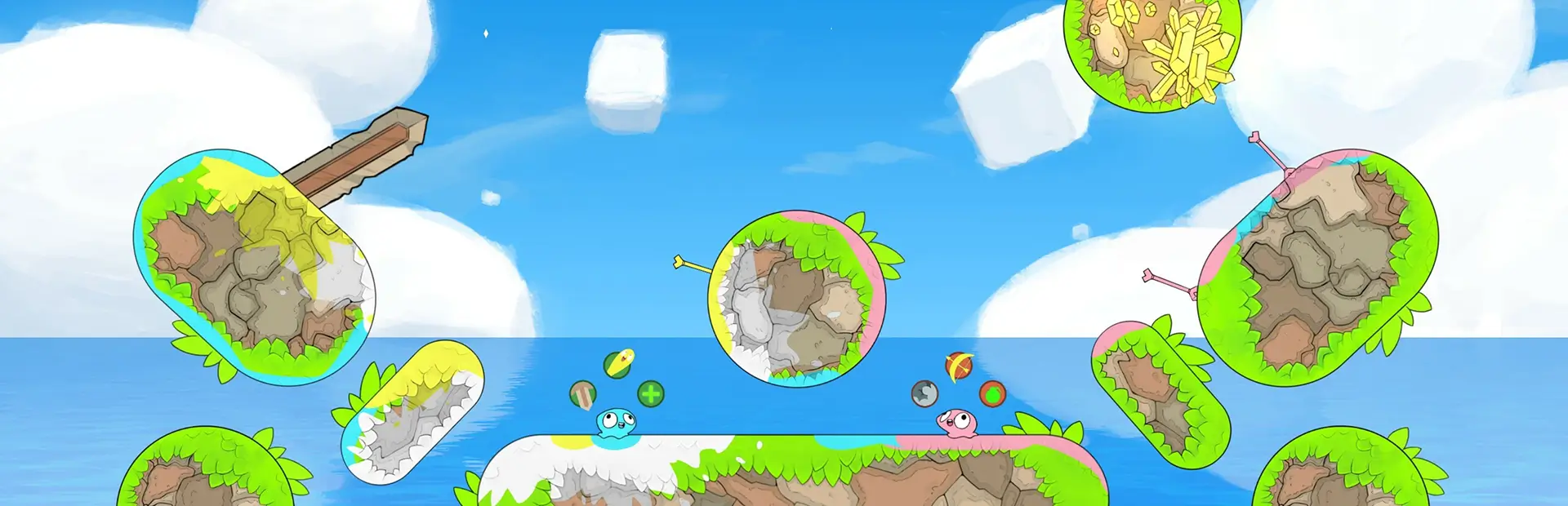
- Rock tracking finally works — in 1.1.0 it didn't work at all. A pink line follows you mid-jump showing where you'd land if you became a rock right now, plus live paths for rocks in flight.
- Spike preview — an arrow under the platform showing where the spike will burst out, following every spike holder from round start.
- See-through smoke — the real characters stay visible inside clouds, even mid-ability. Slider picks how see-through.
- Black hole pull lines — lines from anyone caught in the pull zone.
- Auto grapple (experimental) — auto-fires your grapple when you jump on an enemy. Genuinely untested, and the mod tells you so with a big warning card.
- Rebuilt F1 menu — clean dark panel, hover tooltips on every option.
- Lobby hint card — tells you the menu only works in-game, so you don't think it's broken.
Fixed: magnet + smoke ESP, rock/spike detection, phantom paths on resting rocks, F1 on fresh installs, the menu going invisible after rounds, and the hint card popping up when you respawn.
Features (all in the F1 menu)
- Aimbots — bow + grenade lock-on, sync-safe
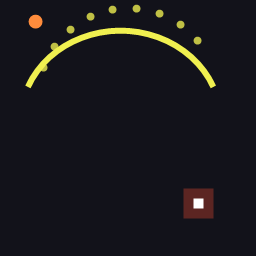
- Vision — trajectories + landing markers, aim guides, grenade timers, spike preview, info HUD (sudden death + timestop intel)
- ESP — invisible players, black hole rings, live magnet pull zones, see-through smoke
- Threat vision — meteor impact, missile path, rock landing preview, boulder throw path
- Lab — physics readout, auto grapple (UNTESTED — you were warned)
Controls
F1 menu · F2 dump game internals · F9 hide everything (press again to restore)
How it stays in sync
Everything either just reads + draws (never touches the simulation), or goes through the input channel — the same inputs your keyboard sends, so vanilla friends stay perfectly in sync. Predictions use the game's own physics formulas, so the lines match what actually happens.
Feedback
Bugs or ideas? Add me on Discord: prebound — I take requests.
Install
- Install BepInEx (auto-installs via mod manager)
- Drop TrollMenu.dll into
BepInEx/plugins/ - Start a match, press F1