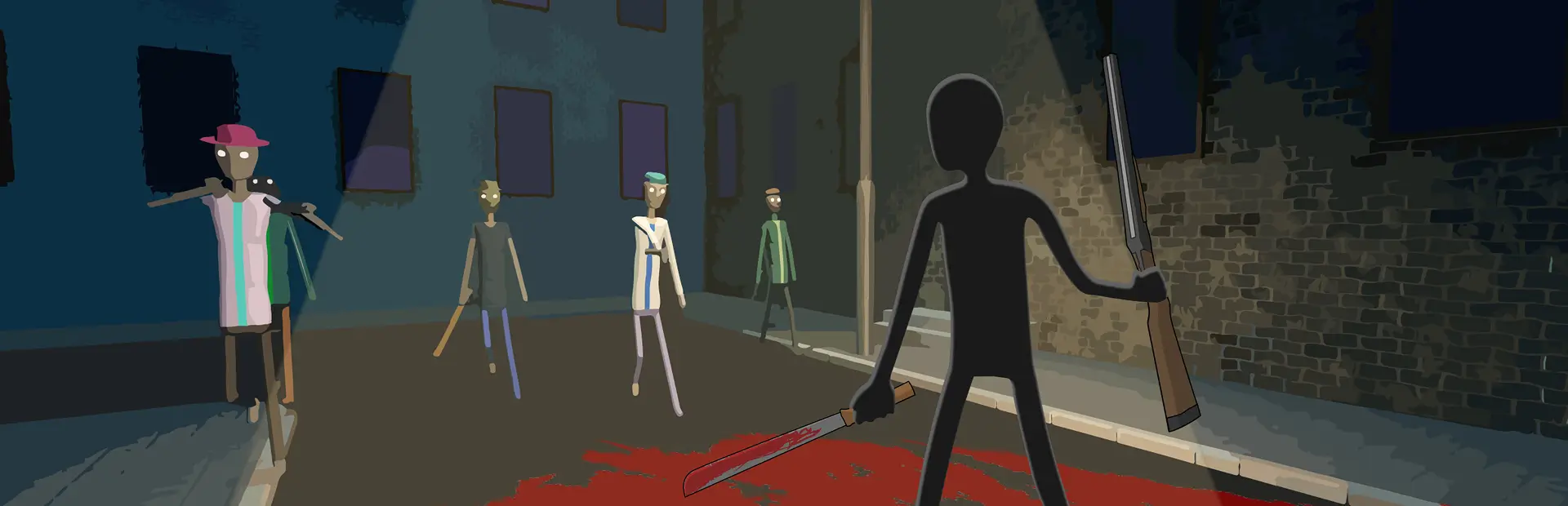
Rage
Rage mode for BRUTALISTICK VR: press B for x15 hand strength and a pulsing screen tint. Strength multiplier, tint color and pulse are configurable in MelonPreferences.Rage
Rage mode for BRUTALISTICK VR. Press B to toggle it on or off.
- x15 hand strength by default — punches, grabs and throws hit much harder.
- Pulsing screen tint — dark red by default, fully configurable.
- Rage sound — plays
RageSounds/Rage.wavwhen activated.
4.1.0: added MelonPreferences settings for strength multiplier, tint color and pulse.
Install
- Install MelonLoader 0.7.3 for BRUTALISTICK VR.
- Copy
Rage.dlland theRageSoundsfolder intoBRUTALISTICK VR\Mods. - Launch the game.
Controls
| Headset | Button |
|---|---|
| Oculus / Index | B (secondary button) |
| Vive Wand | trackpad click or Menu button |
Press the same button again to turn Rage off.
Settings
Settings are stored in BRUTALISTICK VR\UserData\MelonPreferences.cfg, section [Rage]:
[Rage]
StrengthMultiplier = 15.0
TintColor = "#B3050A"
TintPulseMin = 0.2
TintPulseMax = 0.45
TintPulseSpeed = 3.141593
StrengthMultiplier— hand strength multiplier, 1–100. Default15.TintColor— screen tint color. Any HTML/CSS name (red,yellow,orange,cyan,white, ...) or hex ("#FFD400").TintPulseMin/TintPulseMax— minimum and maximum tint opacity, 0–1.TintPulseSpeed— pulse speed. Default3.141593.
Restart the game after editing the config.
Color examples
| Color | Value |
|---|---|
| Red (default) | "#B3050A" / "red" |
| Bright red | "#FF0000" |
| Yellow | "#FFD400" / "yellow" |
| Orange | "#FF7A00" / "orange" |
| Lime | "#B6FF00" / "lime" |
| Green | "#00C853" / "green" |
| Cyan | "#00E5FF" / "cyan" |
| Blue | "#2979FF" / "blue" |
| Purple | "#9C27B0" / "purple" |
| Pink | "#FF4FA3" / "pink" |
| White | "#FFFFFF" / "white" |
Example — yellow tint and x25 strength:
[Rage]
StrengthMultiplier = 25.0
TintColor = "yellow"
Notes
#FF0000is pure red,#FFD400is warm yellow,#B3050Ais the default dark red.- Bright colors can be intense; lower
TintPulseMax(for example to0.25) if needed. - Very dark colors such as
"#000000"are almost invisible. - Client-side mod: no other mods or asset bundles required.
RU
Rage для BRUTALISTICK VR: нажми B, чтобы включить режим ярости.
Настройки лежат в BRUTALISTICK VR\UserData\MelonPreferences.cfg, секция [Rage]: множитель силы, цвет экрана, прозрачность и скорость пульсации. Цвет можно задать названием (red, yellow, orange) или hex-кодом ("#FFD400"). После правки перезапусти игру.