You are viewing a potentially older version of this package. View Latest Version

GiantPlayer
Become a x2 giant: body, arms and height scaled smoothly, with x10 strength, x10 health and x4 weight.GiantPlayer
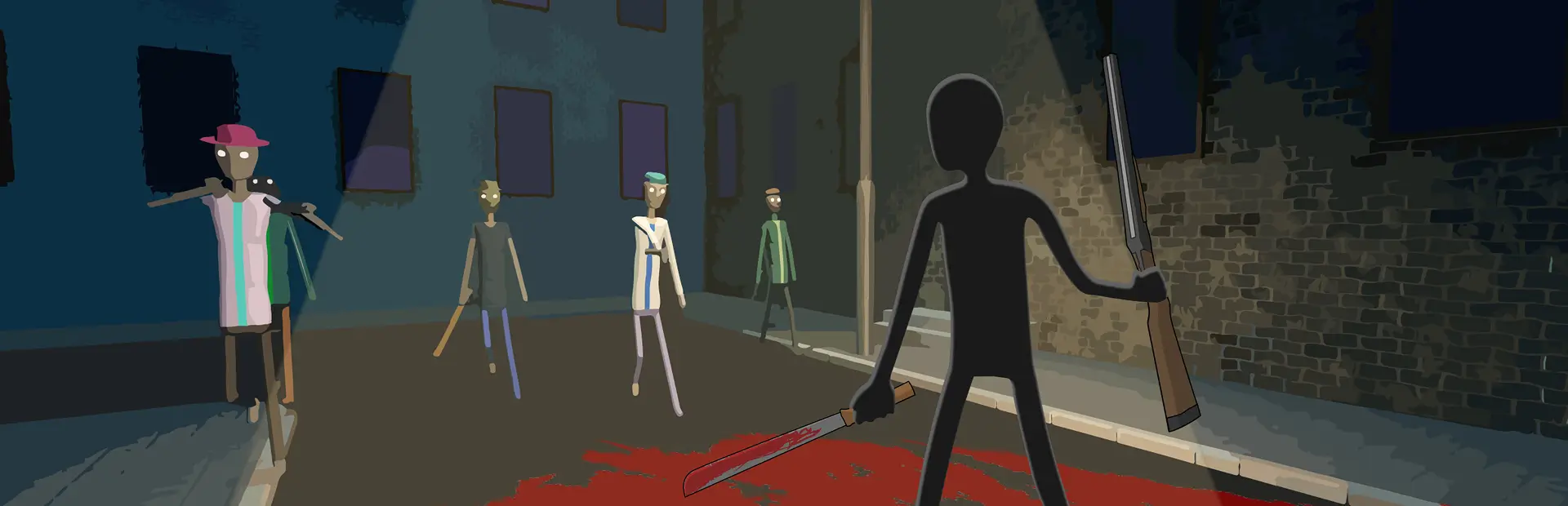
Become a giant in BRUTALISTICK VR. Your whole body is scaled up (x2 by default) and the HexaBody physics, arms, height, camera and HUD are corrected so it still plays smoothly.
Features
- x2 size (any value via
Scale): body, arms, reach, eye height and walk speed all scale together. - Fixed arm/shoulder stretching and jitter, correct height calibration, safe with Meta recenter.
- HP / slow-mo bars stay on your wrist.
- While big: strength x10, health x10 (damage taken / 10), weight x4.
Controls (keyboard)
| Key | Action |
|---|---|
| F7 | Reset body pose |
| F8 | Toggle giant / normal size |
| F9 | Reload config and re-apply |
Configuration (UserData/MelonPreferences.cfg -> [GiantPlayer])
| Setting | Default | Description |
|---|---|---|
| Enabled | true | Scale the player when a level loads |
| Scale | 2.0 | Size multiplier |
| ScaleWalkSpeed | true | Walk/run speed grows with size |
| StrengthMultiplier | 10 | Hand force and punch force while big |
| HealthMultiplier | 10 | Damage taken is divided by this while big |
| MassMultiplier | 4 | Body weight while big |
| ApplyDelay | 1.0 | Seconds after level load before scaling |
| SmoothBody | true | Interpolate body bones (removes visual jitter) |
| BodySolverIterationsMultiplier | 2 | Extra physics precision for the longer bones |
| RagdollTorqueExponent | 0 | Body joint torque x Scale^this |
GiantPlayer (RU)
Станьте великаном в BRUTALISTICK VR. Всё тело увеличивается (по умолчанию в 2 раза), а физика HexaBody, руки, рост, камера и интерфейс подстраиваются, чтобы игралось плавно.
- Размер x2 (любой через
Scale): тело, руки, досягаемость, рост и скорость ходьбы. - Исправлены растяжение и дрожание плеч и рук, рост, рецентр Meta.
- Полоски HP и замедления остаются на запястье.
- Пока ты большой: сила x10, здоровье x10, вес x4.
- Клавиши: F7 — сброс позы, F8 — переключить размер, F9 — перечитать конфиг.
Building
Requires the .NET 6 SDK and BRUTALISTICK VR with MelonLoader 0.7.3 installed through r2modman (the game must have been started once so MelonLoader generates the Il2Cpp assemblies).
dotnet build -c Release -p:GameProfile="<path to your r2modman profile>"
The default profile is %APPDATA%\r2modmanPlus-local\BrutalistickVr\profiles\Default.
The built dll is copied into the profile's Mods folder.