
BRUTALISTICKMP
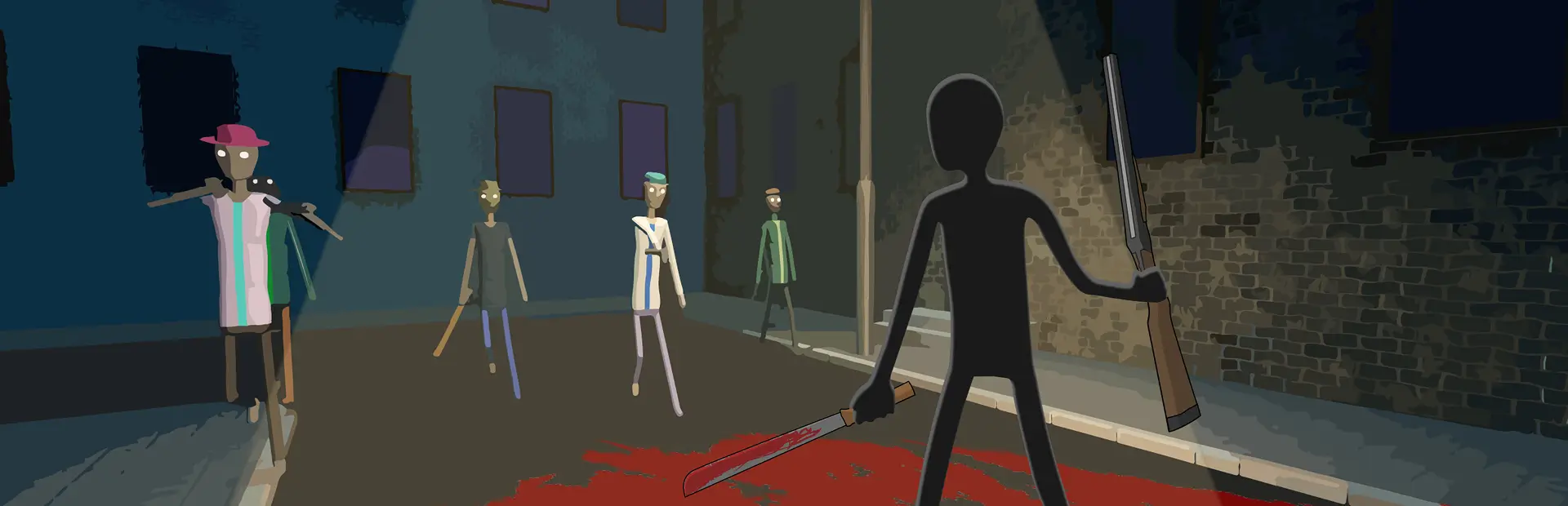
Multiplayer mod for BRUTALISTICK VR, Made by vestraus.BrutalistickMP
A co-op multiplayer mod for BRUTALISTICK VR (Steam PCVR), built on MelonLoader.
What it does (v0.3):
Play together with Steam friends. Join without a lobby or port forwarding; Steam relays the traffic.
See each other in the game's own player body (head, torso, arms, legs, hands and fingers), following your head, hands, body and feet, with your name above it. Elbows and knees are worked out from where your hands and feet are. Everyone appears in the outfit colours of the person looking.
Missions sync: when the host starts a mission, everyone else is taken to the same map with the same settings.
Shared enemies. The host's game runs the enemies; everyone sees and fights the same ones, wearing the same armor and hats.
Bullets, melee, stabs, kicks and explosions from any player damage them. Hits also push them and leave wounds.
Enemies go after whichever player is closest. Ranged enemies shoot at friends; melee and zombie enemies hit them.
Kills count for everyone: everyone gets the kill's health regen, and the mission ends for everyone at the same time.
Shared items (v0.3). Anything you pick up (weapons from the wall, props, spawn-gun items) shows up for everyone, in your hand and wherever you throw or drop it.
Other players hear your gunshots and see your bullets fly.
Once a dropped item lies still, anyone can pick it up, and it becomes theirs. You can hand a friend a gun.
While someone holds an item, the other players' copies don't collide with anything, so a friend's sword can't hit your enemies twice.
Up to 4 players by default. Everyone connects to the host.
Not synced yet:
Items you haven't touched: a level's props only become shared once someone picks them up.
Magazines, and items from mods your friend doesn't have, stay on your side.
Grabbing or dragging an enemy only works for the host. Friends' melee weapons bounce off enemies a bit harder than usual.
Bones that shatter into pieces and limbs that get sliced off show up for friends as the limb disappearing.
Enemies spawned with the spawn gun aren't shared. Slow-mo is per player. No damage between players.
Install (both players)
Install MelonLoader 0.7.3 into the game. Use the installer, or unzip MelonLoader.x64.zip into ...\steamapps\common\BRUTALISTICK VR\ so that version.dll sits next to BrutalistickVR.exe.
Start the game once and wait. The first launch takes a few minutes while MelonLoader prepares itself. Then quit.
Copy BrutalistickMP.dll into ...\BRUTALISTICK VR\Mods\.
Don't also install BrutalistickCoop. Two multiplayer mods at once will fight each other.
Both players need the same version of the mod. If the versions differ, the panel shows "different mod version".
Playing
You need to be Steam friends, and both of you need to be in BRUTALISTICK VR.
Key (desktop window focused) What it does
F7 Start hosting (press again to stop)
F8 Join a friend who's hosting / leave the session
F9 Show/hide the status panel on the desktop window
F10 Echo test: a copy of you appears in front of you, delayed like a real player. Use it to check the mod works without your friend
The easy way:
The host presses F7, or sets AutoHost = true in the settings so they host on every launch.
The friend does nothing. AutoJoin is on by default, so they join automatically within a couple of seconds of the host appearing.
Messages appear in VR in front of your face, such as "Joined X's game" and "X joined".
The host picks missions. When they accept one, the friend's game loads the same map. Friends can't start missions themselves while connected; F8 leaves the session.
In the level, the host presses the start-wave button. Friends' own start buttons do nothing while connected; their game only shows the host's enemies.
When the mission is complete, the host chooses whether to continue. If the host goes back to the hub, everyone does.
Settings
Settings are in ...\BRUTALISTICK VR\UserData\MelonPreferences.cfg under [BrutalistickMP]. The file appears after the first run with the mod.
Setting Default
AutoHost false Start hosting automatically
AutoJoin true Automatically join a friend who's hosting
MaxPlayers 4 Session size when you host (2-8)
SendRate 30 Position updates per second (10-60)
AvatarColor #FF8A1F Colour of other players' name tags on your screen (and of the simple stand-in figure shown until your own body has loaded)
ShowOverlay true Desktop status panel
Troubleshooting
Logs are in ...\BRUTALISTICK VR\MelonLoader\Latest.log. Search for BrutalistickMP.
Friend never joins: check that you're Steam friends, both in-game, and that one of you is hosting (panel says "Hosting"). The joiner's panel lists hosts it can see under "found:".
"Host started a mission... go back to the menu": you weren't somewhere with a mission board when the host started. Go back to the menu and the mission starts.
No enemies on the friend's side: check that the host pressed the start-wave button. The desktop panel says "Sharing N enemies" for the host and "Showing N of the host's enemies" for friends. If a friend joins mid-mission, enemies already in the level appear within a second.
"came out looking different" in the log: that enemy's armor or hat differs between players. It still fights and dies the same; only the look differs.
To uninstall, delete Mods\BrutalistickMP.dll. To remove MelonLoader too, delete version.dll and the MelonLoader folder.