


Llong
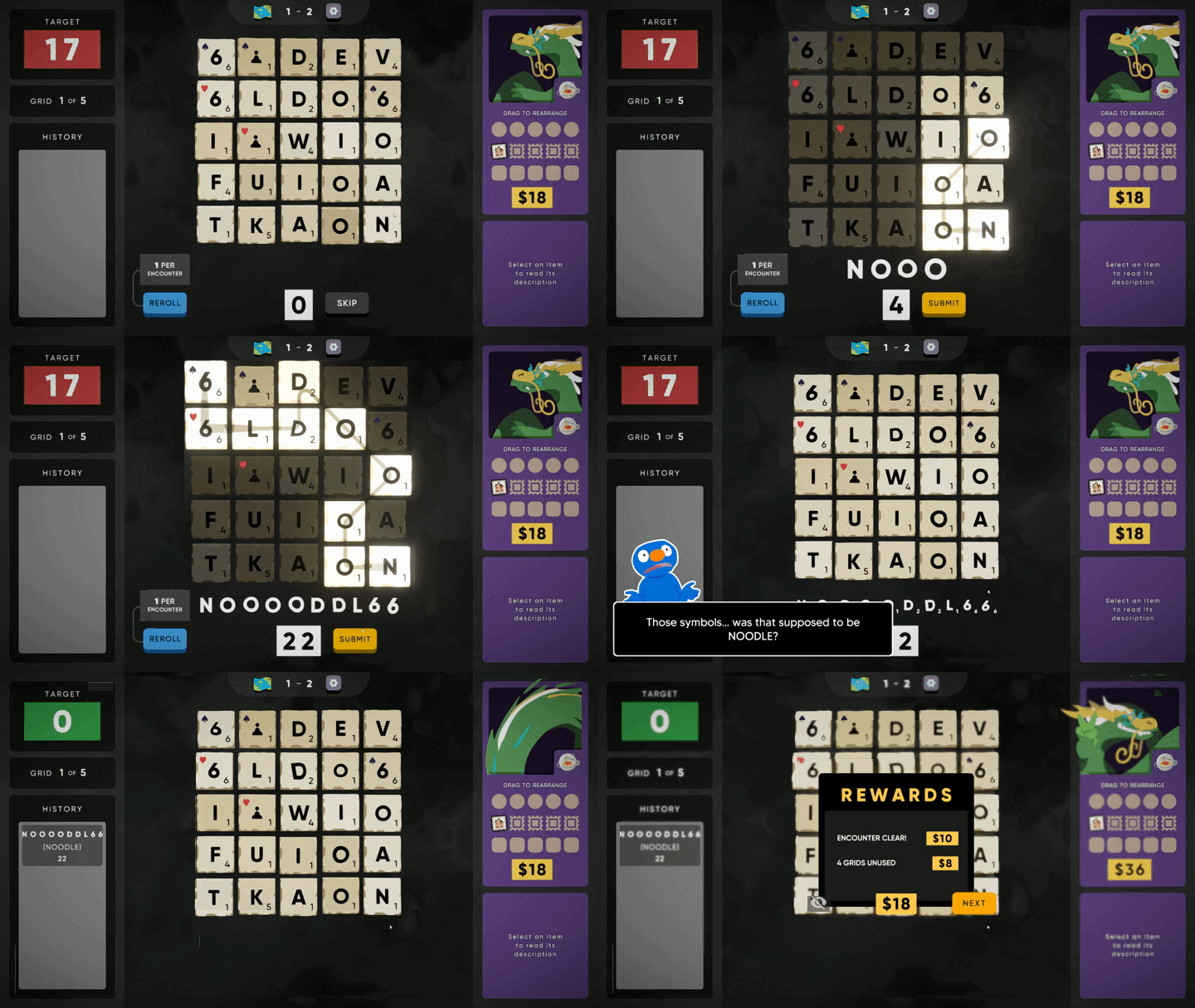
Adds Llong, a new playable character with custom animations and new mechanics!
Llong
Llong is finally awake and ready to wobble as a new member of the Ssecret Ssyntactic Ssociety
- A new character, fully animated and with a unique pin!
- A new curse mechanic!
- Eight more unlockable items!
Installation
Automatic
Pick your favorite mod manager (r2modman, Gale, etc.) and install Llong through there!
Manual
Install MelonLoader: https://thunderstore.io/c/cursed-words/p/LavaGang/MelonLoader/
Back up your saves, just in case something goes horribly wrong (AppData\LocalLow\Buried Things\Cursed Words\Saves\SteamCloud\BUNCHA_NUMBERS\slot_X.sav)
Put the contents of the contained Mods/ folder inside Steam/steamapps/common/Cursed Words/Mods/: Llong.dll, noodleassets, and noodleitems
That means you should have Cursed Words/Mods/Llong.dll, not Cursed Words/Mods/Mods/Llong.dll!
If it worked correctly, you should be able to select Llong when starting a new run.
Troubleshooting
If you don't get a command prompt window appearing when starting Cursed Words, you probably don't have MelonLoader installed correctly. Step through their install instructions again, linked above!
If MelonLoader starts but Llong doesn't appear, check the MelonLoader logs for any useful info and confirm Llong.dll is in the right spot.
If Llong appears but the assets are all white squares, make sure noodleassets and noodleitems are wherever Llong.dll is.
Uninstalling
As long as Llong isn't your currently saved run, he can be removed at any time safely. For mod managers, simply click Uninstall or Disable. For manual installations, delete Cursed Words/Mods/Llong.dll.
Special Thanks
- Huge shoutout to Buried Things for being cool and supporting mod development!
- Thanks to Neptune for their modding docs, without which I wouldn't have even started this (and for the console mod!)
- Thanks to K2 for helping getting Llong compatible with their multiplayer mod!
- And thanks to TechMaster and :) in the official Discord for zooming through the crowns and helping test everything!