You are viewing a potentially older version of this package. View Latest Version
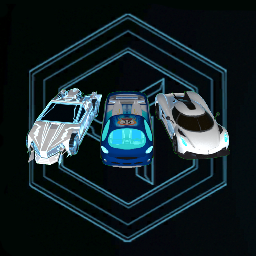
This mod will allow you to load community created custom cars in the game! The cars will be added to your garage.
Custom cars can be found here: https://github.com/Distance-Modding/Custom-Cars
Download whatever car you want and move the file in the Assets folder located in the same folder the custom car mod is in.
You can easily find this folder in the Thunderstore app by going to your Settings and selecting the Locations tab. There you will find the Browse Profile Folder button. Select that.
This will open your file explorer to the profile folder. From there go in the Bepinex folder and then the plugins folder. You'll see the Custom Car folder in here. That folder is where the Assets folder will be. The Assets folder is where you place custom car files.
That's the manual way to do it, hopefully you won't need to do that when custom cars get added to the Thunderstore as well!