
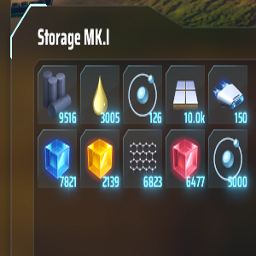
Max Item Stack Changer
You can change Max Item Stack value. In config file there is an option |Include_Fluids| so it will be applied only on NON-fluid items-
Install BeplnEx plugin
-
Move MaxItemStack.dll into BepplnEx/plugins folder
-
Start game
-
Close game
-
You will see "MaxItemStack.cfg" in "BeplnEx/config" folder. there are few options:
[General]
Enable/Disable mod
Setting type: Boolean
Default value: true
Mod_Enabled = true
Allow fluids max stack increasing
Setting type: Boolean
Default value: true
Include_Fluids = true
Max stack size value
Setting type: Int32
Default value: 5000
Stack_Size = 5000
You can turn off applying max stack size to fluids if you want