
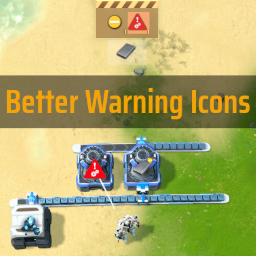
BetterWarningIcons
Gives better options for the warning iconsBetterWarningIcons Mod
This mod enhances the in-game warning icons, by adding new icons, modifying logic for existing icons, etc.
How to use this mod
- Install the mod, and reboot the game.
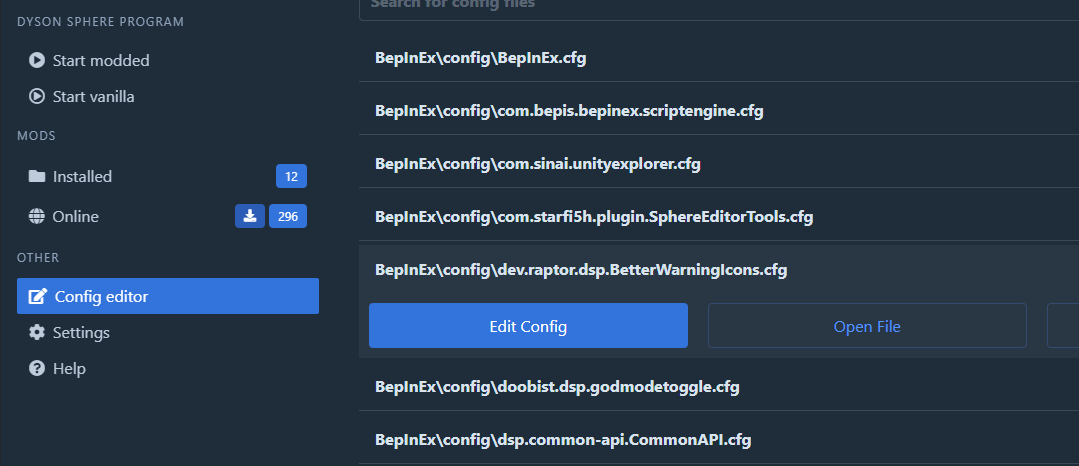
- (Optional) Modify configs using the mod manager or directly in the BepInEx\config\dev.raptor.dsp.BetterWarningIcons.cfg file
Warnings Added / Modified
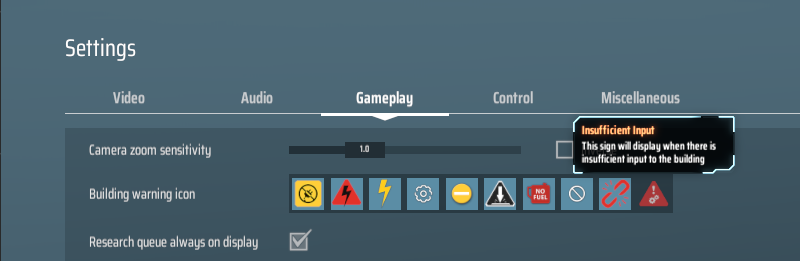
Insufficient Input Warning
This icon is used to indicate when the recipe is set and the building does not have sufficient inputs to work.
IMPORTANT NOTE:
Ensure you also enable the warning mask for the icon in settings as it is a new warning icon
Vein Depletion Warning
You can use the config to specify:
- Uses Total Vein Amount: whether the vein depletion amount should use the "Total Vein Amount" covered by the miner instead of the default "Minimum Vein Amount" used by the vanilla game logic
(Default: true) - Vein Amount Threshold: the value at or below which the warning will be triggered
(Default: 1000)
Contact / Feedback / Bug Reports
You can either find me on the DSP Discord's #modding channel
Or you can create an issue on GitHub
- Raptor#4825
Changelog
v0.0.5
- Fix non-vein miners (pumps, oil extractors) showing vein depletion warning icon when warning mode is set to use total vein amount
v0.0.4
- Fix conflict with shield charging icon
v0.0.3
- Fix links to images in the README
v0.0.2
- Fix the asset load path due to how Thunderstore installs mods
v0.0.1
- Add new warning icon to indicate "Insufficient Input"
- Enable modification of the vein depletion warning logic