
You are viewing a potentially older version of this package. View Latest Version
First Install Bepinex in your game folder : https://bepinex.github.io/bepinex_docs/master/articles/user_guide/installation/index.html?tabs=tabid-win
Then Download the latest DLL of the mod : https://github.com/alekslt/DSPPlugins_ALT/releases
And add it to a new subfolder in bepinex plugins folder under the steam game folder : %steamapps\common%\Dyson Sphere Program\BepInEx\plugins\DSPPlugins_ALT
Launch the game and you should be all set !
After launching one time there will be a config file you can edit in %steamapps\common%\Dyson Sphere Program\BepInEx\net.toppe.bepinex.dsp.veinexhaustion.cfg
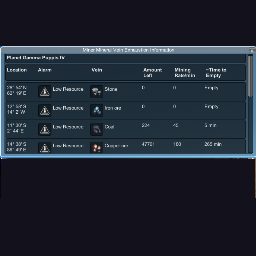
The plugin will periodically check the miners for an alarm (Low Power, Low Production Yield), and/or if they remaining mineral they can mine is low or none.
If a miner is detected with this condition a first time notification window will pop up, but afterwards only available through the toggle button (M) on lower right, or by pressing the hot key.
If you have cleared out all faulty miners by default this will allow a popup notification to occur again.
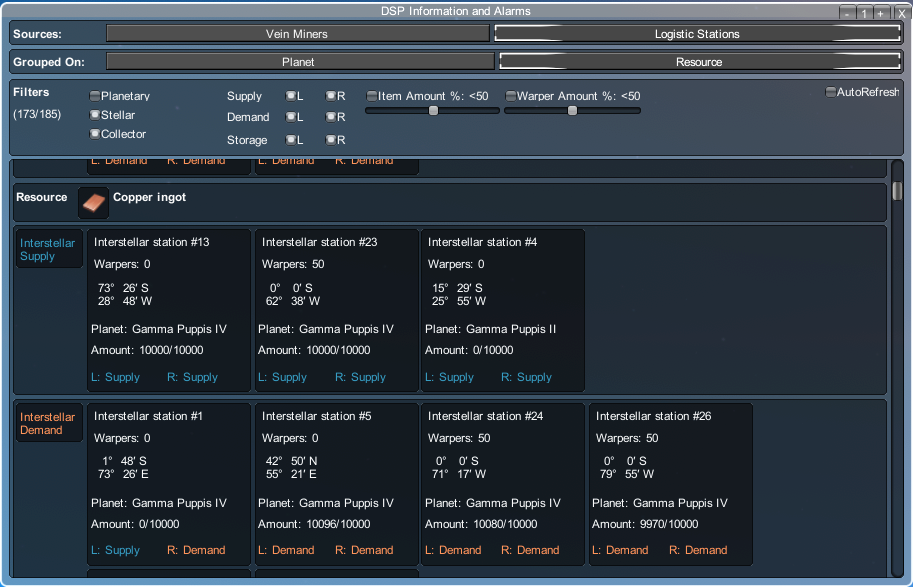
v0.4.1 - Fixes a nullpointer exception when starting a new game.
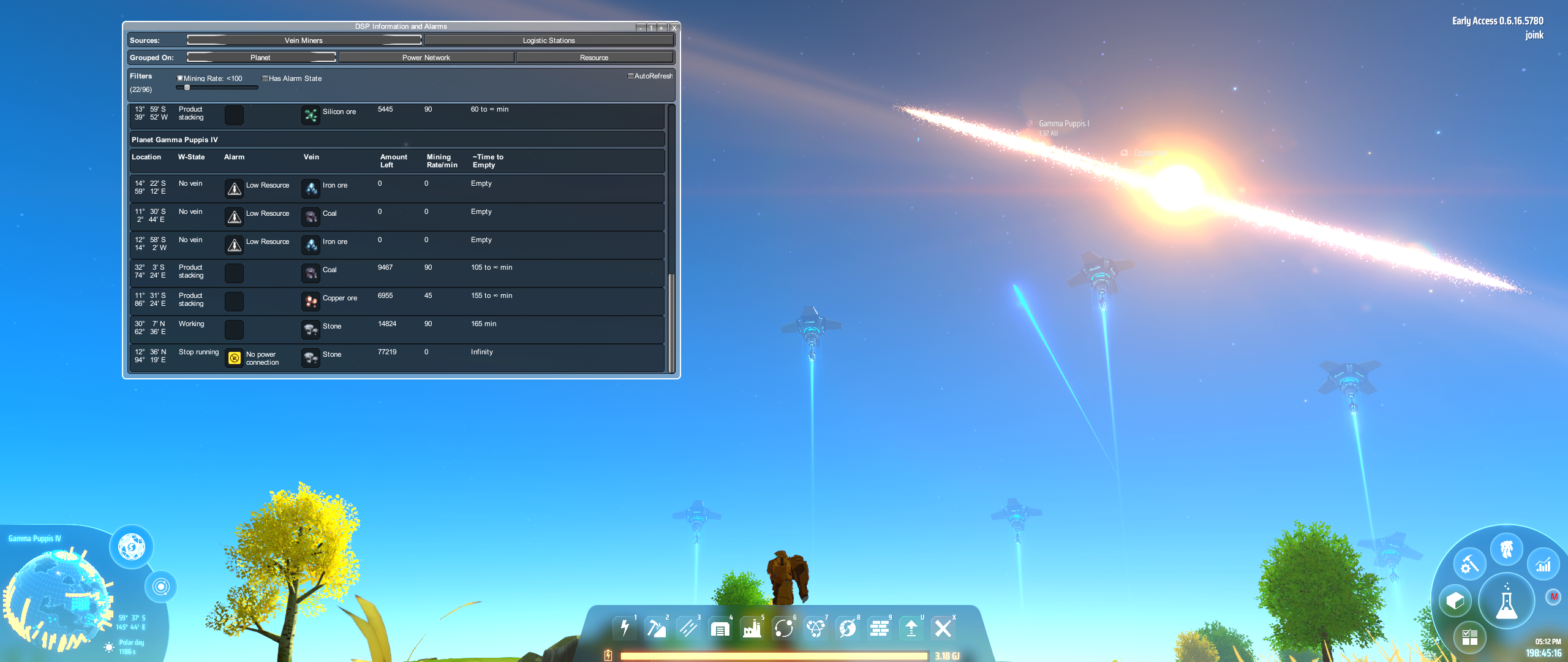
Fixed the issue where vein type was none for completely exhausted veins.
Added textures for the resources/veins and for the menu button.
Calculate estimated time until exhaustion for the veins.