

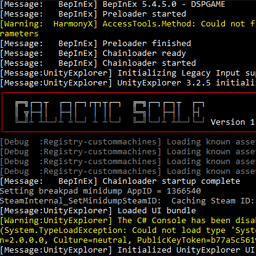
BepInEx Console Extensions
Utilities for BepInEx console. Change Color, Output IL From Transpilers etcSimple mod to allow easy use of custom colours in the console by other BepInEx mods
Manual Installation:
- Install BepInEx
- Copy the BCE.dll to your BepInEx/plugins directory
Developer Usage:
using BCE;

 console.Write("SomeText ", ConsoleColor.Red);

 console.Write("SomeOtherText\n", ConsoleColor.DarkCyan);

 console.WriteLine("A Whole Line of Text", ConsoleColor.DarkGray);
Available Colors are found here, or via your IDE Autocomplete https://docs.microsoft.com/en-us/dotnet/api/system.consolecolor?view=net-5.0