

You are viewing a potentially older version of this package. View Latest Version
AutoBuild
自动建造\nAutoBuildAutoBuild
自动建造
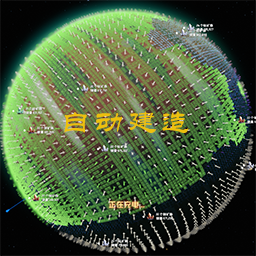
1.放好蓝图后按Z键自动建造,没电了会自己找充电桩,充完继续干活。会自动进入低空飞行,需要对应的科技。
2.可以自定义开关,充电下限
3.再按一次Z、移动、进入建造,拆除,蓝图,可以退出功能
Installation
通过mod manager (https://dsp.thunderstore.io/package/ebkr/r2modman/) 搜索安装
或者
下载解压文件,将dll文件手动复制到..\BepInEx\plugins中
Settings
设置文件路径:..\BepInEx\config\kumor.plugin.AutoBuild.cfg,可用记事本打开
Changelog
v1.0.0
- Initial Release
**============================google translate============================
AutoBuild
Automatically build
- After placing the blueprint, press the Z button to automatically build. If the battery is out of power, it will find the charging station by itself, and continue to work after charging. It will automatically enter a low-altitude flight, requiring corresponding technology.
- You can customize the switch, charging lower limit
- Press Z again, move, enter construction, demolition, blueprint, you can exit the function
Installation
Search and install via mod manager (https://dsp.thunderstore.io/package/ebkr/r2modman/)
or
Download the decompressed file and manually copy the dll file to ..\BepInEx\plugins
Settings
Set file path: ..\BepInEx\config\kumor.plugin.AutoBuild.cfg, can be opened with Notepad
Changelog
v1.0.0
-Initial Release
**============================google translate============================