
You are viewing a potentially older version of this package. View Latest Version
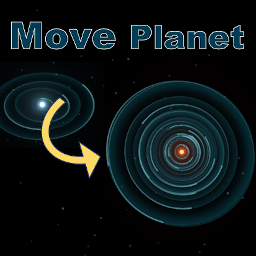
Move the planet to another star system.
When you open the starmap, the MovePlanet UI will appear, and you can set the mapping settings for which planets to move to which star systems.
You can't move satellites directly, but they will move with you when you move planets.
If you load the save data after mapping, the planets will be moved.
Disabling or uninstalling MovePlanet and then loading the save data will restore the original position.
Please make as many backups as possible, as there is a possibility of corruption of saved data due to glitches.
惑星を他の星系に移動します。
スターマップを開くとMovePlanetのUIが表示されるので、どの惑星をどの星系に移動するのかマッピング設定をしてください。
衛星は直接移動できませんが、惑星を移動すると一緒に移動します。
マッピングした後でセーブデータをロードすると惑星が移動します。
MovePlanetを無効にするかアンインストールしてからセーブデータをロードすると元の位置になります。
不具合によりセーブデータが壊れる可能性があるので、できるだけ多くバックアップは取ってください。
