

This package has been deprecated and may no longer be maintained. We recommend looking for an alternative.

EasyDeliveryCoUltrawide
DEPRECATED: This mod has been replaced by SebUltrawide. https://thunderstore.io/c/easy-delivery-co/p/shiibe/SebUltrawide/Deprecated
This package is deprecated and will not receive new updates.
Use the rewrite/rebrand instead:
- SebUltrawide on Thunderstore: https://thunderstore.io/c/easy-delivery-co/p/shiibe/SebUltrawide/
- SebUltrawide source: https://github.com/shiibe/EasyDeliveryCoMods/tree/master/plugins/SebUltrawide

EasyDeliveryCoUltrawide
Ultrawide fixes + a few extra graphics knobs for Easy Delivery Co.
About
·
Features
·
Screenshots
·
Installation
·
Configuration
·
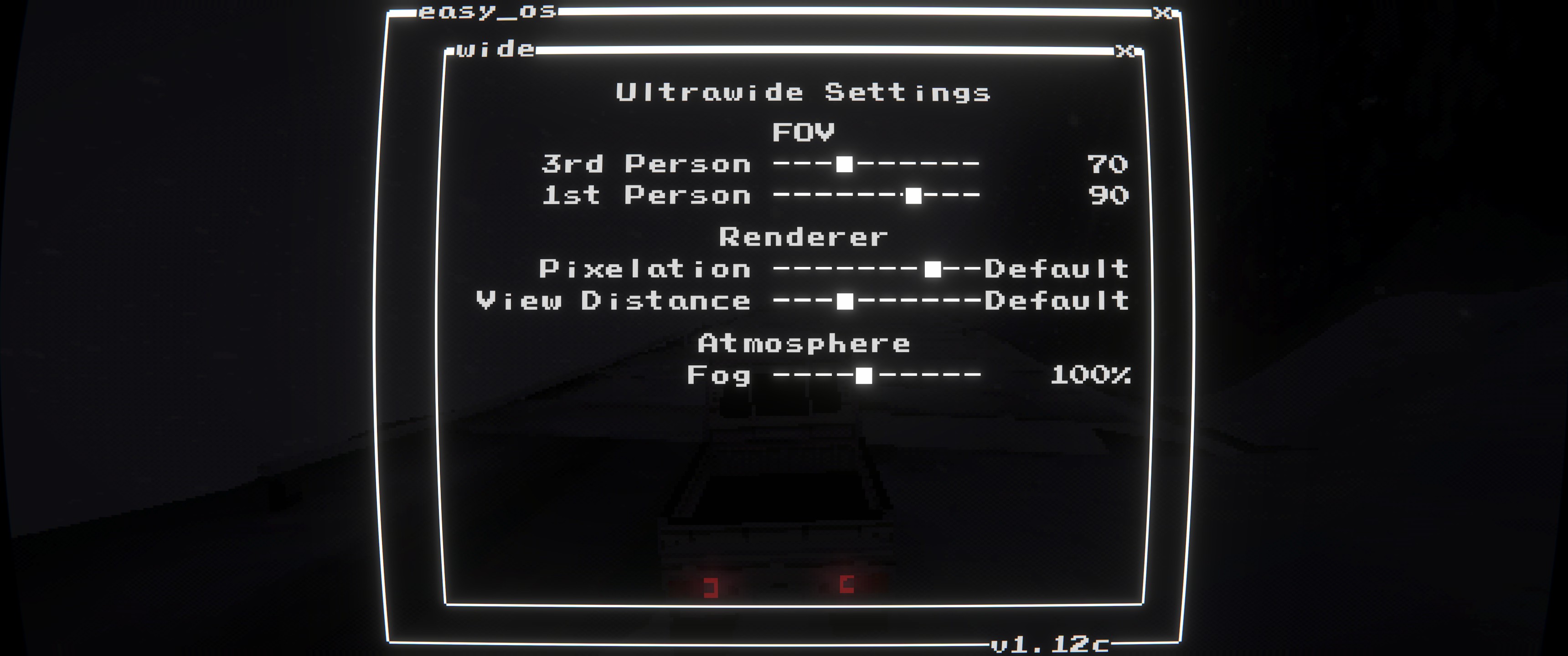
In-Game Menu
·
Build
About
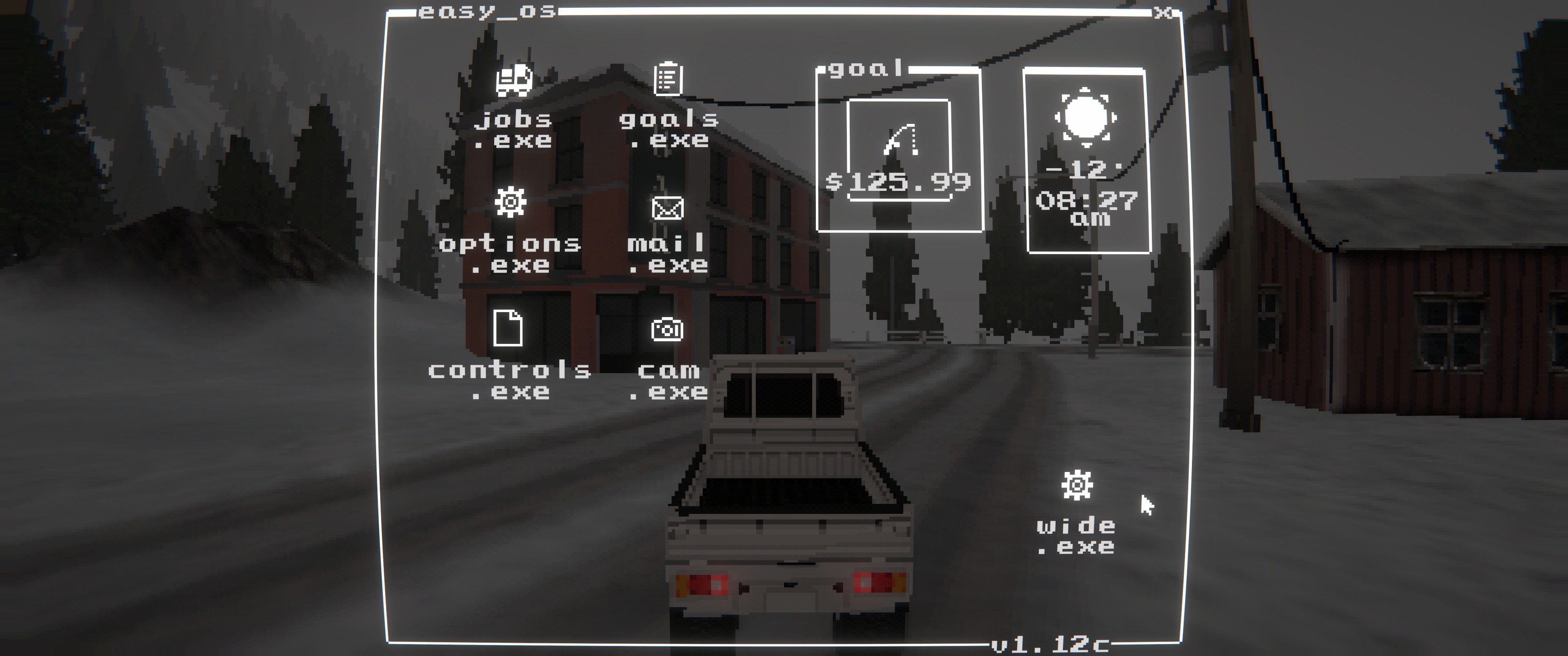
This is a BepInEx + Harmony mod that fixes Easy Delivery Co's ultrawide presentation and adds an in-game settings panel (wide.exe).
Ultrawide behavior is optional: set aspect_ratio=default to keep the game's original presentation while still using the extra settings.
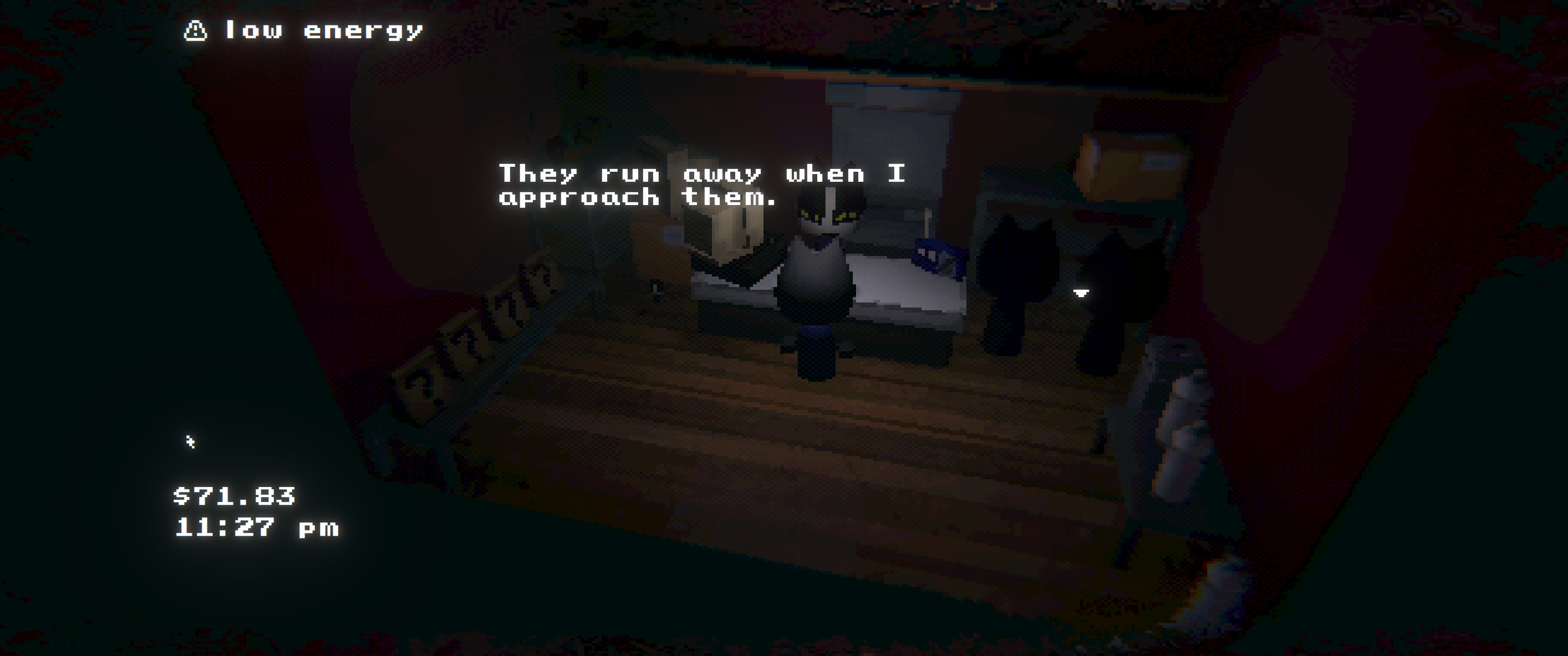
- Full-width gameplay viewport on ultrawide (with optional aspect override)
- Menu/pause/transition overlay scaling so fades/backdrops cover the screen
- HUD rendering fixes (
pixelPerfectView/MiniRenderer) so UI and world-space labels stay aligned (even with pixelation) - In-game settings (
wide.exe): FOV (1st/3rd person), pixelation, view distance, fog multiplier
Features
- Full-width gameplay viewport on ultrawide
- Optional aspect ratio override for gameplay + menu cameras
- Overlay fixes (menus, pause, transitions) scaled to full width
- HUD scaling and positioning fixes
- In-game settings menu via
wide.exein the main menu- Separate
1st Person/3rd PersonFOV sliders (max 110) Pixelationslider for the 3D view (None/Finer/Fine/Default/Large)View Distanceslider (Near/Default/Far/Max)Fogslider (multiplier)
- Separate
- Automatically skips FOV overrides while inside buildings
Screenshots
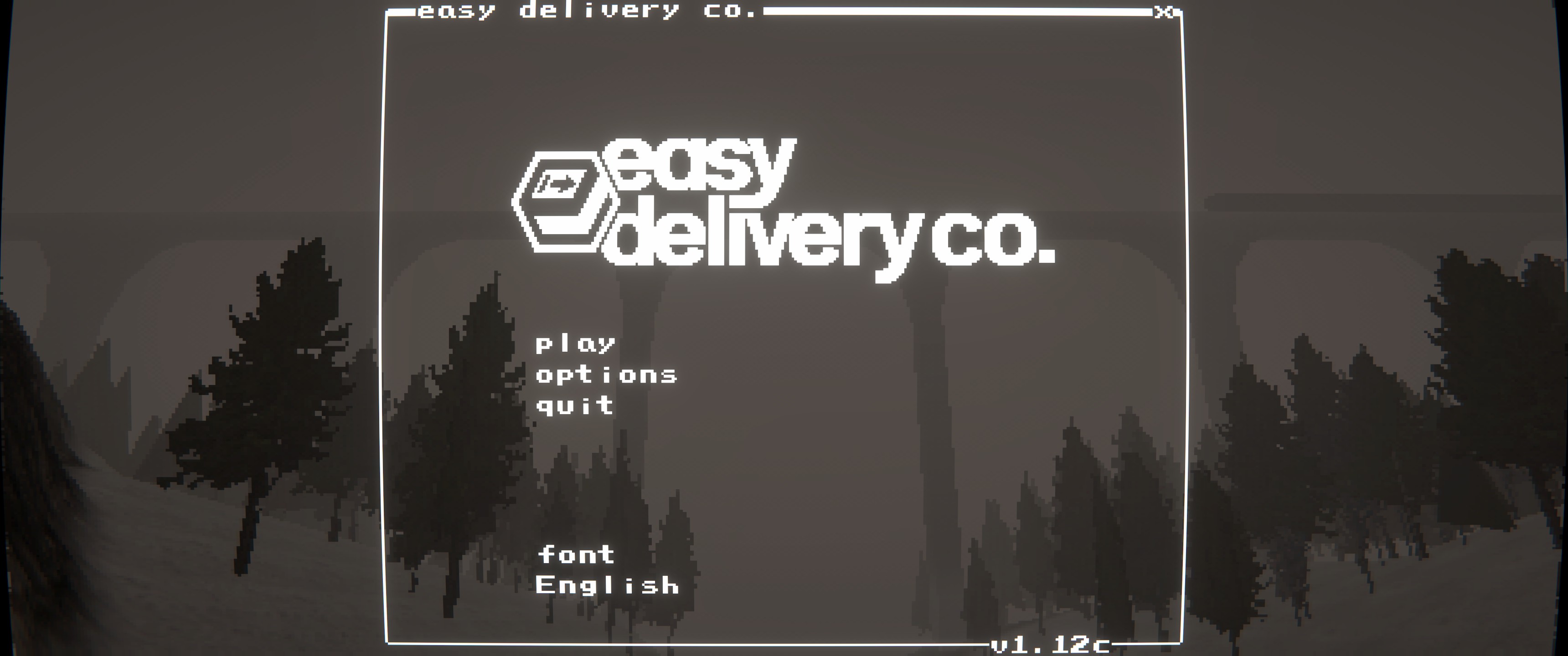
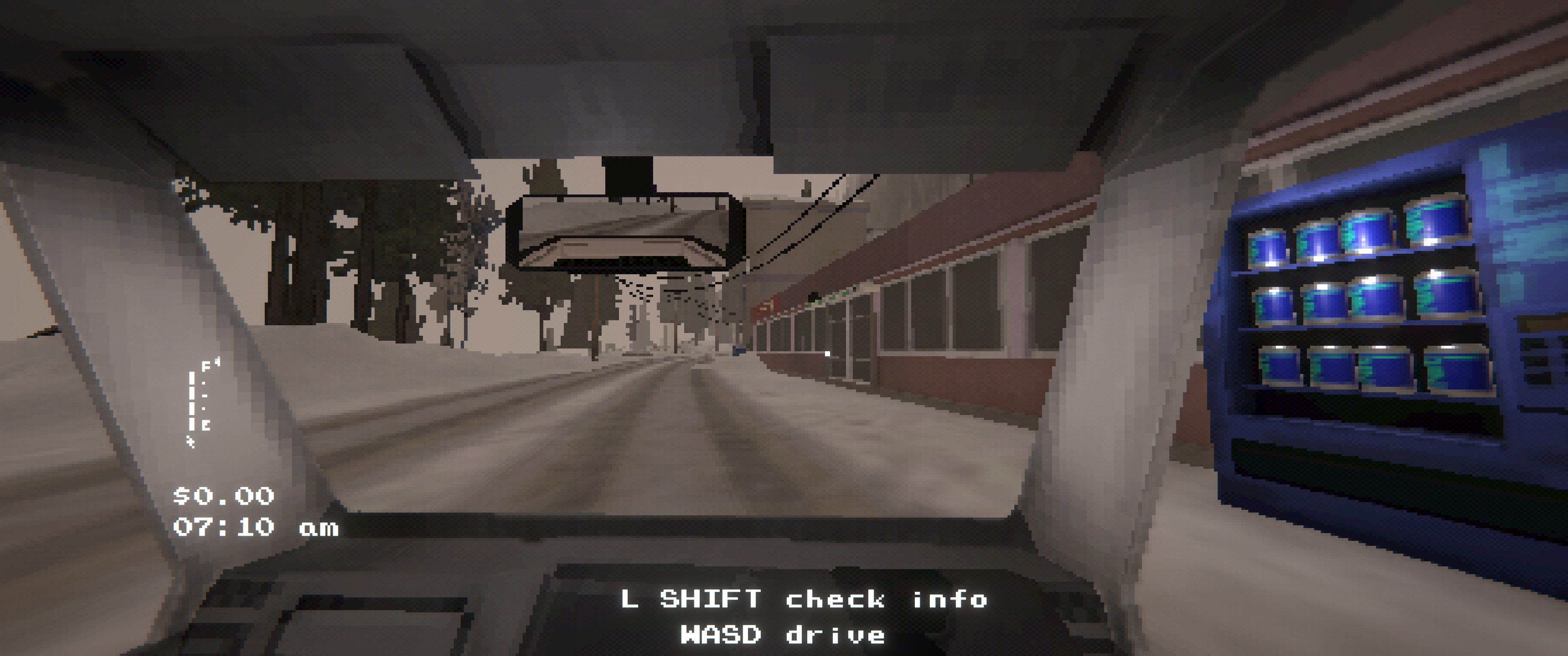
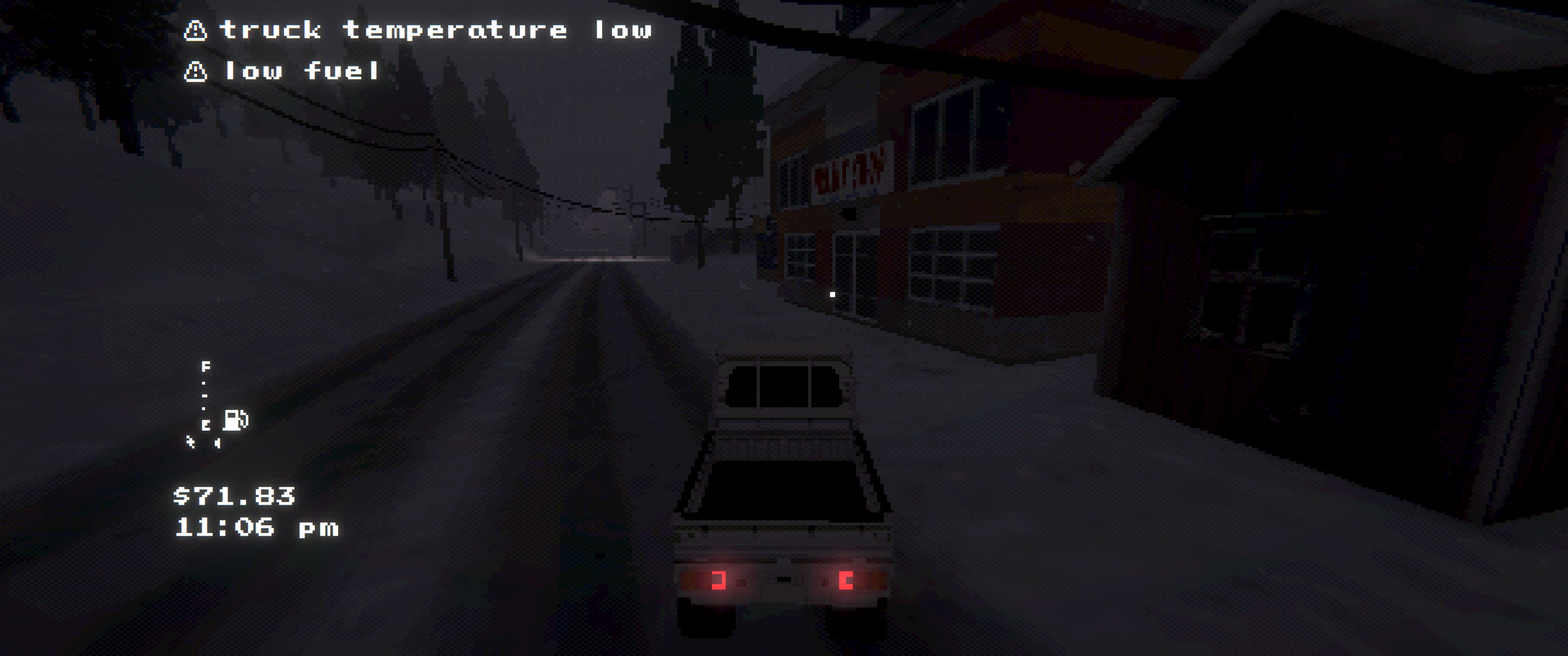
Installation
Dependencies
BepInEx-BepInExPack-5.4.2304
Install
- r2modman/Thunderstore: install and launch the game
- Manual: copy
EasyDeliveryCoUltrawide.dlltoBepInEx/plugins/EasyDeliveryCoUltrawide/
Configuration
- Config file:
BepInEx/config/shibe.easydeliveryco.ultrawide.cfg enable_mod: enables/disables the mod entirelyaspect_ratio:default,auto,w:h(e.g.21:9), or a decimal ratio (e.g.2.39)- Use
aspect_ratio=defaultto disable ultrawide fixes while keeping the in-game settings (FOV/pixelation/view distance/fog).
- Use
In-Game Menu
- Click
wide.exein the main menu to access the settings - FOV: separate saved values for
1st Personand3rd Person - Pixelation: adjusts the 3D view render target (does not affect HUD/menu rendering)
- View Distance: adjusts gameplay camera draw distance + LOD/shadow distance
- Fog: multiplies fog density
- Saved in PlayerPrefs (not the BepInEx config)
Build
- Build:
dotnet build EasyDeliveryCoUltrawide/EasyDeliveryCoUltrawide.csproj -c Release - Package:
powershell -NoProfile -ExecutionPolicy Bypass -File scripts/package.ps1 -Version 1.2.1