
You are viewing a potentially older version of this package. View Latest Version
SebLogiWheel
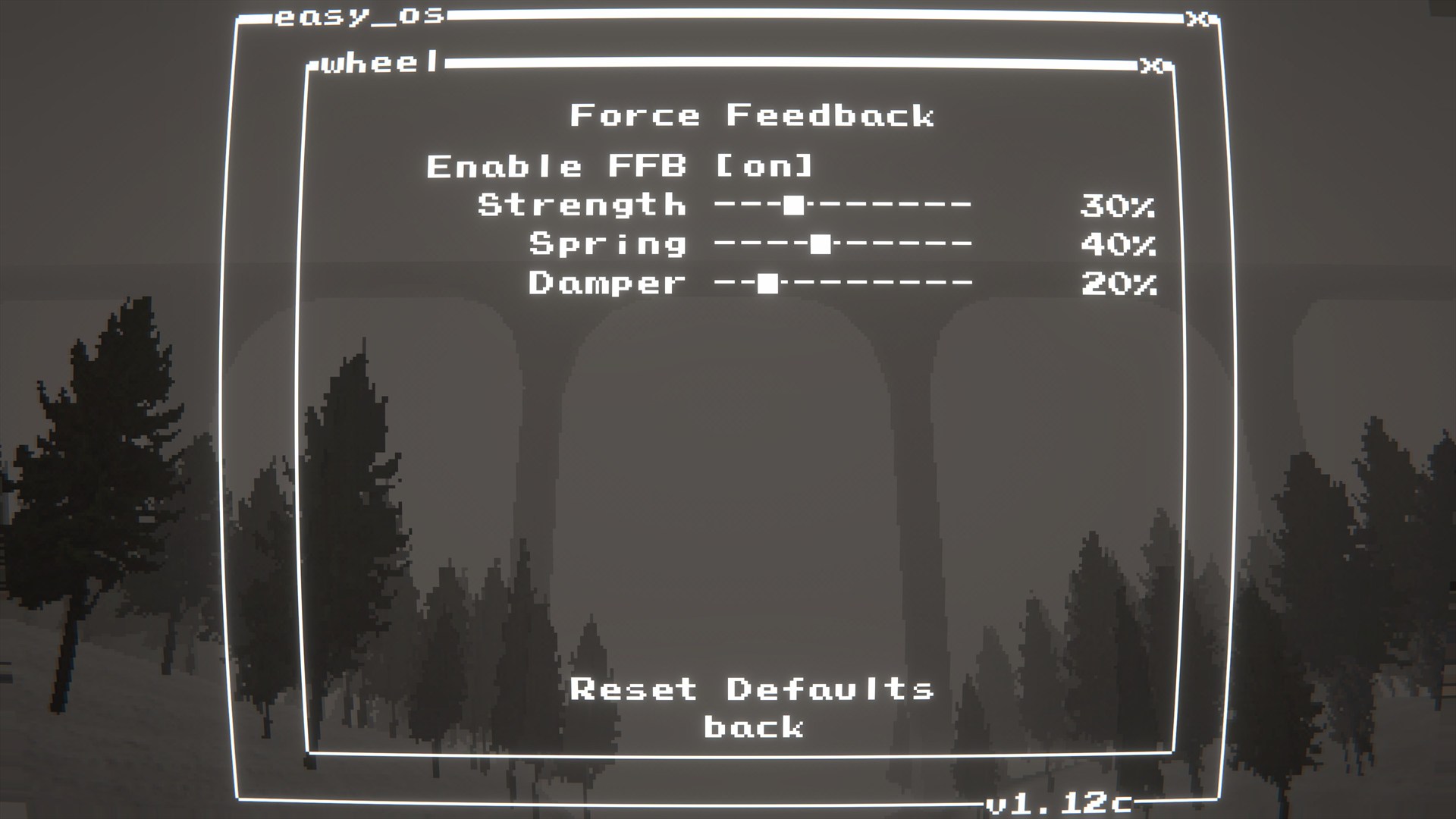
Logitech wheel support and Force Feedback (FFB) for Easy Delivery Co.
About
·
Features
·
Compatibility
·
Screenshots
·
Installation
·
Configuration
·
In-game menu
·
Troubleshooting
·
Build
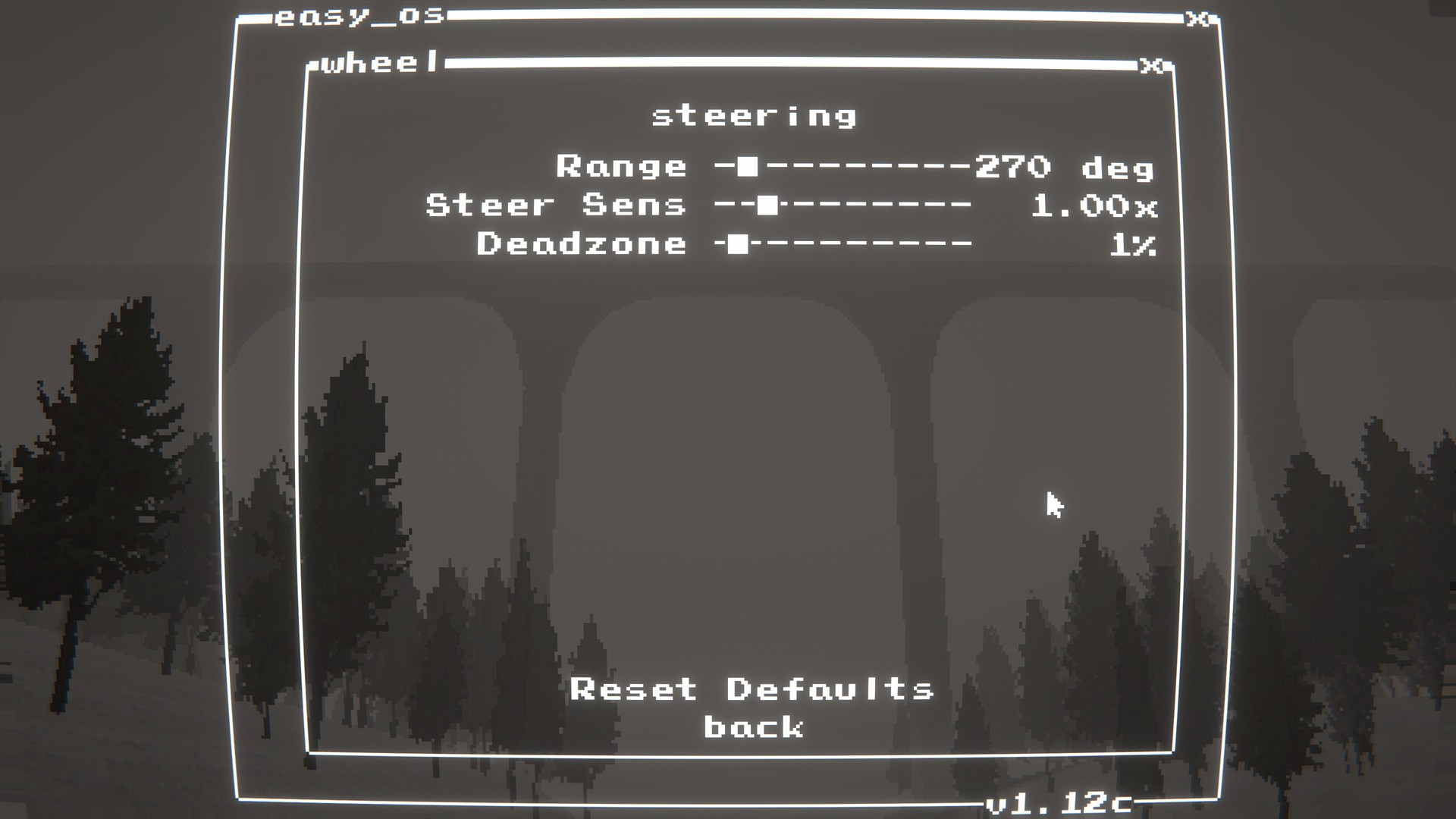
SebLogiWheel adds Logitech wheel input + Force Feedback (FFB) support.
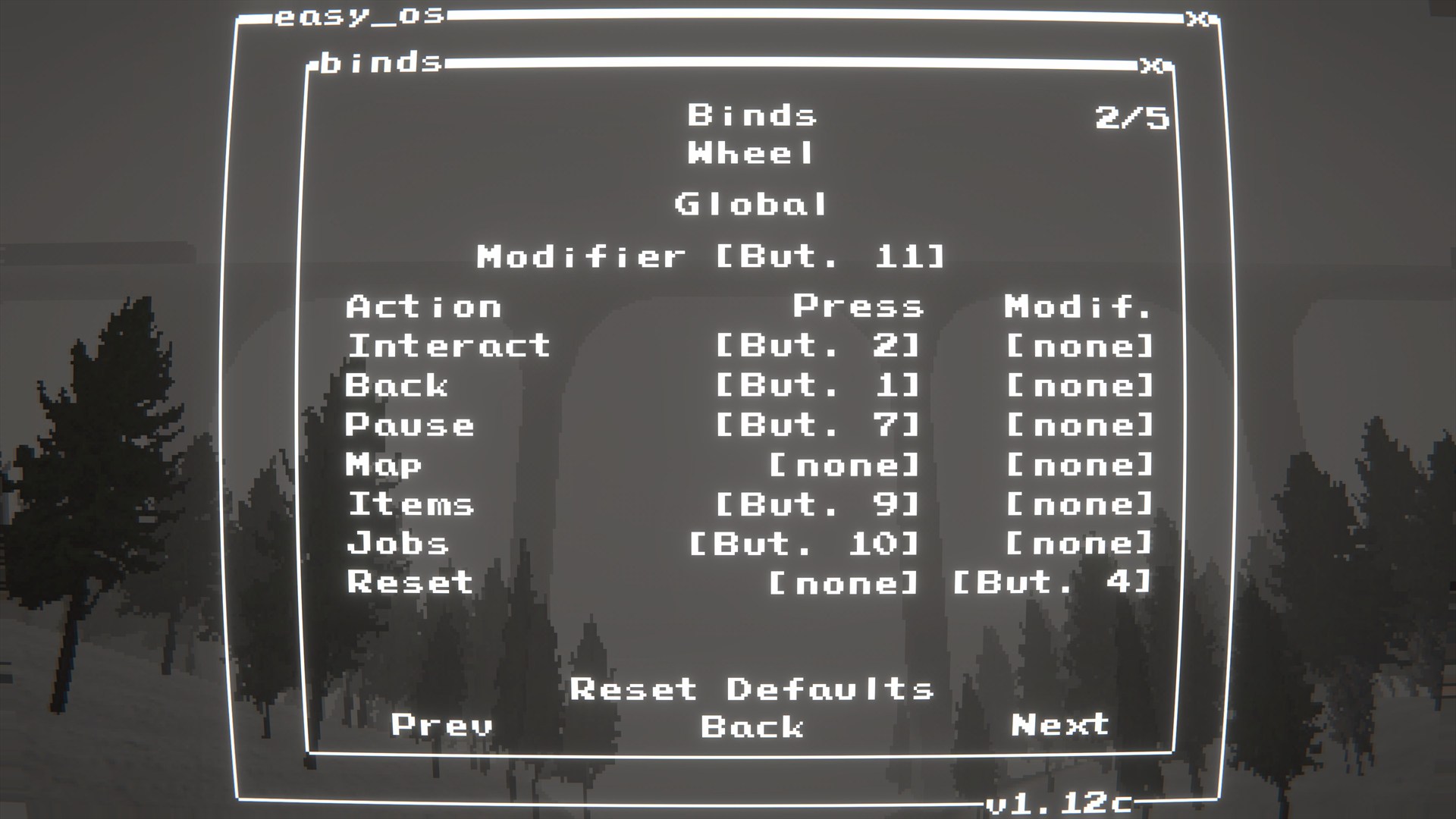
Wheel bindings live in SebBinds (Binds -> Wheel). Driving feature extensions (manual transmission / ignition / HUD readouts) live in SebTruck.
Important
 |
 |
 |
 |
 |
 |
 |
Dependencies
BepInEx-BepInExPack-5.4.2304shiibe-SebCore-1.0.0shiibe-SebBinds-1.0.0Force Feedback (FFB)
LogitechSteeringWheelEnginesWrapper.dll must be alongside the plugin DLL (the build/package includes it).Install
SebLogiWheel.dll to BepInEx/plugins/SebLogiWheel/LogitechSteeringWheelEnginesWrapper.dll is alongside SebLogiWheel.dllQuick start
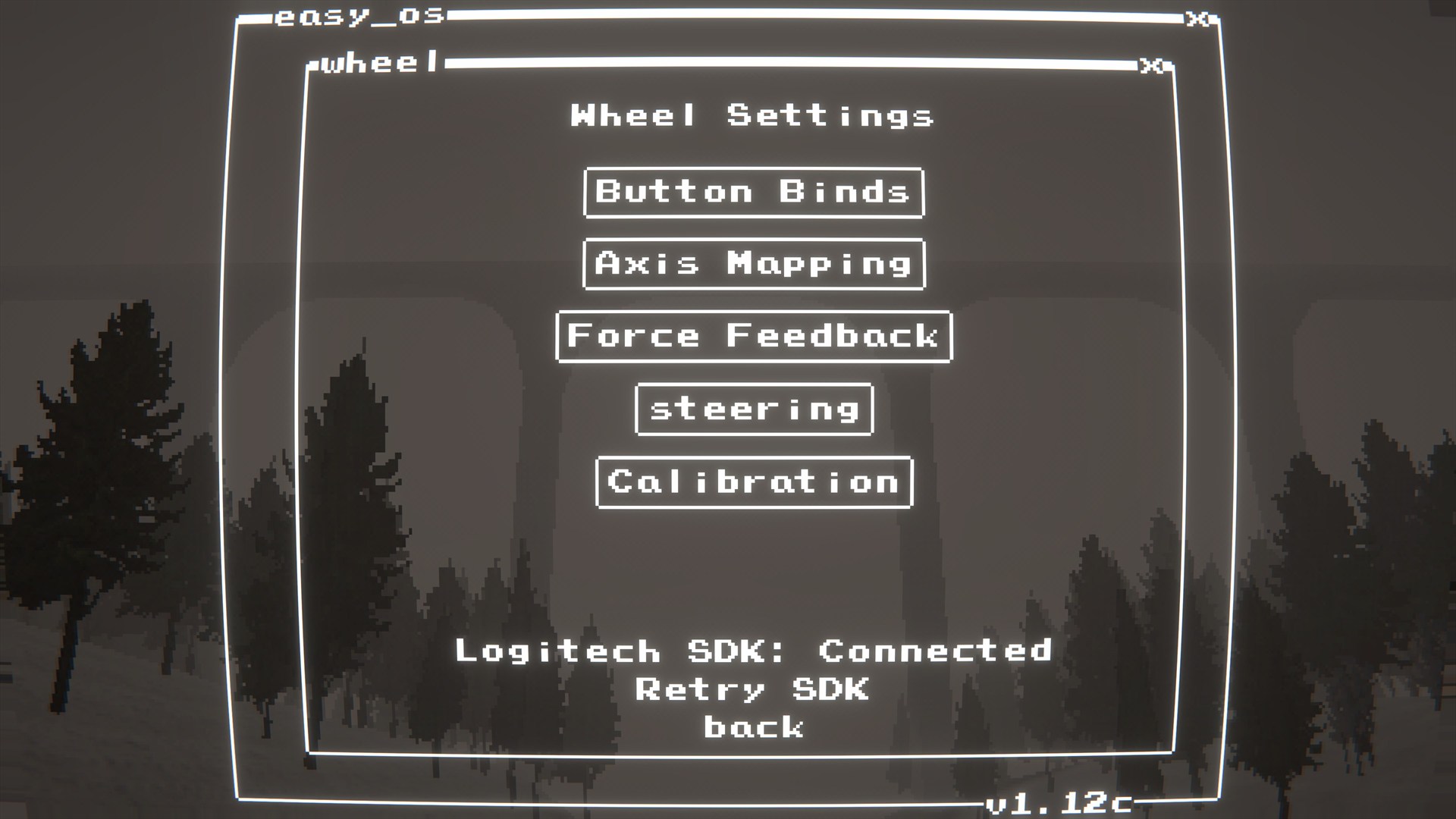
mods.exe (SebCore) then launch Wheel.Binds -> Wheel and bind buttons/axes.BepInEx/config/shibe.easydeliveryco.seblogiwheel.cfgGeneral
ignore_xinput_controllers (bool, default: true): Pass ignoreXInputControllers to the Logitech SDK init (recommended).Debug
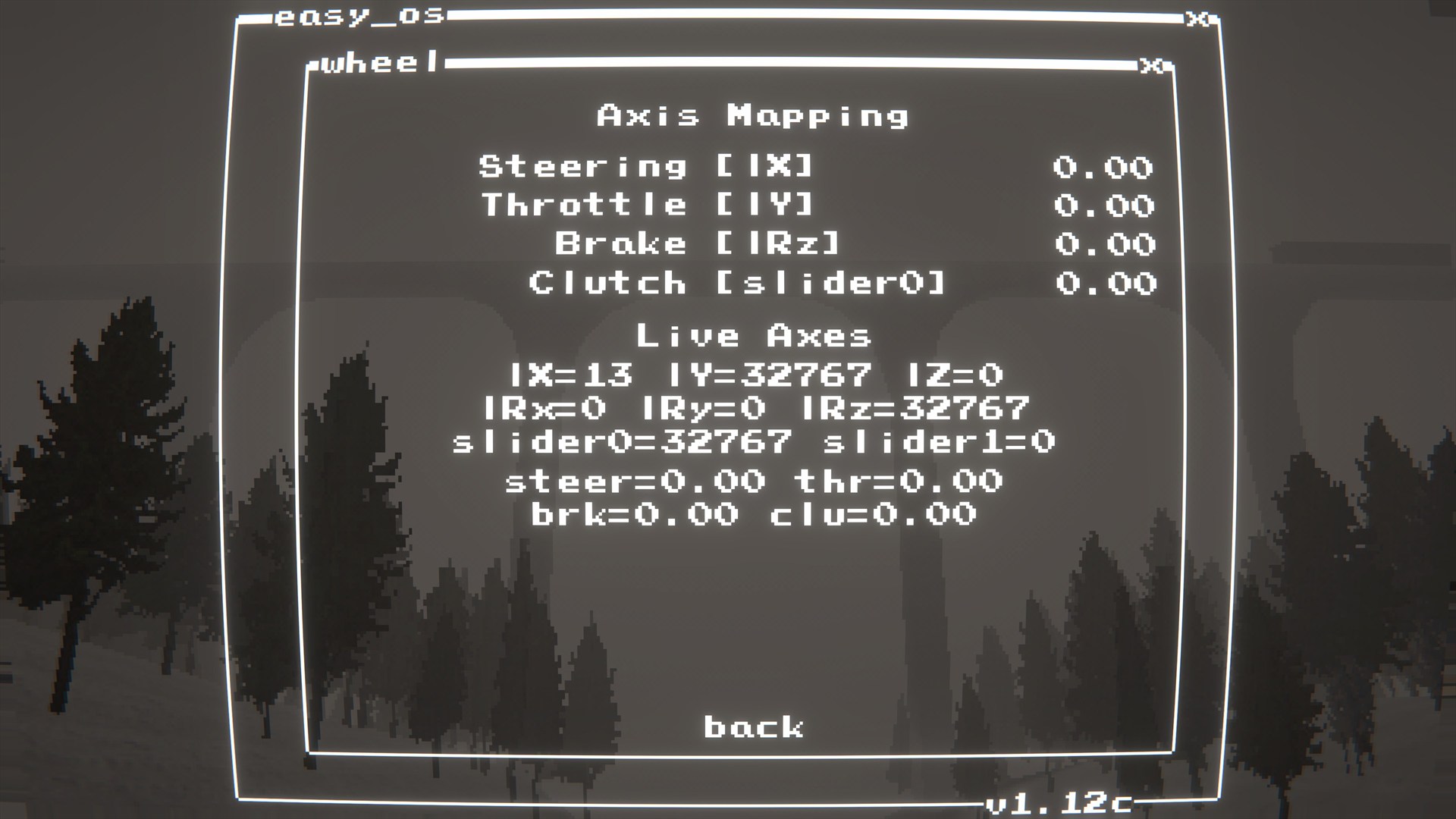
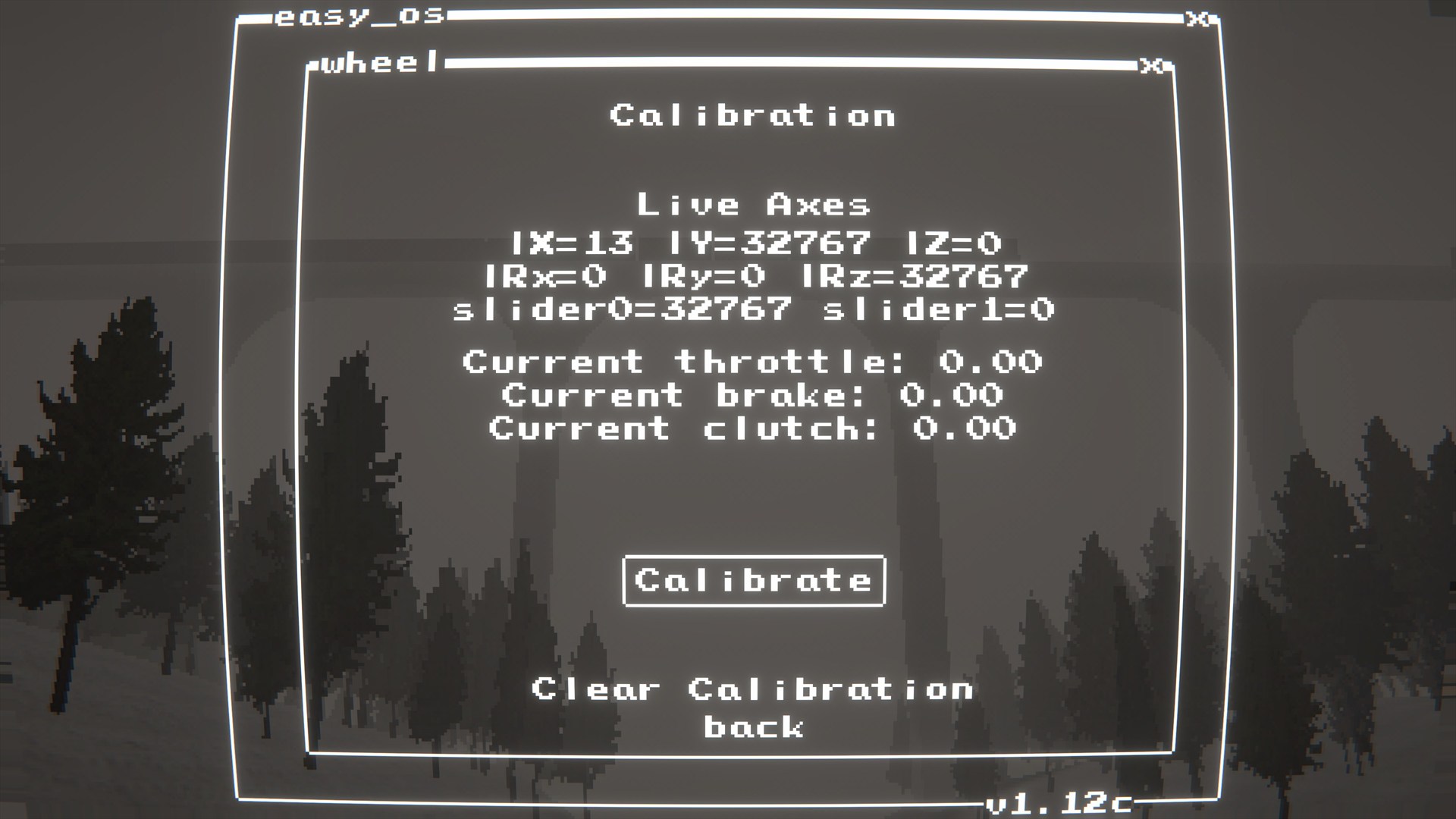
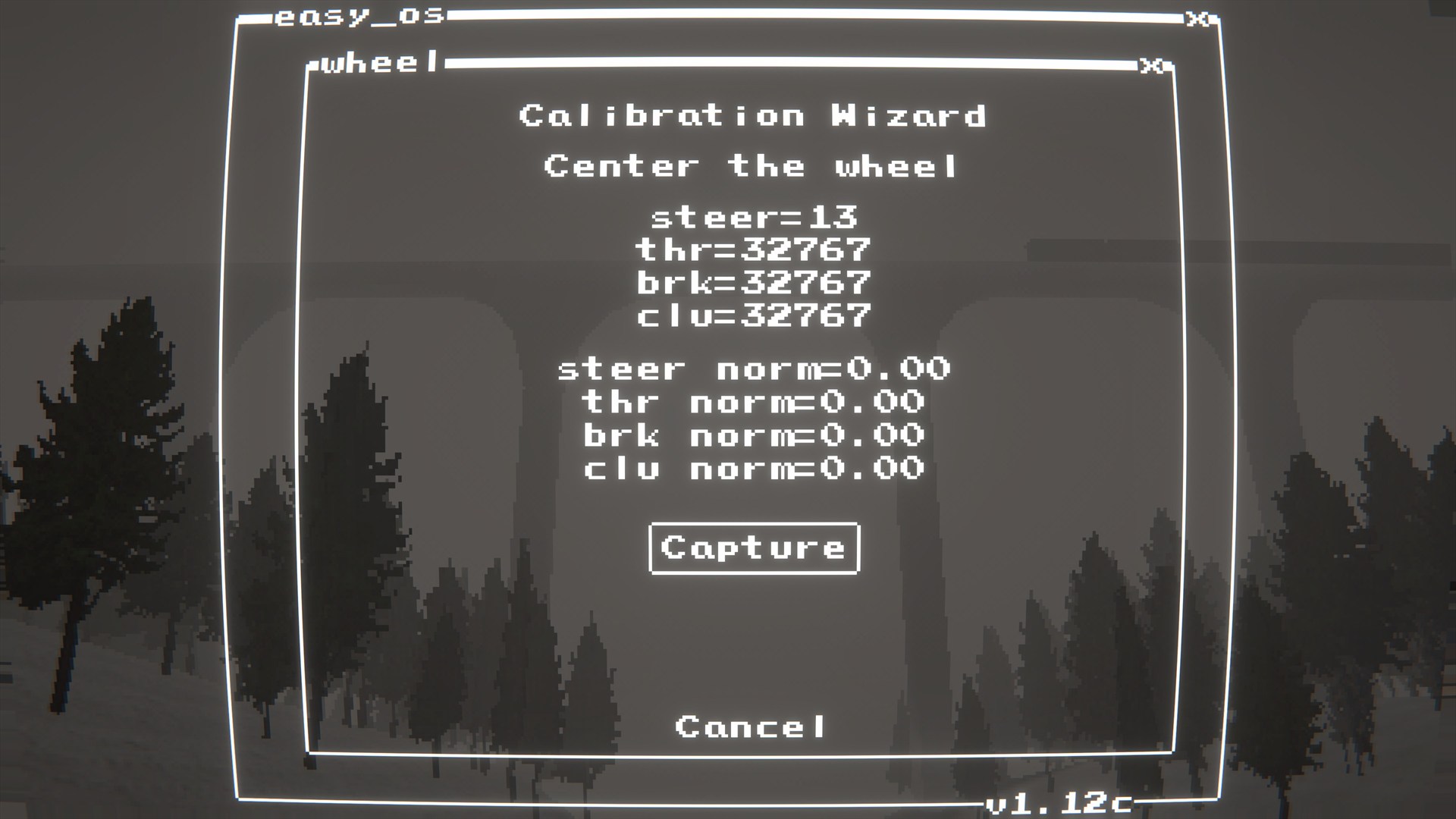
log_detected_devices (bool, default: true): Log joystick names detected by Unity on startup.debug_logging (bool, default: false): Log debug information.mods.exe (SebCore) then launch Wheel.My wheel/pedals aren't working or are stuck at full throttle.
mods.exe -> Wheel and check Axis Mapping.Calibration and follow the prompts.The SDK fails to load or I get errors about missing DLLs.
LogitechSteeringWheelEnginesWrapper.dll is in the same folder as SebLogiWheel.dll.dotnet build EasyDeliveryCoMods.sln -c Releasepowershell -NoProfile -ExecutionPolicy Bypass -File scripts/package-all.ps1 -Version 1.0.0