

You are viewing a potentially older version of this package. View Latest Version
SebLogiWheel
Logitech Steering Wheel and FFB support for Easy Delivery Co.
SebLogiWheel
Logitech wheel support and Force Feedback (FFB) for Easy Delivery Co.
About
·
Features
·
Compatibility
·
Screenshots
·
Installation
·
Configuration
·
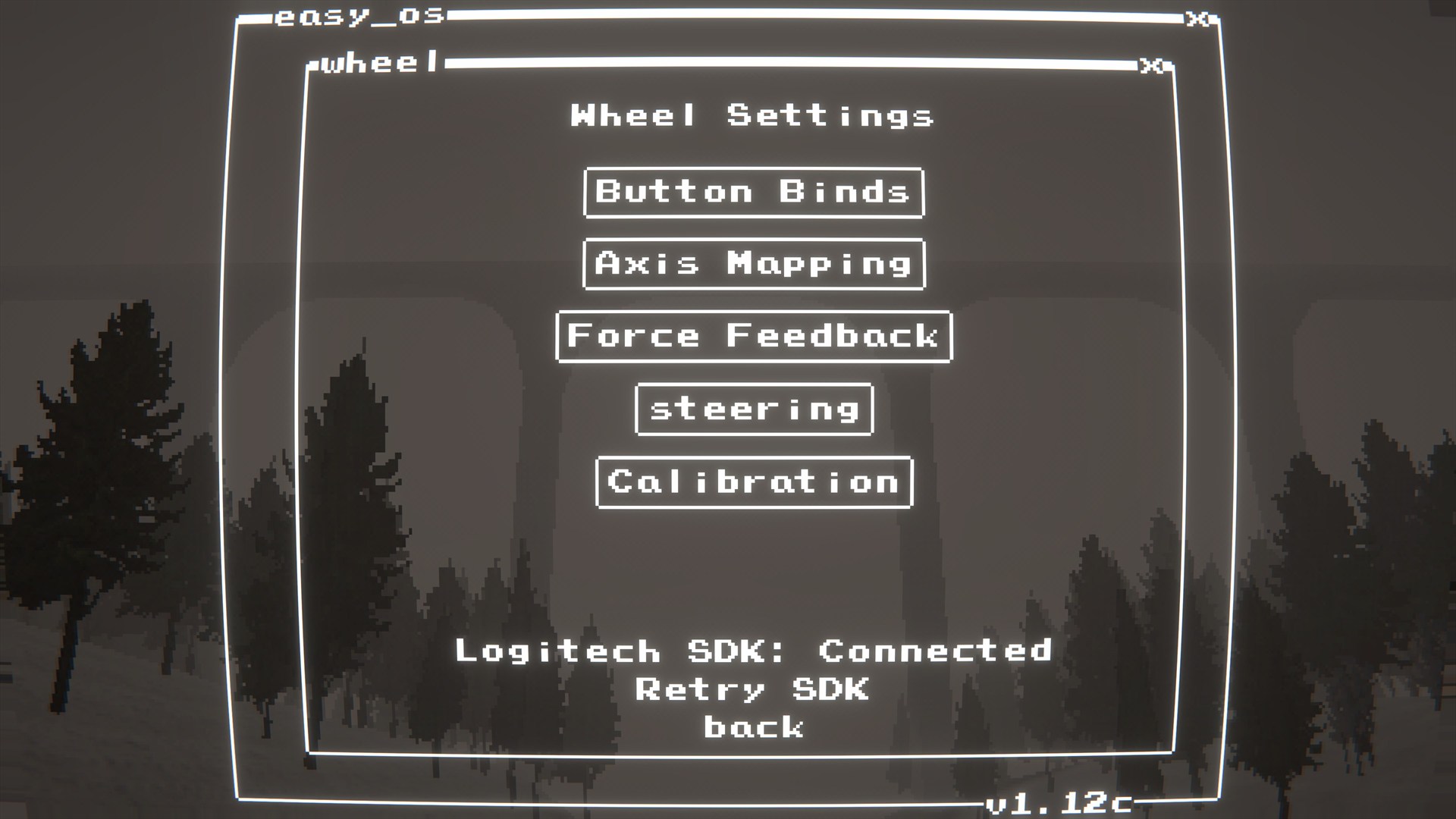
In-game menu
·
Troubleshooting
·
Build
About
SebLogiWheel adds Logitech wheel input + Force Feedback (FFB) support.
Wheel bindings live in SebBinds (Binds -> Wheel). Driving feature extensions (manual transmission / ignition / HUD readouts) live in SebTruck.
Important
- When SebLogiWheel is active, keyboard/controller axis driving is disabled.
- For best results, do not have other controllers plugged in at the same time as the steering wheel.
Features
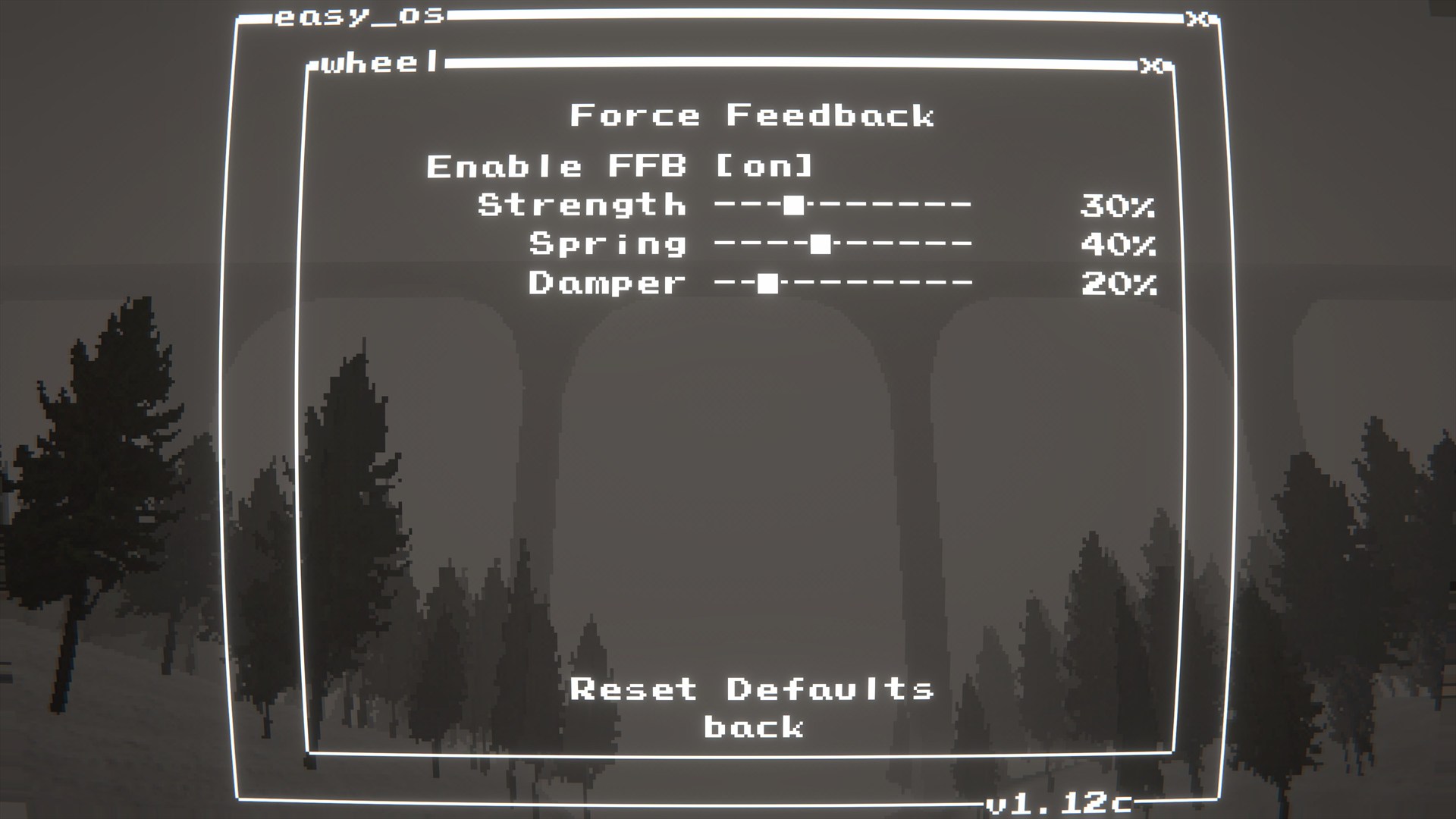
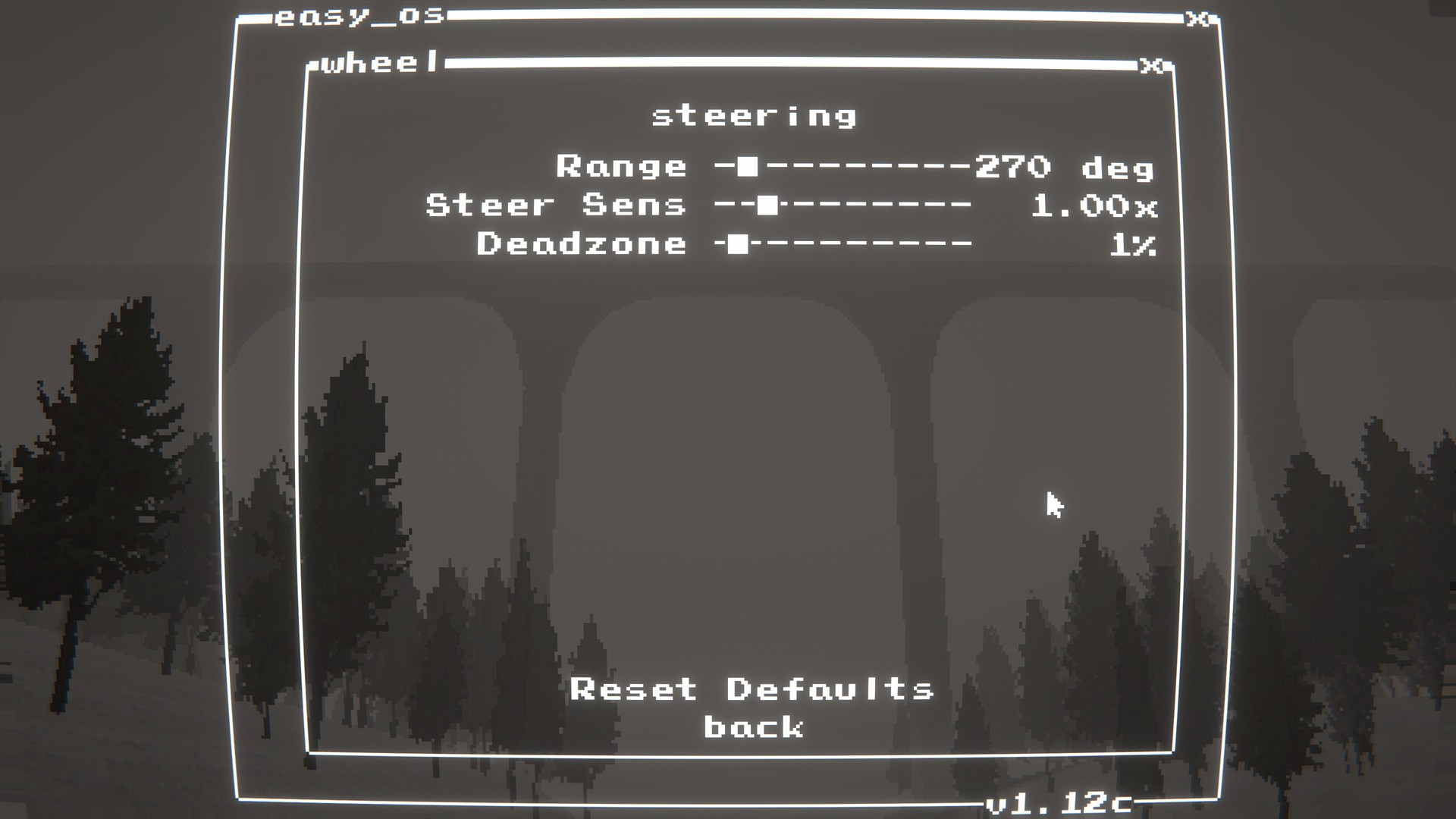
- Wheel steering + pedals
- H-shifter support through SebBinds Wheel bindings (
Reverse,Neutral, andGear 1-6) - Force Feedback (FFB)
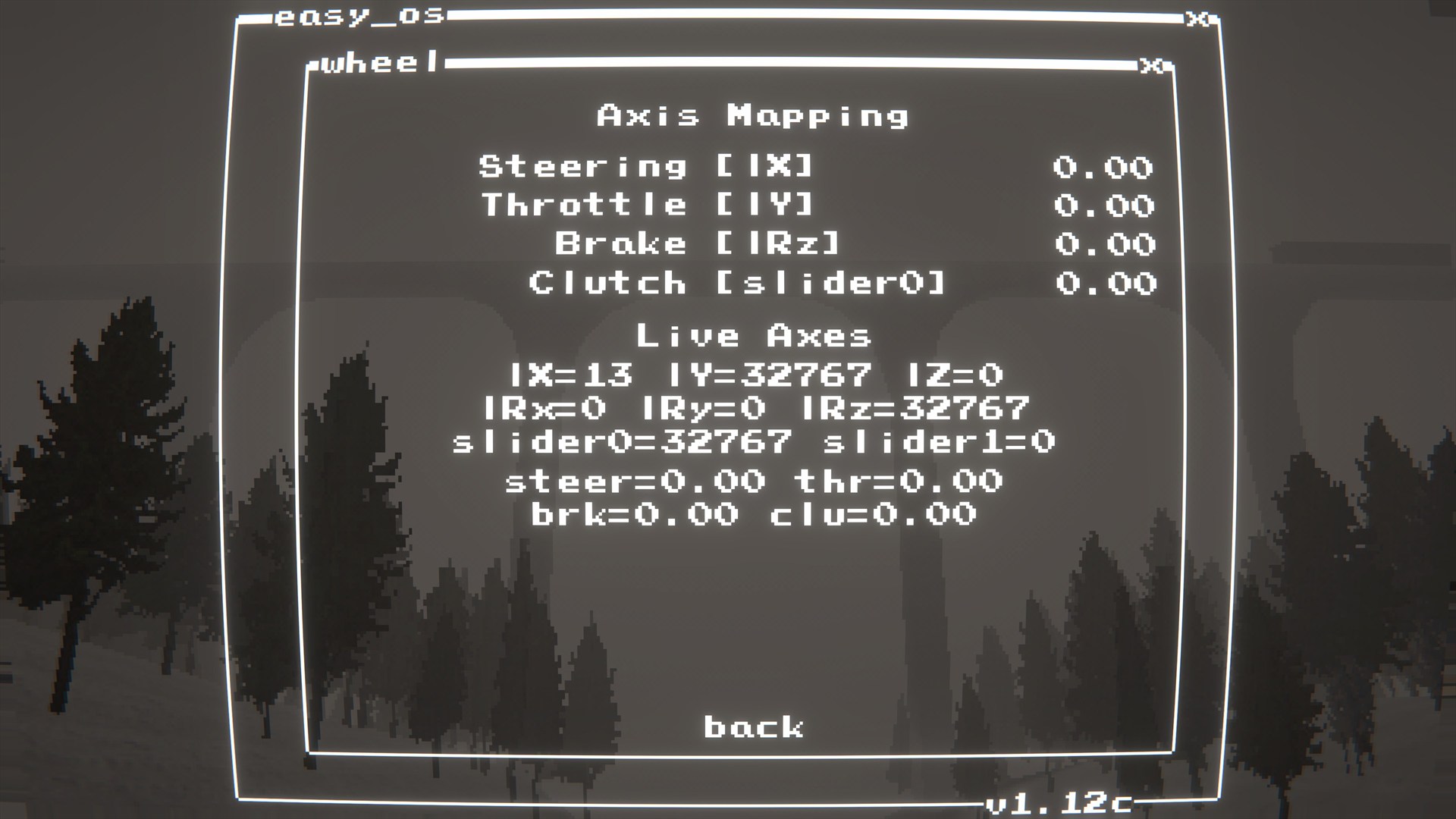
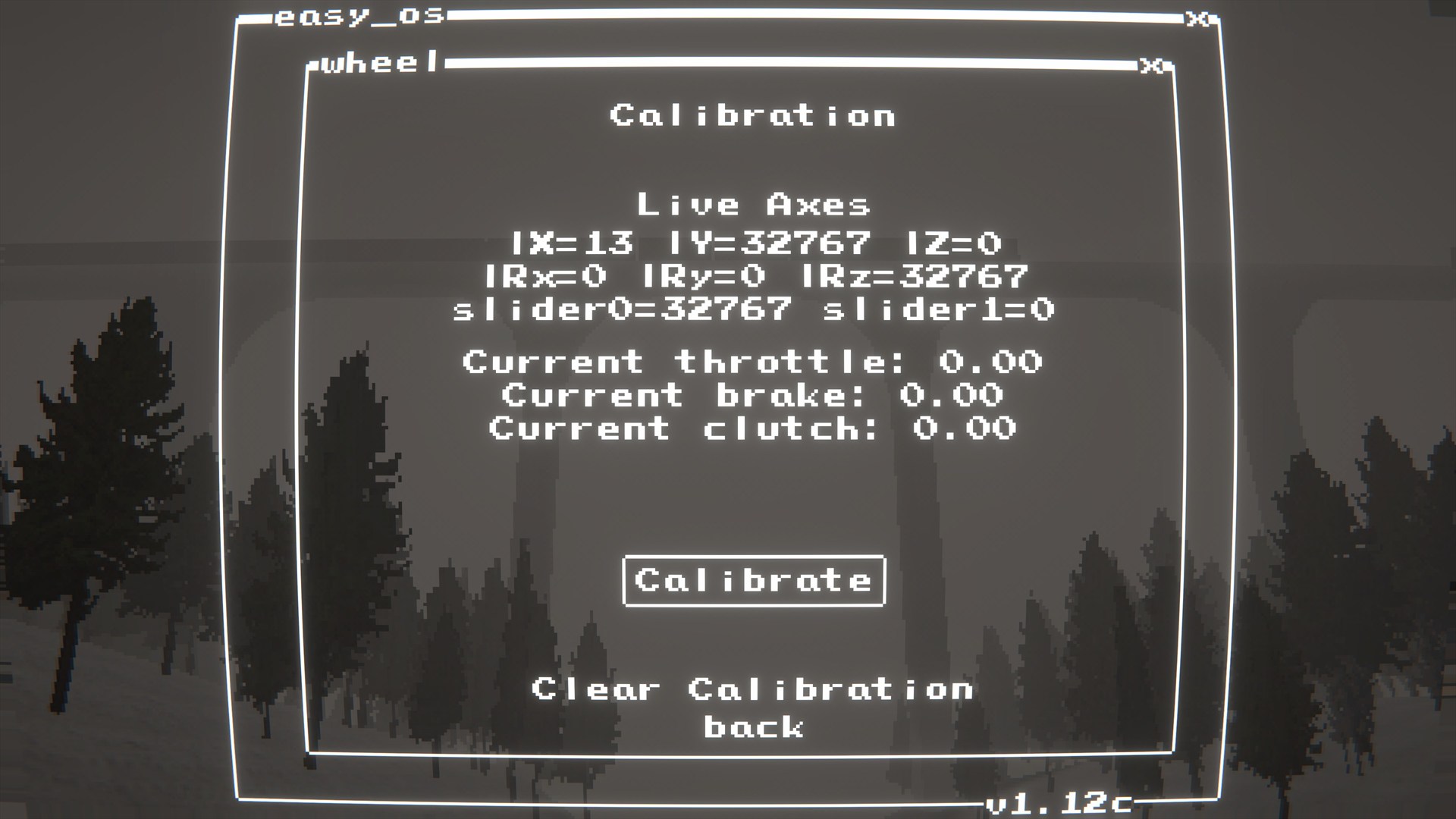
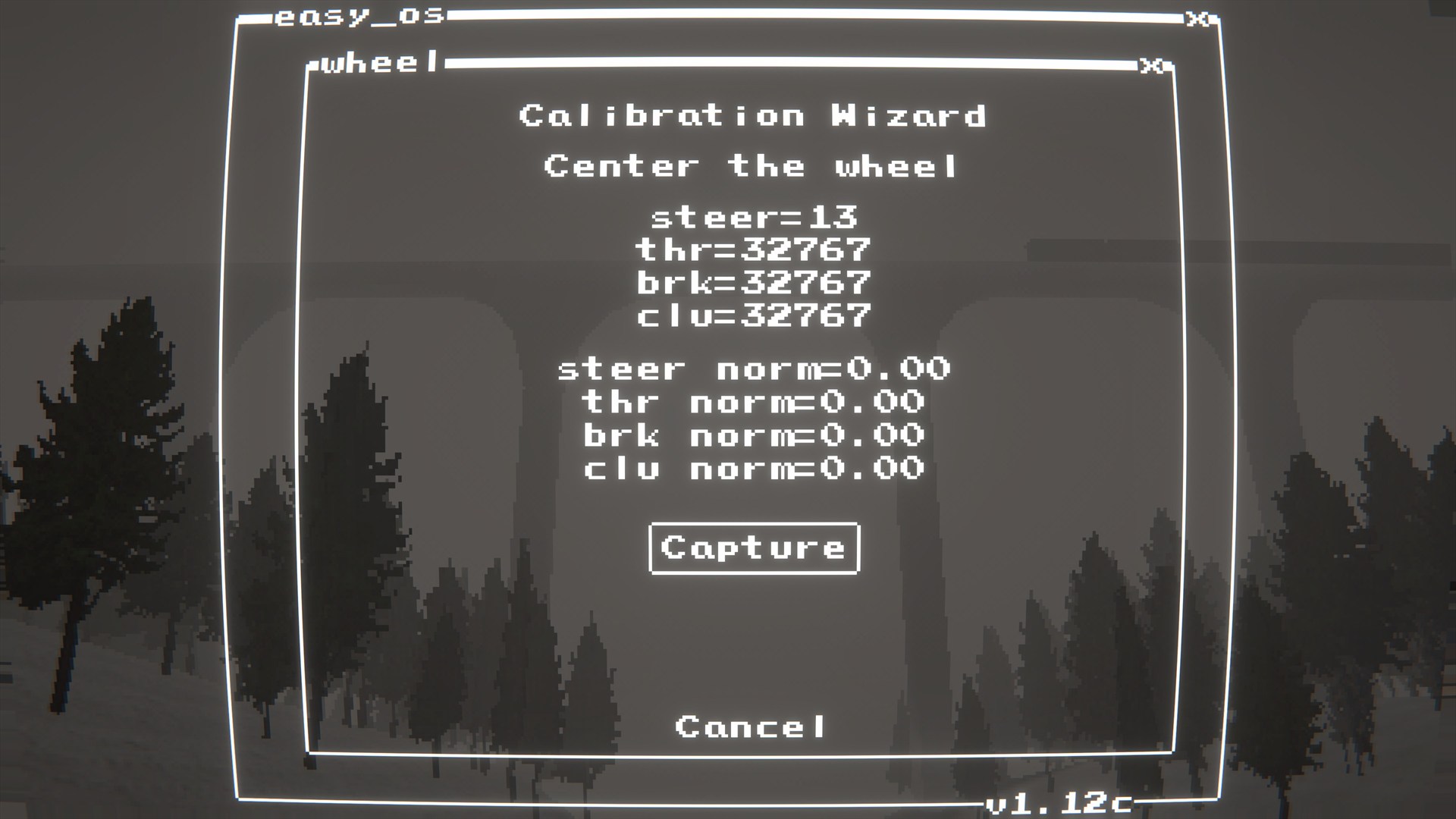
- Calibration + axis mapping menu
- Live held-button readout in Axis Mapping/Calibration to help identify shifter positions
- Integrates with SebBinds: Wheel scheme for binds + axes
Compatibility
- Intended for modern Logitech wheels supported by Logitech G HUB / LGS.
- Tested on: G920
- Likely compatible: G29/G923 and similar Logitech wheels (not guaranteed).
Screenshots
 |
 |
 |
 |
 |
 |
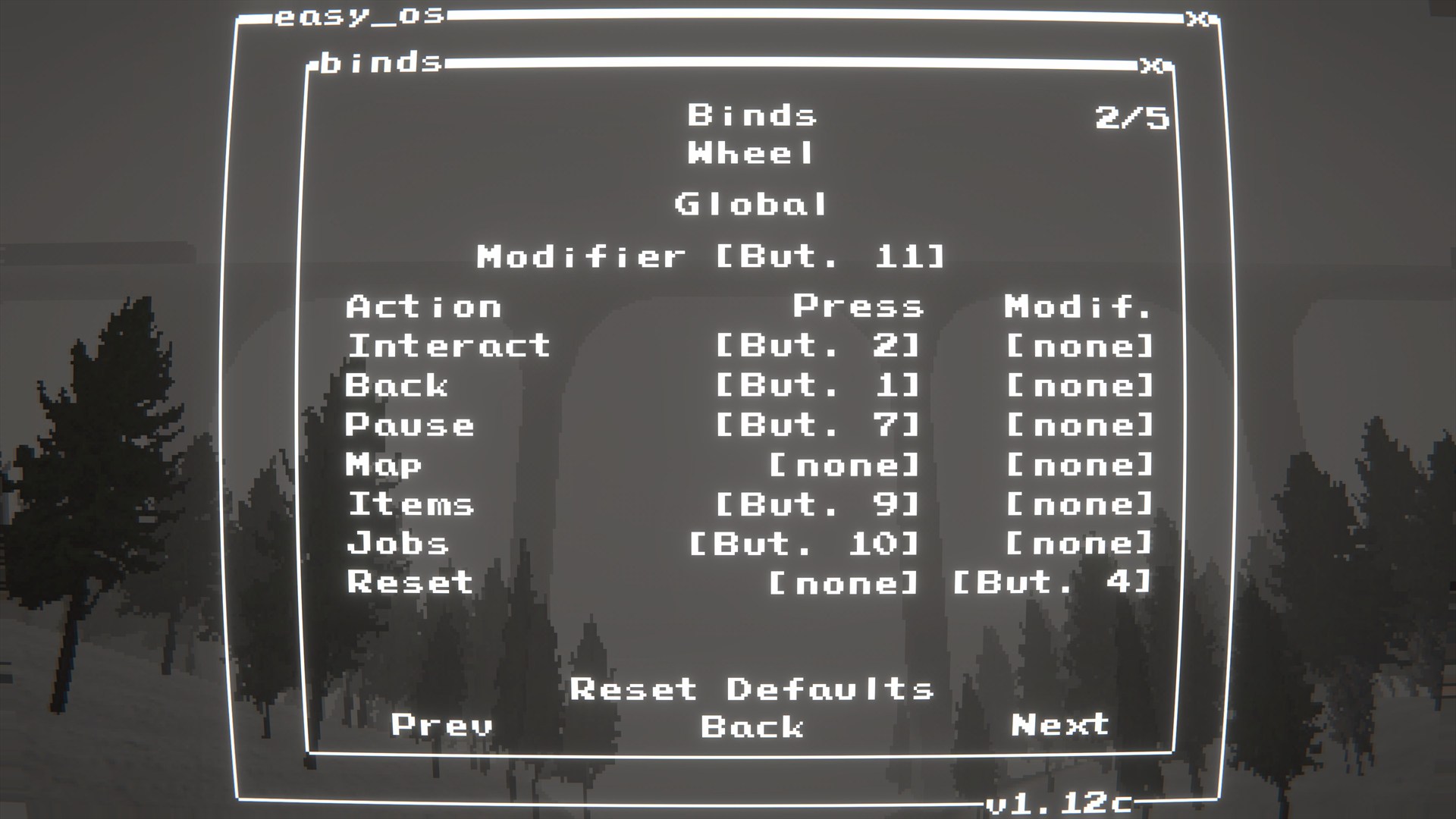 |
Installation
Dependencies
BepInEx-BepInExPack-5.4.2304shiibe-SebCore-1.0.2shiibe-SebBinds-1.1.3
Force Feedback (FFB)
- Install Logitech G HUB (or older Logitech Gaming Software) so the wheel drivers/components are present.
LogitechSteeringWheelEnginesWrapper.dllmust be alongside the plugin DLL (the build/package includes it).
Install
- r2modman/Thunderstore: https://thunderstore.io/c/easy-delivery-co/p/shiibe/SebLogiWheel/
- Manual: copy
SebLogiWheel.dlltoBepInEx/plugins/SebLogiWheel/ - FFB DLL: make sure
LogitechSteeringWheelEnginesWrapper.dllis alongsideSebLogiWheel.dll
Quick start
- Install the mod and start the game once.
- Open
mods.exe(SebCore) then launchWheel. - Run calibration if needed.
- Open
Binds->Wheeland bind buttons/axes. - For H-shifters, use the SebBinds
Rally Gearspage to bindReverse,Neutral, andGear 1-6to the shifter's live button positions, then setShift ModetoHoldon theRallypage.
Configuration
- Config file:
BepInEx/config/shibe.easydeliveryco.seblogiwheel.cfg
General
ignore_xinput_controllers(bool, default:true): PassignoreXInputControllersto the Logitech SDK init (recommended).
Debug
log_detected_devices(bool, default:true): Log joystick names detected by Unity on startup.debug_logging(bool, default:false): Log debug information.
In-game menu
- Open
mods.exe(SebCore) then launchWheel. - Use this menu for wheel-specific setup (calibration, axis mapping, FFB tuning).
- The Axis Mapping and Calibration screens show
Buttons held, which is useful for finding each H-shifter gear position before binding it in SebBinds. - H-shifter gear holding is configured in SebBinds via
Shift Mode: Hold.
Troubleshooting
My wheel/pedals aren't working or are stuck at full throttle.
- Make sure Logitech G HUB (or older Logitech Gaming Software) is installed.
- Open
mods.exe->Wheeland checkAxis Mapping. - Run
Calibrationand follow the prompts.
The SDK fails to load or I get errors about missing DLLs.
- Make sure
LogitechSteeringWheelEnginesWrapper.dllis in the same folder asSebLogiWheel.dll.
Build
- Build:
dotnet build EasyDeliveryCoMods.sln -c Release - Package all:
powershell -NoProfile -ExecutionPolicy Bypass -File scripts/package-all.ps1 -Version 1.1.1