
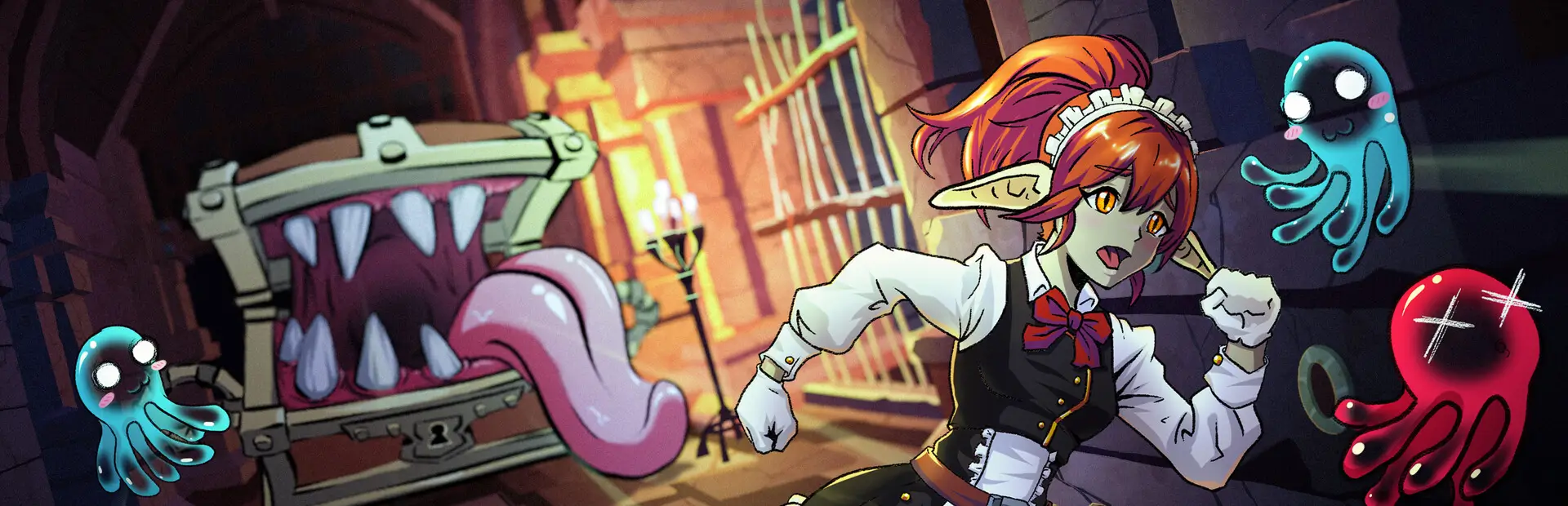

MorePlayers
Removes the 4-player cap in Goblin Cleanup. All players share one room. |
More PlayersA Goblin Cleanup mod that removes the 4-player cap. |

All players share a single room instead of being split across separate rooms. Extra room doors are closed and labelled "Out of Order".
[!NOTE] Only the host needs to install this mod. Clients without the mod can still join.
Features
- [x] Remove 4-player lobby cap (configurable up to 250)
- [x] All players spawn in the same room
- [x] Extra rooms closed with "Out of Order" labels
- [x] Kickout UI, lobby list, and stats screen handle arbitrary player counts
- [x] Server-side only — clients don't need the mod
Installation (Manual)
- Install BepInExPack for Goblin Cleanup (includes BepInEx + unstripped corlibs).
- Download the latest release ZIP from the Releases page.
- Extract the ZIP and copy
GoblinCleanupMorePlayers.dllto your BepInEx plugins folder:- Default location:
C:\Program Files (x86)\Steam\steamapps\common\Goblin Cleanup\BepInEx\plugins\
- Default location:
- Start the game. Host a lobby — the mod will allow more than 4 players.
Configuration
The mod can be configured via BepInEx/config/GoblinCleanupMorePlayers.cfg:
MaxPlayers: (Default:8, Range:1–250) Maximum number of players. Steam lobbies support up to 250.
Development
Install mise and run mise install to set up tools.
mise run build    # Build the DLL
mise run package  # Build the Thunderstore package
Run mise tasks to list all available tasks.
License
This project is licensed under MIT License. See LICENSE for details.