
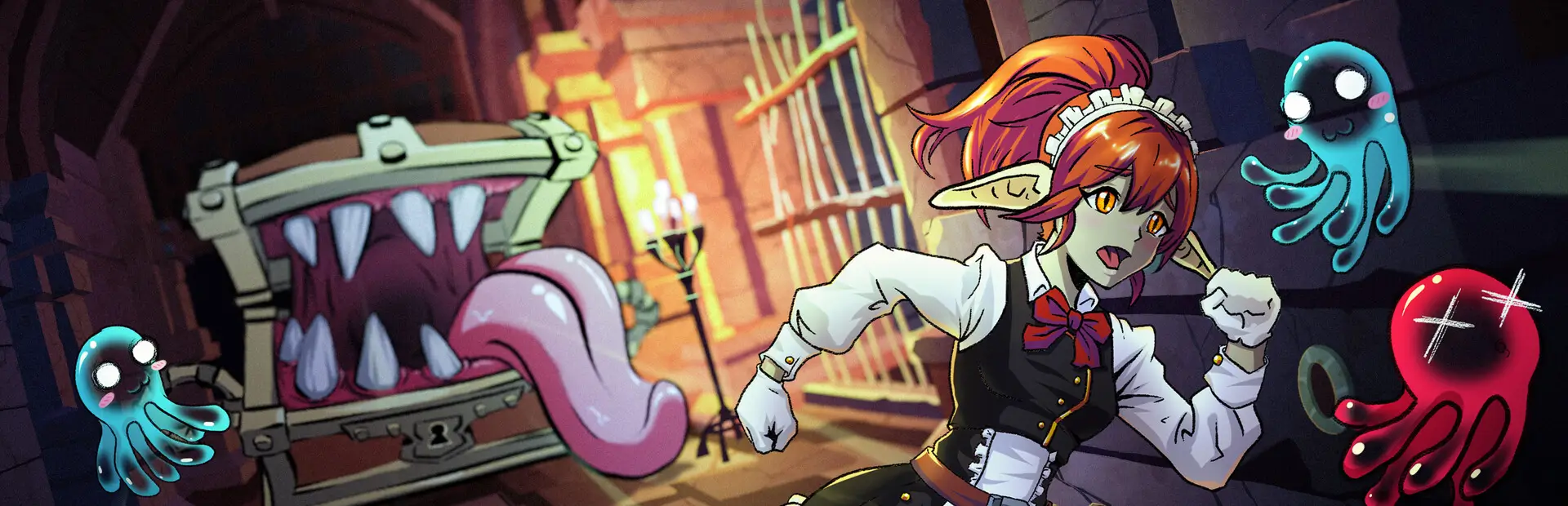
SkipIntros
Skips intro videos and splash screens in Goblin Cleanup. |
Skip IntrosA Goblin Cleanup mod that skips intro videos and splash screens on startup. |

Installation (Manual)
- Install BepInExPack for Goblin Cleanup (includes BepInEx + unstripped corlibs).
- Download the latest release ZIP from the Releases page.
- Extract the ZIP and copy
GoblinCleanupSkipIntros.dllto your BepInEx plugins folder:- Default location:
C:\Program Files (x86)\Steam\steamapps\common\Goblin Cleanup\BepInEx\plugins\
- Default location:
- Start the game.
Development
Install mise and run mise install to set up tools.
mise run build    # Build the DLL
mise run package  # Build the Thunderstore package
Run mise tasks to list all available tasks.
License
This project is licensed under MIT License. See LICENSE for details.