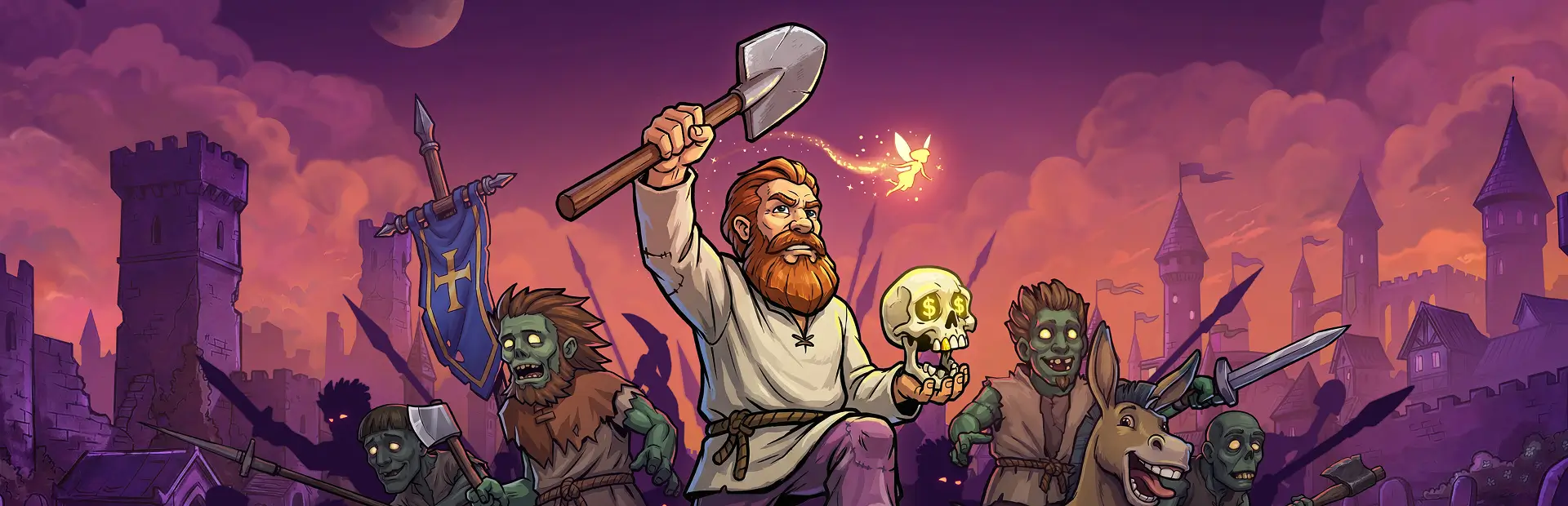

GK2 Coop
Online co-op for Graveyard Keeper 2: host your world and Steam friends join with their own characters (or join by IP). Shared world, crafting, fights, story scenes and sleep. Beta: back up your saves.GK2 Co-op
Online co-op for Graveyard Keeper 2. One player hosts their world, and friends join it with characters of their own.
Beta. Most of the game works together, but expect some bugs, and back up your saves before playing. Saves live in
%USERPROFILE%\AppData\LocalLow\Lazy Bear Games\Graveyard Keeper 2.
Requirements
- Everyone needs the same game version (built for Graveyard Keeper 2 1.010) and the same mod version.
- BepInEx (BepInExPack 5.4.2305). The mod manager installs it for you.
Install
Install with r2modman or the Thunderstore Mod Manager and start the game modded. Every player installs it. The main menu then has a Co-op button (F8 opens the same menu): if it's there, the mod is loaded.
Playing together (Steam)
Steam friends can play together with no addresses or port forwarding: the connection goes through Steam. Start the game modded (from the mod manager) with Steam running.
- Everyone: click Co-op at the main menu. Your name starts as your Steam name; keep the same name every time, because your character (inventory, money, look) is kept in the host's save under it. Connect through is set to Steam friends.
- Host: under Host, click Host from here.
- Partners: the host shows up under Friends hosting. Click Join <host>'s world. You wait in the host's lobby; your menu buttons stay locked meanwhile. You can also accept the host's Steam invite (host: Invite Steam friends in the Co-op menu) or use Join Game on the host's Steam profile, while your game is open at the main menu.
- Host: start a new game or load a save. Everyone loads in together.
Or the host loads into their world first, opens Co-op from the pause menu, clicks Host this world on Steam, and partners join from their menu.
Only the host's Steam friends can join. The partner needs to be on the host's friends list (or invited).
Playing together (IP address)
For a LAN, a virtual LAN (Tailscale, ZeroTier, Radmin VPN), or a forwarded port. Set Connect through to IP address in the Co-op menu.
- Everyone: click Co-op at the main menu and type your name.
- Host: under Host, click Host from here.
- Partners: type the host's address under Join and click Join.
- Host: start a new game or load a save.
The mod uses UDP port 8889 (you can change it in the menu). Over the internet, join the host's address on the virtual LAN, or the host forwards UDP 8889 on their router and partners join the host's public IP. Allow the game through Windows Firewall when it asks.
What co-op does
- One world, the host's. Objects, buildings, crafting stations, chests and stockpiles, graves and bodies, villagers and zombies, time and weather are all the host's, and everyone sees the same thing.
- Shared progress. Money, tech points, reputation, the tech tree, talents and inspirations, and the village's sermon buffs.
- Your own character. Inventory, carried items, energy, look and achievements are yours, kept in the host's save. Only the host's game saves.
- The story is the host's. Partners take part in the host's cutscenes and scenes in the host's place, and are brought back afterwards. Story steps (talks, story objects) are the host's to do, and quest item rewards go to the host. In the intro, everyone gets their own tools.
- Work stations: one player at a time. What you make by hand goes into your bag.
- Fights: partners fight in the host's fight, with their HP and stamina bars and the host's wave timeline. They can carry and plant troop flags.
- Sleep: the host's bed puts everyone to sleep, and the sleep screen shows everyone's energy. A tired partner's bed asks the host. Everyone wakes once all are rested.
- The map shows everyone, and areas anyone finds are found for all.
- Shops: a partner talking to a shopkeeper gets their own shop. Vendors' stock and money are shared.
- The Co-op menu looks like the game's own menus. It lists everyone with their ping, sends short messages (shown in the game's notifications), lets the host remove a player, and has a Settings page.
Bugs and feedback
Report bugs in the Bugs tab of the mod's Nexus Mods page: https://www.nexusmods.com/graveyardkeeper2/mods/408?tab=bugs. Say when it happened and who was hosting, and attach both players' logs (below).
Settings and logs
- Settings: the Settings page of the Co-op menu (connection, rejoining where you left, story scene options,
what new partners start with). Hover a setting's ? to see what it does. Everything else is in
BepInEx/config/com.gk2coop.prototype.cfg(the file keeps its early name). - Logs: the mod writes a detailed log to
BepInEx/GK2Coop-logs. When reporting a bug, send the newestcoop_*.logandBepInEx/LogOutput.logfrom both players, with the time it happened.