
You are viewing a potentially older version of this package. View Latest Version
PlayerReSizer
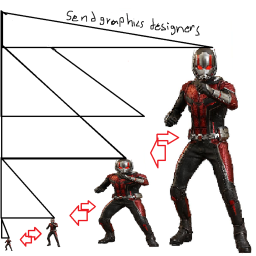
Have you ever wanted to be bEEEg or small well now you can. epic configurable hight per level moment.PlayerReSizer
How to use:
Step 1: Launch game with the mod installed.
Step 2: close game.
Step 3: go to the customs folder.
Step 4: go to GarbabShrinkMan
Step 5: edit the Configuration
LevelLayout: ( self explanatory just put the levellayout persistent id) for each level you want to use this in.
LocalScaleMultiplier: the Y axis of the player when standing, or basically the hight of the player, default value in playerdatablock is 1.8. (1.8m)
LocalCrouchMultiplier: the Y axis of the player when crouching, the hight of the player when crouching, default value in playerdatablock is 1. (1m)
Step 6: launch and play the game
Version
0.1.0: Released