
NailongAvatar
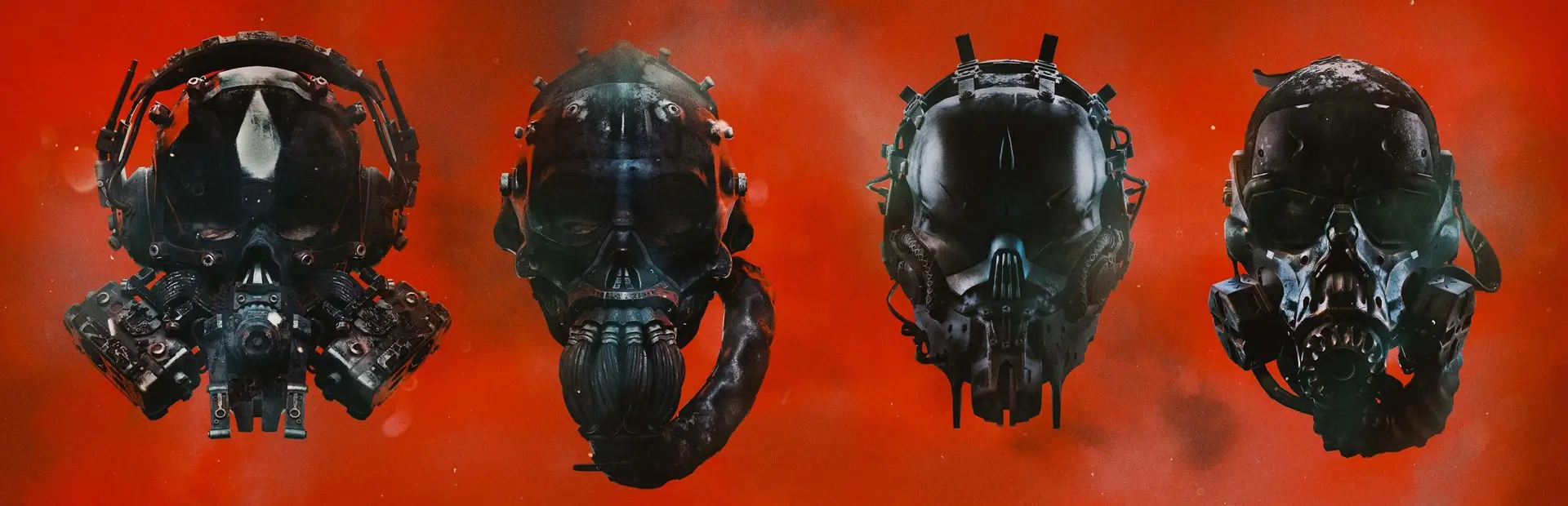
Four custom GTFO outfits: NAILONG, NAIDAN, NAIWA and nai. Includes multiplayer outfit sync and optional first-person replacement.NailongAvatar
GTFO 四套自定义角色模型:NAILONG / NAIDAN / NAIWA / nai。
Four custom outfits for GTFO: NAILONG / NAIDAN / NAIWA / nai.
Thunderstore 包版本 / Package version: 1.4.1
插件内部版本 / In-game plugin version: 1.4.1.0
中文使用说明
安装与更新
- 推荐使用 Thunderstore Mod Manager 或 r2modman 安装;管理器会根据依赖声明安装 BepInEx 和 GTFO API。请通过已安装此模组的配置档案启动游戏。
- 手动安装:先安装 BepInEx IL2CPP 和 GTFO API,再将包内
plugins/NailongAvatar文件夹放入游戏的BepInEx/plugins。保留 DLL、四套模型、贴图和资源,不要只复制 DLL。 - 安装或更新前正常退出游戏。已手动安装本插件时,请先备份并移走旧的
NailongAvatar插件文件夹,避免与管理器安装的副本重复加载。 - 本包通过依赖声明提供 GTFO API,不重复打包其 DLL。
选择服装
进入大厅,打开「服装」→「躯干」,点击列表末尾的四张自定义卡片即可换装。选择任意原版躯干服装可恢复原版外观。
热键
游戏窗口需要获得焦点,每次按键切换一次。
| 按键 | 功能 |
|---|---|
| F4 | 开关轻量弹簧晃动,仅对模型中支持的部位生效。 |
| F5 | 开关布料柔光效果。 |
| F6 | 切换 lilToon / 游戏兼容材质。第一人称默认使用游戏兼容材质,可能没有同样的变化。 |
| F7 | 自定义模型替换总开关。关闭恢复原版模型,开启恢复当前选择。 |
| F8 | 请求截图并向日志写入模型诊断信息。截图位于当前插件目录,文件名以 in-game- 开头。 |
| F9 | 切换原版服装。 |
第一人称与默认值
自定义第一人称包含手臂、躯干和腿,使用原版骨骼,不含头部。可见范围取决于模型和动作。
新生成配置中,四套服装的 ReplaceFirstPerson 默认均为 true;全局 ReplaceFirstPersonArms 默认是 false,可按 F9 开启。已有配置保留保存值,更新不会自动重置配置。
显示自定义第一人称需要同时满足:选择了自定义服装、F7 开启、全局开关为 true、当前服装的 ReplaceFirstPerson 为 true。F9 不会修改服装开关,换衣服也不会改变全局开关。
配置文件
位置:当前安装环境的 BepInEx/config/local.gtfo.nailong.avatar.cfg。使用 r2modman 时,请打开当前档案文件夹查找。退出游戏后编辑,保存并重启游戏。
例如启用 nai 的自定义第一人称,请修改已有段落,避免重复添加:
[General]
ReplaceFirstPersonArms = true

[Outfit.nai]
ReplaceFirstPerson = true
ScaleMultiplier = 0.4
其他服装段落为 [Outfit.NAILONG]、[Outfit.NAIDAN]、[Outfit.NAIWA]。
ScaleMultiplier:该套额外缩放倍率,与全局BodyScaleMultiplier叠加。默认 NAILONG 为 1、NAIDAN 为 0.7、NAIWA 为 1、nai 为 0.4。VerticalOffset:额外垂直偏移,正数上移、负数下移,默认 0。ReplaceAllPlayers:是否显示其他已选择自定义服装玩家的替换模型。BotsFollowLocalOutfit:是否让机器人跟随房主的服装选择。
联机与排查
希望互相看到自定义模型的玩家都应安装同一版本和完整资源。玩家各自选择服装,插件同步选择;第一人称设置由各自客户端控制。
- 没有卡片:检查当前启动档案、依赖和资源是否完整;启动日志应显示
NAILONG Avatar Replacement 1.4.1.0。 - F9 没变化:检查 F7、全局开关和当前服装开关。原版服装不会因 F9 自动变成自定义服装。
- 热键无响应:检查游戏焦点、键盘 Fn/F-Lock 模式及其他软件快捷键。
- 模型挡视线或持枪位置异常:可用 F9 恢复原版第一人称,记录服装、动作和截图进行排查。
- 日志位置:当前环境的
BepInEx/LogOutput.log,以及存在时的BepInEx/ErrorLog.log。
English guide
Installation and updates
- Install with Thunderstore Mod Manager or r2modman. The manager installs BepInEx and GTFO API through the declared dependencies. Launch the game through the profile containing this mod.
- Manual installation: install BepInEx IL2CPP and GTFO API first, then copy
plugins/NailongAvatarinto the game'sBepInEx/pluginsfolder. Keep the DLL, all four models, textures and assets together. - Exit the game before installing or updating. If you previously installed this plugin manually, back up and move out that old plugin folder to avoid loading it alongside the manager-installed copy.
- GTFO API is supplied as a dependency; its DLL is not bundled again.
Selecting an outfit
In the lobby, open the clothing menu and select the torso category. Four custom cards appear at the end. Click one to equip it. Select any vanilla torso outfit to restore the vanilla appearance.
Hotkeys
The game window must have focus. Each press toggles the setting once.
| Key | Function |
|---|---|
| F4 | Toggle lightweight spring motion on supported model parts. |
| F5 | Toggle stocking fabric sheen. |
| F6 | Switch between lilToon and game-compatible materials. First-person rendering defaults to game-compatible materials and may not show the same change. |
| F7 | Toggle all custom model replacement. Off restores vanilla models; on restores the selected custom outfit. |
| F8 | Request a screenshot and log model diagnostics. Screenshots are saved in the active plugin folder with names beginning with in-game-. |
| F9 | Toggle only General.ReplaceFirstPersonArms. Per-outfit ReplaceFirstPerson settings are never changed. |
First-person defaults
Custom first-person rendering includes arms, torso and legs, using the original game skeleton and excluding the head. Visibility depends on the model and animation.
In a newly generated configuration, ReplaceFirstPerson defaults to true for all four outfits. The global ReplaceFirstPersonArms defaults to false; press F9 to enable it. Existing saved configuration values take priority and are not reset by updating.
Custom first-person rendering requires a custom outfit, F7 enabled, the global setting enabled, and the selected outfit's ReplaceFirstPerson enabled. F9 never changes per-outfit settings, and changing outfits never changes the global switch.
Configuration
File: BepInEx/config/local.gtfo.nailong.avatar.cfg in the active installation. For r2modman, open the active profile folder. Exit the game before editing, save, then restart.
Example for nai: edit the existing sections instead of adding duplicate sections.
[General]
ReplaceFirstPersonArms = true

[Outfit.nai]
ReplaceFirstPerson = true
ScaleMultiplier = 0.4
Other outfit sections: [Outfit.NAILONG], [Outfit.NAIDAN], [Outfit.NAIWA].
ScaleMultiplier: Additional outfit scale, combined with the globalBodyScaleMultiplier. Defaults: NAILONG 1, NAIDAN 0.7, NAIWA 1, nai 0.4.VerticalOffset: Additional vertical offset. Positive moves up, negative moves down. Default: 0.ReplaceAllPlayers: Show replacement models for other players who selected custom outfits.BotsFollowLocalOutfit: Make bots follow the host's outfit selection.
Multiplayer and troubleshooting
Players who want to see each other's custom models should install the same version and complete assets. Players choose outfits independently and the plugin synchronizes selections. First-person settings are local to each client.
- Missing cards: check the active launch profile, dependencies and assets. The startup log should show
NAILONG Avatar Replacement 1.4.1.0. - F9 has no visible effect: check F7, the global switch and the selected outfit's setting. F9 does not select a custom outfit when a vanilla outfit is equipped.
- Hotkeys do not respond: check window focus, Fn/F-Lock mode and shortcuts intercepted by other software.
- Obstructed view or incorrect weapon alignment: use F9 to restore vanilla first-person rendering, and record the outfit, animation and a screenshot for diagnosis.
- Logs:
BepInEx/LogOutput.logandBepInEx/ErrorLog.logif present, in the active installation.