
This package has been deprecated and may no longer be maintained. We recommend looking for an alternative.
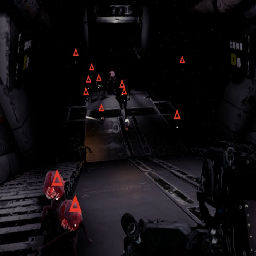
Survival Wave Population Randomizer
Makes it so random enemies spawn on a single SurvivalWavePopulationDataBlock based on eEnemyTypes, such as Weaklings, Standards, Specials, Minibosses, Bosses#DESCRIPTION
This makes it so multiple enemies can be randomly spawned on a single eEnemyType inside the SurvivalWavePopulationDataBlock.
- Simply go inside the "RandomizedSurvivalPopulationSpawns.json"
- You will see 2 examples already made.
- Set the "LinkToWavePopulation" field corresponding to the "SurvivalWavePopulationDataBlock" ID to override.
- The "EnemyID" is what will be inside the pool of randomly selected enemies to spawn. This field corresponds to the "EnemyDataBlock".
- If a spawn (i.e Weaklings, Standards) is empty or null, then it will pull the enemy originally from the population datablock instead.
- The "Weight" field is the likely hood that the enemy is chosen to spawn.
- Enemies will be randomly selected from "RandomizedSurvivalPopulationSpawns" instead of the "SurvivalWavePopulationDataBlock" if the corresponding "SurvivalWavePopulationDataBlock" is overriden..
- Of course, the "name" field is for reference. It is not needed.
- "RandomizedSurvivalPopulationSpawns.json" should go inside your custom directory "{RUNDOWN_PACKAGE}/custom"
Installation
This is intended for devs only, simply drag the "RandomizedSurvivalPopulationSpawns.json" into your Custom directory and started editing.