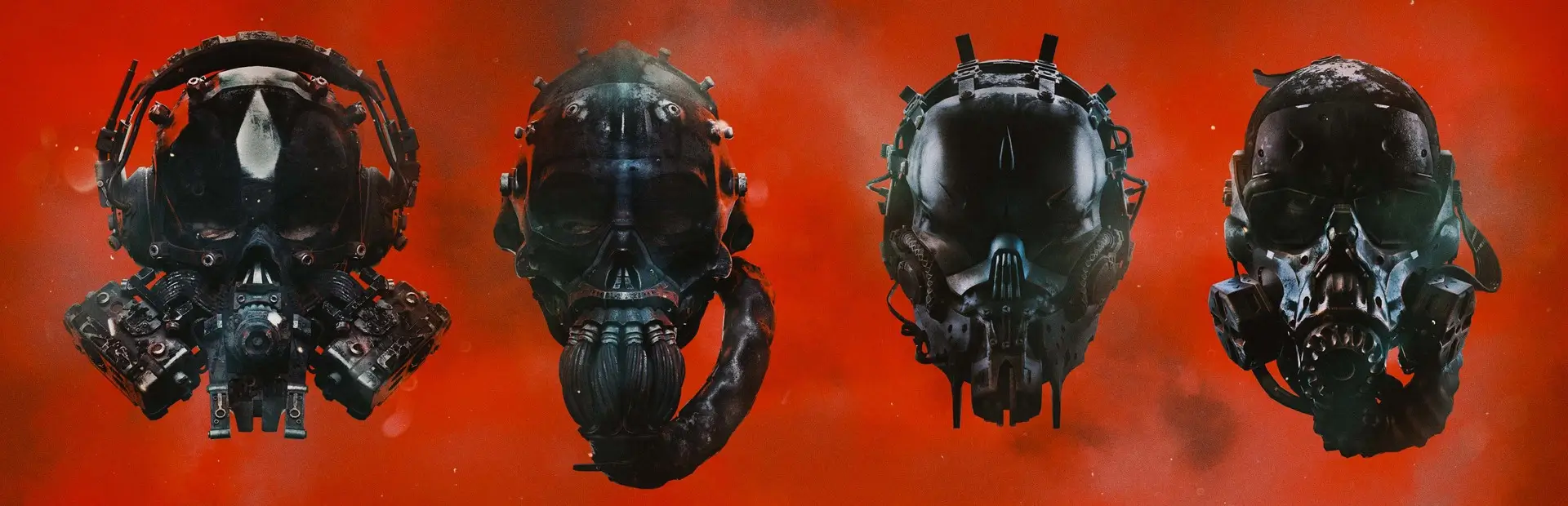

Skins
Modular skin support (no more replacing asset files!)

Skins
Modular Skin Support for GTFO
English Documentation | 中文文档 | Repository | Latest SkinGroup Editor Build
For feedback and issues, DM @uwufood OR the feedback thread on the GTFO Modding Discord Server
How to Use
- This mod is a library mod, which means it DOES NOT come with any skins by default. You can look at the dependants
of this mod, these are likely skin packs you can download.
- For alternative ways of installing/obtaining skins, please refer to the documentation.
- For creating skins packs (skin groups), refer to the documentation.
Documentation
- Everything you need to know about to use this mod to its full extent is included in the documentation.
- When in doubt, refer to the documentation. If you have any questions or suggestions, please don't hesitate to reach out to me on Discord.
Hot Reload
- Skins can be hot reloaded and take effect mid-game.
- Refer to the Reloading Skins section of the documentation for details.
- NOTE: The current version of the plugin might differ from the documentation slightly.
FAQ
- Q: Do I have to reinstall skins for each modded profile?
- Short Answer: No
- Long Answer: When a skin is installed as a mod (i.e. from Thunderstore, local mod, in mod managers), it is installed
under the per profile skins folder (
<BepInEx>/Assets/Skins/). When the mod is first launched, it attempts to move all per profile skins to the global skins folder which is shared across all profiles. If there are no complications, you should only have to install skins once and they will be available for all profiles. The process is described here. If there are any issues, please shoot me a message on Discord.
Attribution / Dependencies
Plugin
Libraries shipped next to Skins.dll (pure C# ports of nothings/stb by StbSharp, MIT):
StbImageSharp- Decodes skin PNG/JPG textures on worker threads.
StbDxtSharp- DXT1/DXT5 compression, so skin textures take roughly a quarter of the VRAM of an uncompressed upload.
SkinGroup Editor
- Electron / electron-vite, React, zustand
- The app itself.
AssetsTools.NETandAssetsTools.NET.Texture(MIT), withAssetRipper.TextureDecoder- Reading GTFO asset files and building asset bundles for the Port feature (for the bundled wrapper/util
ExtractorCore).
- Reading GTFO asset files and building asset bundles for the Port feature (for the bundled wrapper/util
StbImageWriteSharp(MIT)- Writes extracted textures out as PNG.
classdata.tpk: Built by AssetRipper/Tpk (MIT) from AssetRipper/TypeTreeDumps and shipped unmodified.- The Unity type-tree database that lets the above read release builds.