
You are viewing a potentially older version of this package. View Latest Version
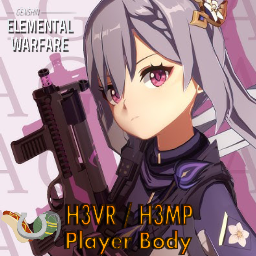
I didn't actually watch the Museum episode of the EWG series so I'm watching it as I make all these readmes. What a treat!
I really do hope I nail this because the work of art deserves it's kudos.
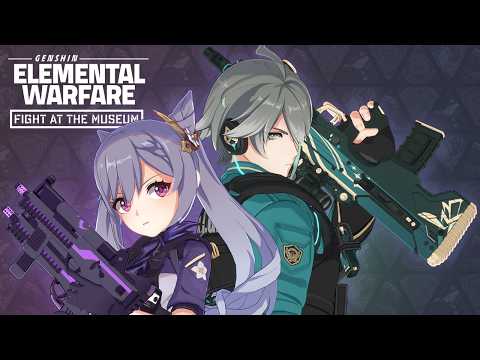
Genshin Impact was made by MiHoYo, but this gunfaring spinoff comes from a team of people, No_Tables being the one publishing the videos, and various artists and talented individuals giving MiHoYo's characters drive in this AU.
I heavily suggest you check out their work because, even if you don't like Gacha games or anime, if you have a thing for polished reload animations or the grit MW '19 brought to the COD franchise, there's a strong chance you'll appreciate this series.
Thank you No_Tables for making the models used in these animations open-sourced and I hope more people get to watch your series!
V1.1.0 --
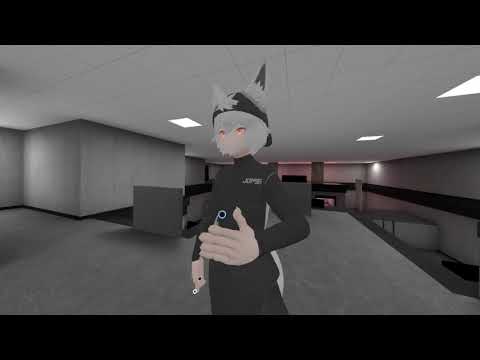
This PlayerBody is now updated with Silent's Cel-Shading Shader, promoting the intended look of this model whilst also remaining compatible with H3VR/Unity lighting and firearm muzzle flash.
This shader makes these Mihoyo models pop out exactly like they should in their source material. It also had a feature that alleviates the strange lighting bug that was going on with their faces.
More EWG PBs are coming! Stay tuned for those!
V1.1.1
Oh hi
I am going to rant a little bit
If you were wondering where the rest of the playerbodies were, well, boy I have a funny story to tell
I noticed the file size for Keqing was bigger then the rest so I figured I still had Jerry's PlayerBody meshes in that PB. No biggie, I'll fix that and then I'll upload the fixed version.
On my laptop, I noticed Keqing was all black, no textures, just vantablack. I had thought my unity project broke, and that I'd need to reimport everything to make it work again. After reimporting SCSS several times to no avail, I took a break, leaving the rest of the PBs on hold to get my mind straight.
Hours later, I finally figured it out when I noticed it was just the EWG playerbodies freaking out.
Long story short, the "solution" I had found that fixed the strange face lighting bug on all EWG PBs, "LogicalClear" Blend Operation, was a GPU needing feature. It worked when I was adapting all these PBs to the new shader on my VR computer, but jumping back to my GPU-less Laptop to fix this one issue, no GPU, material became all black.
This upload is from my Laptop exporting the project with just thhe basic "Add" Blend Operation, and not the "LogicalClear" one. Tomorrow, after work, I'll test and see if the blemishes pop up, then export this PB with the correct blend operation to settle the score.
Very much a struggle, but a learning experience nonetheless.