
This package has been deprecated and may no longer be maintained. We recommend looking for an alternative.
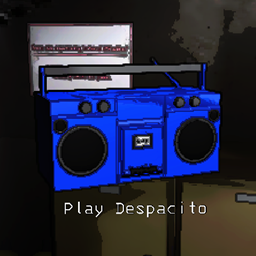
Custom Boombox Music
Allows you to use your own music in the boombox.LC-Boombox
Allows players to add to or replace boombox tracks in Lethal Company.
Installing Songs when Installed via r2modman
When mods are installed with r2modman, BepInEx gets configured to place mod files in a different location
You can find the correct folder by going to Settings, clicking Browse profile folder, then navigating to BepInEx\Custom Songs\Boombox Music.
Manual Installation
Extract CustomBoomboxTracks.dll into the BepInEx/plugins folder. Run the game once to generate content folders.
Place boombox tracks into BepInEx/Custom Songs/Boombox Music.
Valid file types are as follows:
- WAV
- OGG
- MP3