


MoreCounterplay
More counterplay for some Lethal Company mobsMore Counterplay for Lethal Company enemies
Mod is fully configurable so you can disable or edit counterplays that you don't like.
- Uses CSync v5.0.1 by Lordfirespeed to sync configuration settings between host and clients.
Supported Enemies
Jester
Spoiler
Items may be placed on top of a Jester by holding an item and interacting with its lid, it'll carry them around until the next time it pops. If the total weight of items on its head exceeds a certain (configurable) amount, the Jester will be too exhausted to chase you after popping and its head will return to its box immediately.
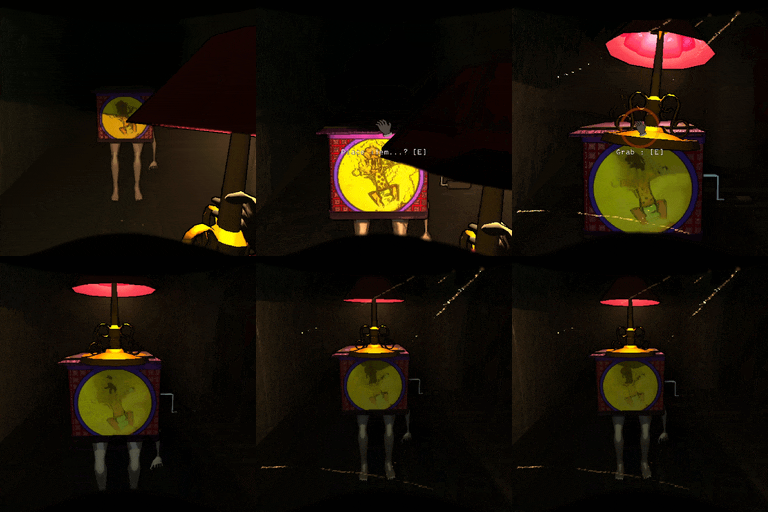
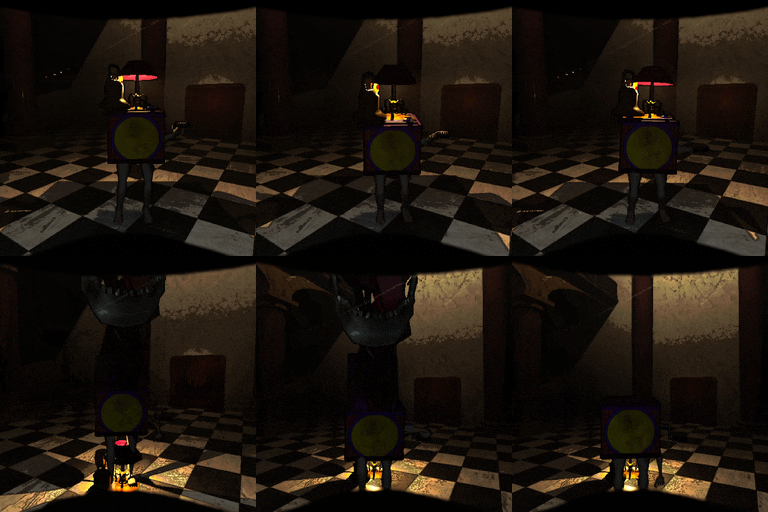
— [Warning] —
Expecting a Jester to comply with carrying an excessive amount of weight may lead to disastrous consequences, as a desperate Jester's pop is much stronger than normal.
Hint: A Jester <u>will</u> let you know when you've exceeded its limits, but there's still a short window to correct your mistake...
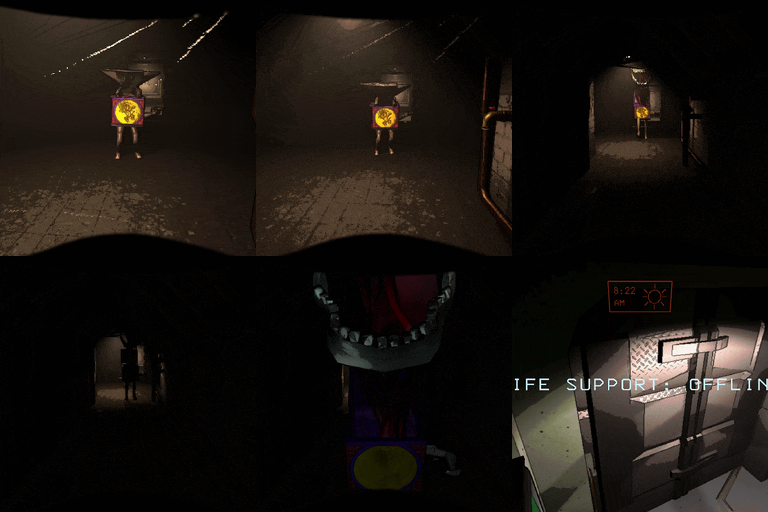
Spoiler (specific mechanics and configuration):
- Any grabbable item can be deposited onto a Jester by holding the interact button while the prompt to place an item is visible (similar to the Ship's storage cabinet, the Cruiser's back storage, and the desk at the Company).
- Every placed item's weight is added to the Jester's total weight, which forms the basis for its counterplay.
- If the Jester finishes cranking while its total weight exceeds the amount set by the
JesterPreventThresholdsetting (60 pounds by default), its head visually pops out for a brief moment to drop its items before returning to its box, without actually chasing or killing players.- Toggling the
ItemsStayOnLidsetting disables the Jester's ability to drop its items and keeps its head inside the box at all times, making it like how it used to work in previous versions of the mod.
- Toggling the
- If the Jester's total weight exceeds the amount set by the
JesterEncumberThresholdsetting (120 pounds by default), it'll no longer be able to follow you around due to being encumbered by the items.- Threshold setting can be set to
0to disable the Jester's encumbered state completely, or a small value (e.g.0.1) to allow almost any item to stop the Jester from moving.
- Threshold setting can be set to
- If the Jester's total weight exceeds the amount set by the
JesterPanicThresholdsetting (200 pounds by default), it'll panic and begin cranking frantically before popping shortly after.- Threshold setting can be set to
0to disable the Jester's panicked state completely. - Minimum and maximum time that the Jester spends panicking can be configured via the
MinPanicTimerandMaxPanicTimersettings, respectively. - Setting this threshold to a lower value than the
JesterPreventThresholdsetting functionally disables it as a counterplay, since the Jester's pop is not prevented while panicking. - Placing an item while over the panic threshold and while the Jester is cranking (even normally) will cause it to skip its cranking and pop immediately.
- Threshold setting can be set to
- Whenever a Jester is hit by a shovel, it'll drop all its held items and reset its weight.
- Can be disabled by toggling the
DropItemsOnHitsetting.
- Can be disabled by toggling the
- The total amount of weight the Jester is carrying is shown in the subtext of its scan node.
- Can be disabled by toggling the
ShowWeightOnScansetting. - Might be slightly inaccurate due to integer rounding, or if an item is destroyed or otherwise removed by other means.
- Can be disabled by toggling the
Configs
EnableJesterCounterplay- Add counterplay for Jesters.JesterPreventThreshold- Minimum weight of items needed to prevent the Jester from popping.JesterEncumberThreshold- Minimum weight of items needed to prevent the Jester from walking at all.JesterPanicThreshold- See above for more info.ItemsStayOnLid- Allow items to stay on top of the Jester after preventing it from popping.DropItemsOnHit- Drop all items on top of the Jester when hitting it with a shovel.ShowWeightOnScan- Shows the total weight on top of the Jester as the subtext of its scan node.
Turret
Spoiler
Turrets can be disabled by cutting their wires with a knife. When you hit Turret using knife it will enter berserker mode and after that it will disable permanently!
Configs
EnableTurretCounterplay- Toggle Turret counterplay.
Coilhead
Spoiler
You can cut off a Coilhead's head using the Knife dropped by the Butler, which deactivates it permanently. Its head will drop as a scrap item that can be sold to the Company, but it must first be detached from its neck.
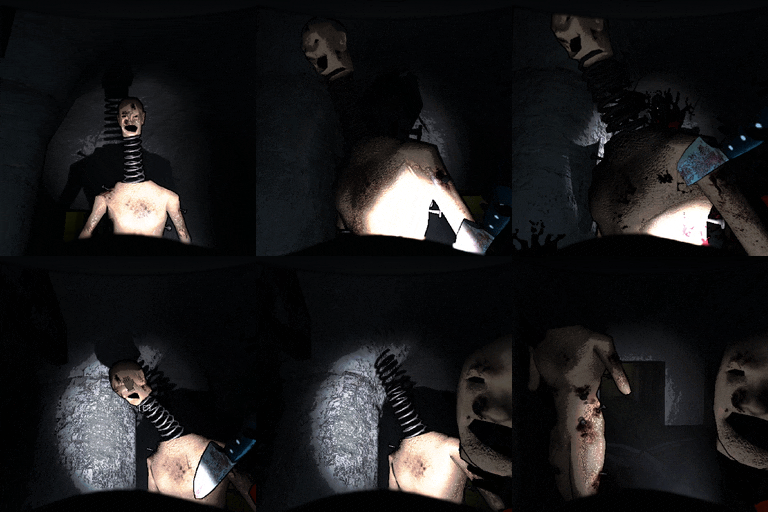
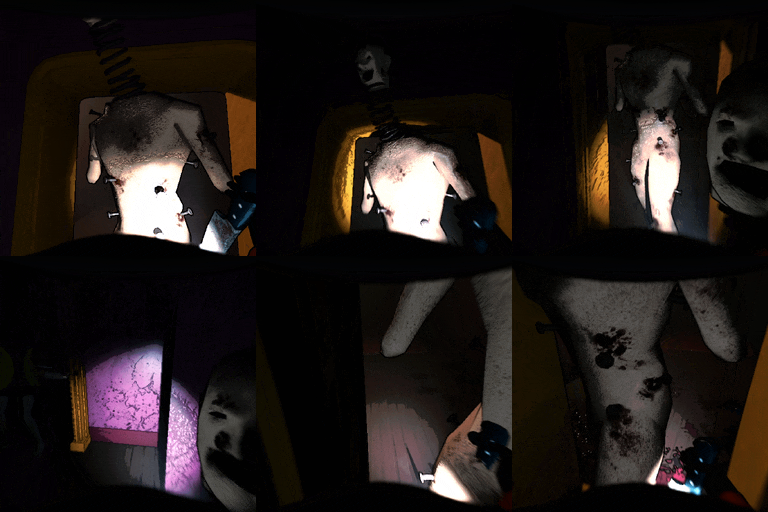
— [Warning] —
"They have been known to combust into flames when being dissected or even deactivated, and they carry dangerously high levels of radioactive particles." - Sigurd's notes
Hint: You may find a Coilhead to be less volatile the more kinetic energy it releases when coming to a halt...
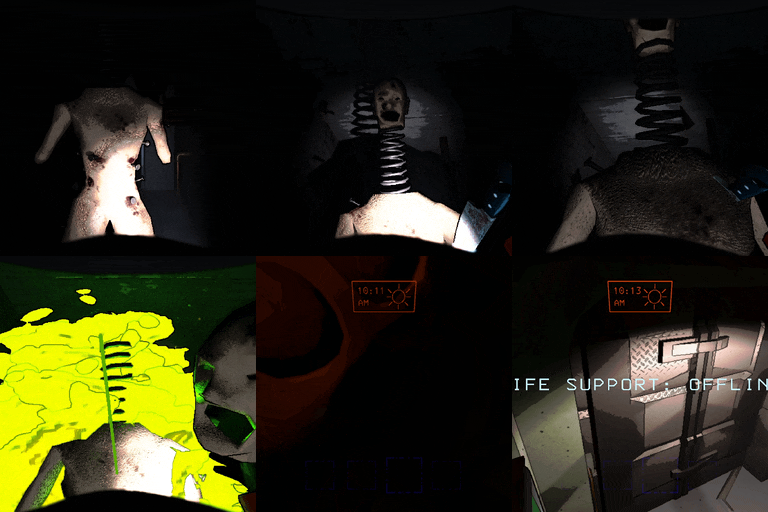
Spoiler (specific mechanics and configuration):
- Coilhead bodies combust upon being decapitated, as their Bestiary entry suggests
- Can be disabled by toggling the
LoreAccurateCoilheadssetting. - The range of the explosion damage is determined by the
ExplosionDamageRadiussetting, with the damage itself being set to the value of theExplosionDamagesetting. - Likewise, the
ExplosionKillRadiussetting determines the range around the explosion where it simply kills the player instead of dealing damage to them.
- Can be disabled by toggling the
- Explosion timer is set to how long the Coilhead has moved since it last stopped, within configurable limits.
- Minimum and maximum time until exploding can be configured via the
MinExplosionTimerandMaxExplosionTimersettings, respectively
- Minimum and maximum time until exploding can be configured via the
- Coilhead's head item is destroyed if its body explodes while it's still attached to its neck.
- Can be disabled by toggling the
ExplosionDestroysHeadsetting, but it adds some interesting risk/reward by making players stay close to try and pick up the head before it explodes.
- Can be disabled by toggling the
- Client-side configuration settings:
ExplosionFire- Enable green fire effect for Coilheads that are about to explode.ExplosionParticles- Enable radioactive particles effect for Coilheads that are about to explode.ExplosionWarnVolume- Adjust volume of the sound effect played right before exploding (NOT the actual explosion).EnableCoilheadScanNode- Enable scanning Coilheads that have been killed.ModifyCoilheadScanNode- Add extra text/subtext to a killed Coilhead's scan node (requiresEnableCoilheadScanNode).
Configs
EnableCoilheadCounterplay- Add counterplay for Coilheads.SpringDurability- Set Coilhead health points.CoilheadDefaultDamage- Amount of damage that Coilheads take from any source not specified below.CoilheadKnifeDamage- Amount of damage that Coilheads take from Knife.CoilheadShovelDamage- Amount of damage that Coilheads take from Shovel.DropHeadAsScrap- Enable the Coilhead head scrap item ('Coilless Coilhead') spawning on death.MinHeadValue- Minimum value of head item.MaxHeadValue- Maximum value of head item.LoreAccurateCoilheads- See above for more info.
Ghost Girl (planned)
Spoiler (WIP)
Implements the popular myth involving the Shower furniture item, where taking a shower is said to reduce insanity levels and repel the Ghost Girl, as an actual gameplay mechanic.
Configs (WIP)
EnableGhostGirlCounterplay- Add counterplay for the Ghost Girl.
Bug Reports / Suggestions
If you come across any issues or mod incompatibilities, or simply have an interesting idea you'd like to see implemented, feel free to drop a message in the relevant thread in the Lethal Company Modding Discord server, or open an issue on GitHub!
Credits
- Baron Drakula
- pacoito123
- Society for testing and giving new ideas.