

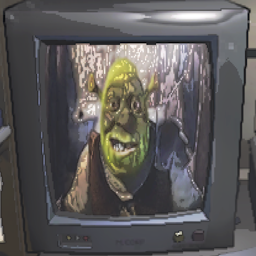
LethalTVManager
Adds custom video support, multiple channels, and controls to the TVLethal TV Manager
-Adds custom video support, multiple channels, and controls to the TV. [ and ] to skip media forwards or backwards, comma or period to switch channels, and mousewheel up and down for volume. -This mod currently does not sync with other players, but if two or more players are on the same channel/video, turning the TV on and off will start the video at the same time.
Manual Installation
- Install BepInEx
- Extract LethalTVManager.dll and media/ into BepInEx/Plugins
- Add any custom media into BepInEx/Plugins/Media in mp4 format.
r2modman Installation
- If using r2modman, the media folder is most likely located at C:\Users\user\AppData\Roaming\Thunderstore Mod Manager\DataFolder\LethalCompany\profiles\thisprofile\BepInEx\plugins\Bushwacc-LethalTVManager\media
- Custom media will need to be added here instead
Changes
- Version 1.0.0: Created
- Version 1.0.1: Added r2modman support
- Version 1.0.2: Fixed r2modman support and added more shrek