
You are viewing a potentially older version of this package. View Latest Version
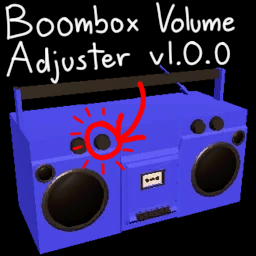
A mod that lets you adjust the volume of the boombox, especially useful with custom songs.
- Install BepinEx.
- Place BepInEx/plugins/BoomboxVolumeAdjuster.dll in your BepInEx/plugins folder.
After launching the game, open BepInEx/config/yvex.boomboxVolumeAdjuster.cfg and change the volume's value.
The default value is 100 (Max).
If you have any performance issue, it might be helpful to set "Dont Update After Start" to true. This will require a game restart every time you want to change the boombox's volume.
