CandTmods
Install this one modpack to automautically install all the mods you need to join upCandTmods
A mod pack created by Cassie and Tyler to allow you to easily install all the mods you need to join us in lethal company.
Install Mod Manager
-
Click here r2modman
-
Under 'Assets' (Great Great Assets) click r2modman-Setup-[Version number].exe.
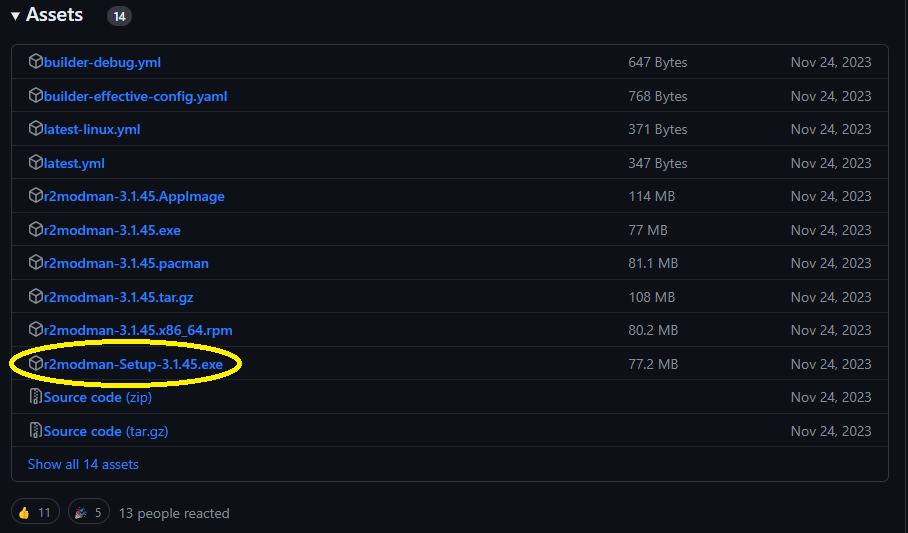
NOTE: Make sure you click the link with Setup in the name.
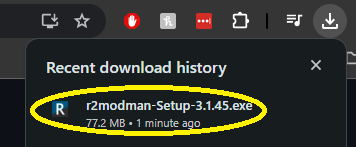
- In your recent dowload history (or downloads folder), click r2modman-Setup-[Version number].exe.
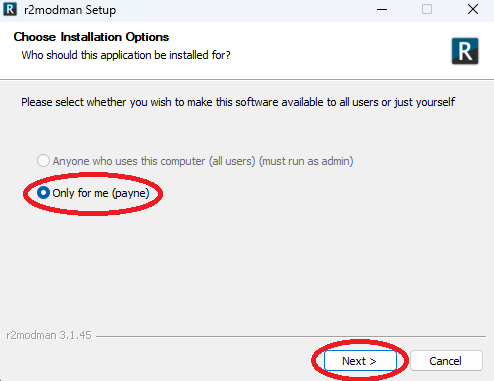
- An r2modman setup window will open - select Only for me, then click Next.
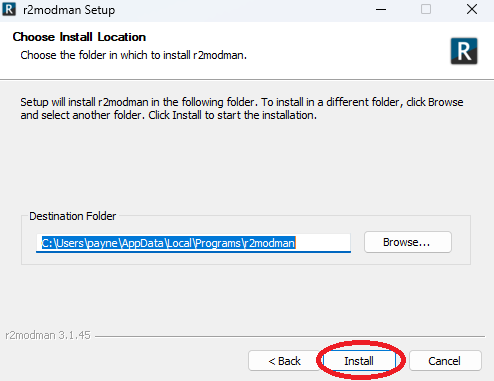
- Using the default Destination Folder, simply click Install.
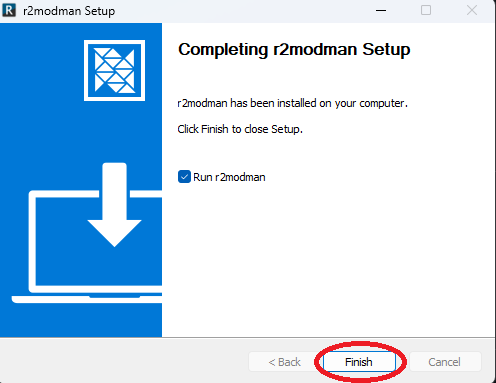
- Ensure the Run r2modman box is checked, then click Finish.
Select Lethal Company in r2modman
- Once r2modman launches, type Lethal Company in the search bar.
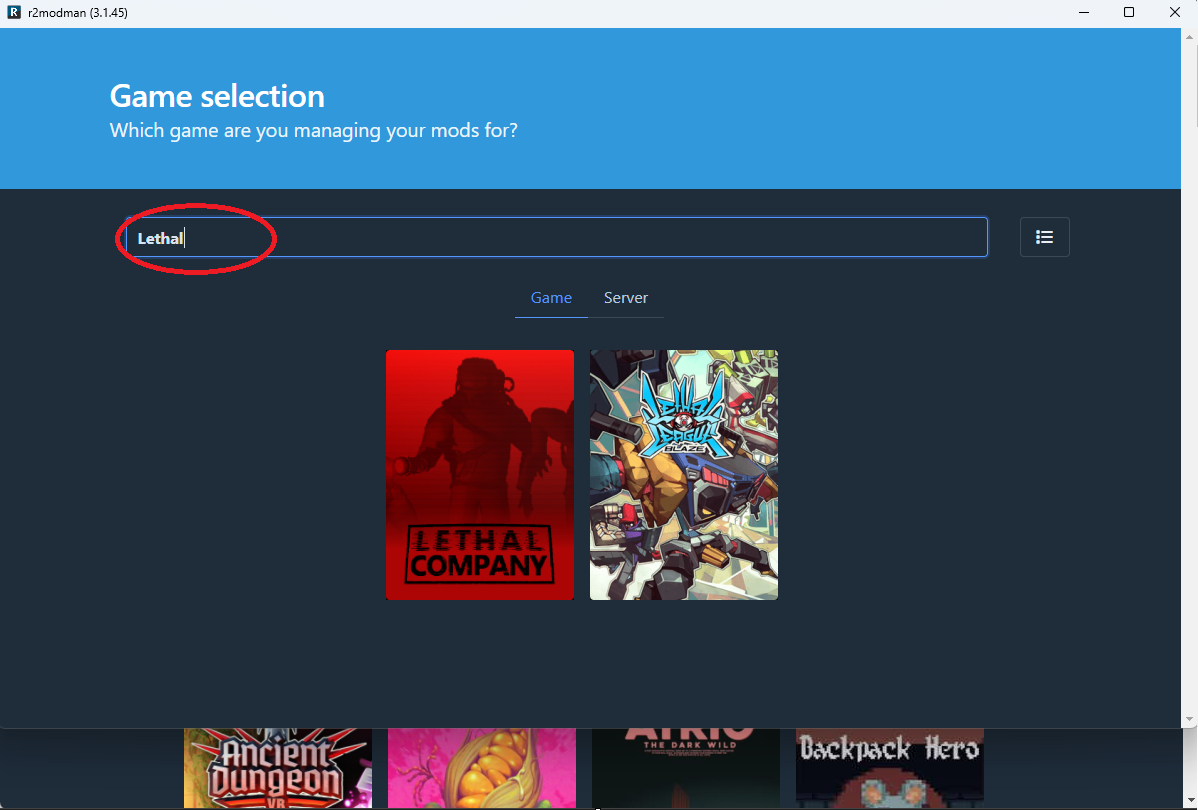
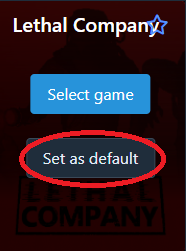
- Hover over the Lethal Company icon, and click Set as Default.
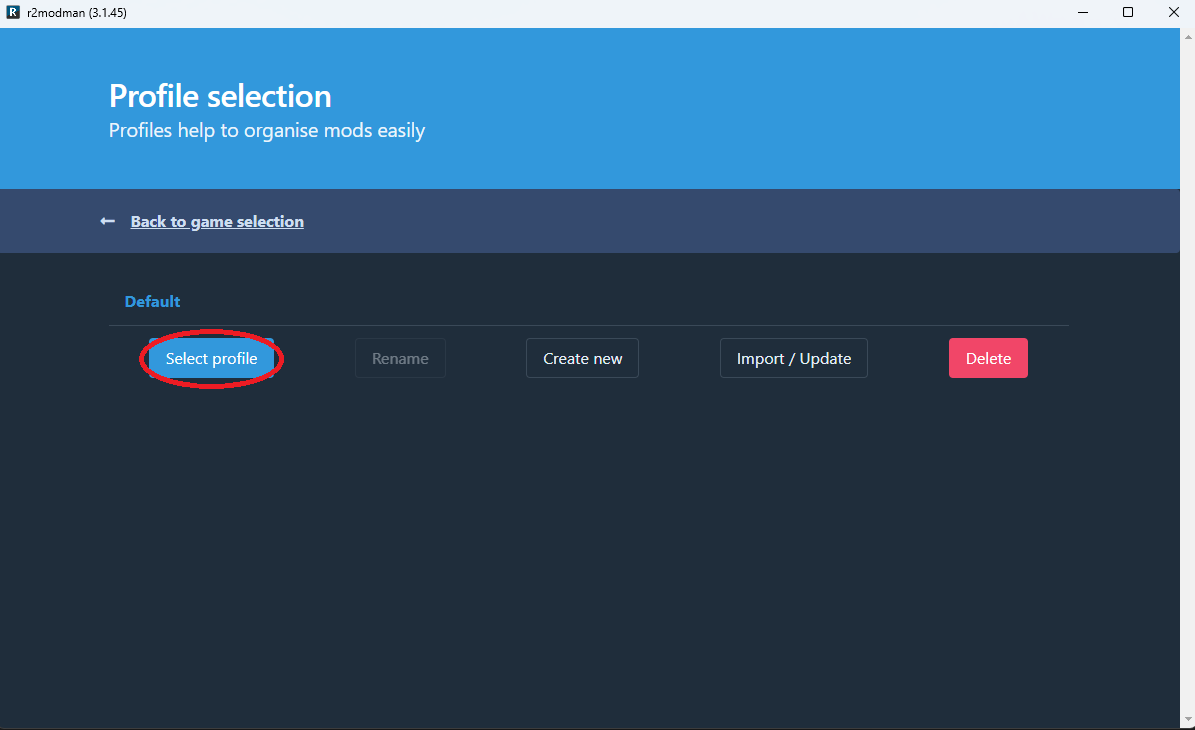
- On the Profile Selection screen, click the blue Select Profile button.
NOTE: You will have to click Select Profile everytime you launch the mod manager.
Install the Mod
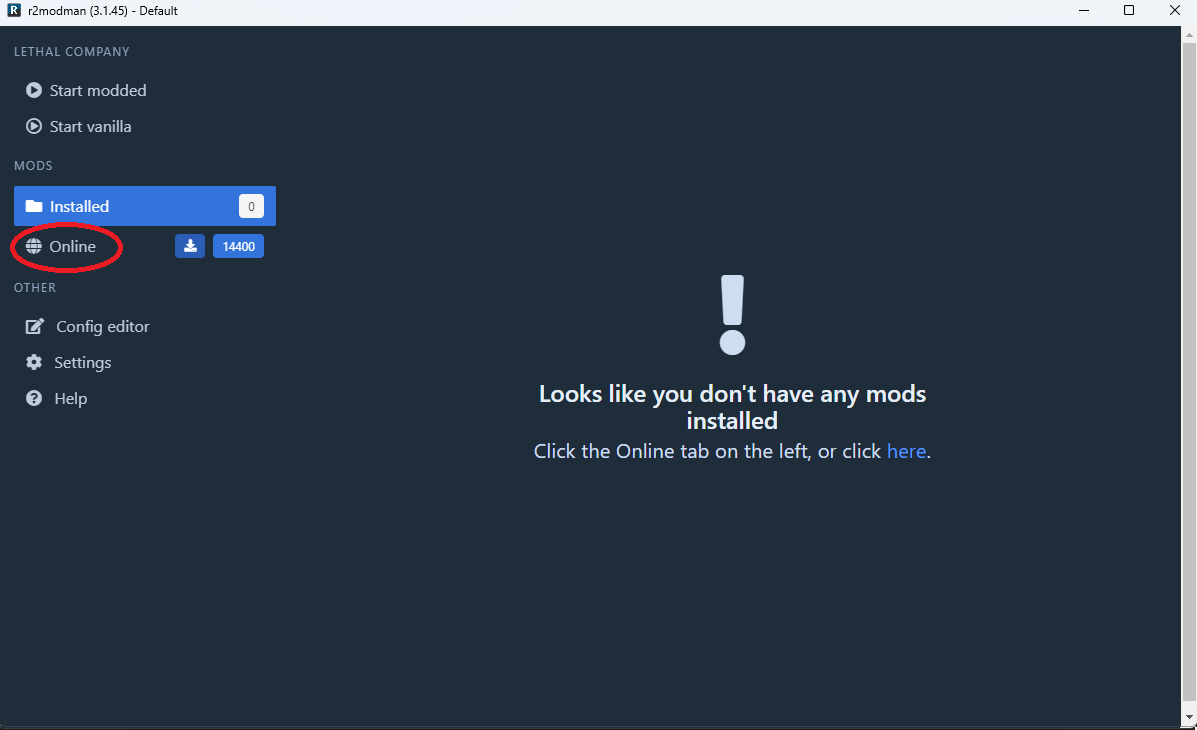
- In the menu on the left, click Online.
- Type CandTmods into the search bar, then click on the mod in the search results and click Download.
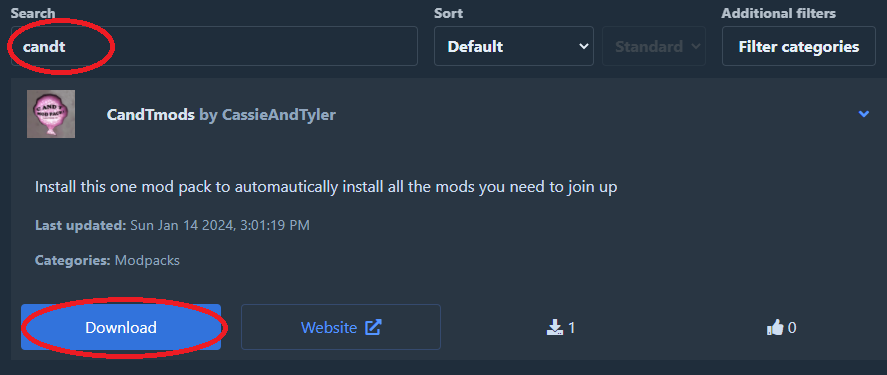
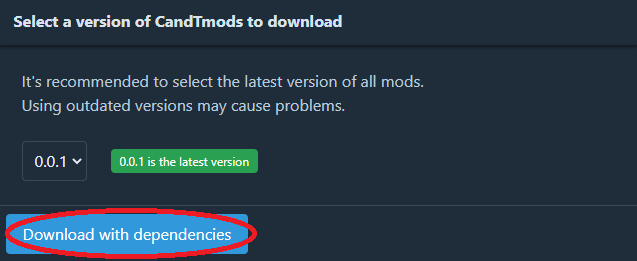
- Click the blue Download With Dependencies button.
Launch the Game
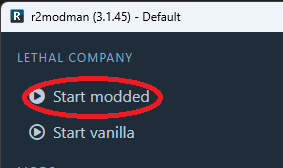
- In the menu on the left, click Start Modded to launch the game.
NOTE: Game must be launched through r2modman to use mods.